Text Bubble Generator
A free text bubble maker: download a ready-made text bubble PNG, or type your own words into one. For captions, labels, callouts and annotations on photos, screenshots and slides — transparent PNG, free.
Upload a photo
Download the bubble on its own as a transparent PNG, or upload a photo to put it on.
Bubble Style
Text
Font
Appearance
Tail Direction
Double-click or double-tap a bubble to type in it. Drag the red dot to aim the tail at the speaker. The handles resize and rotate.
Free Text Bubble PNGs (Transparent)
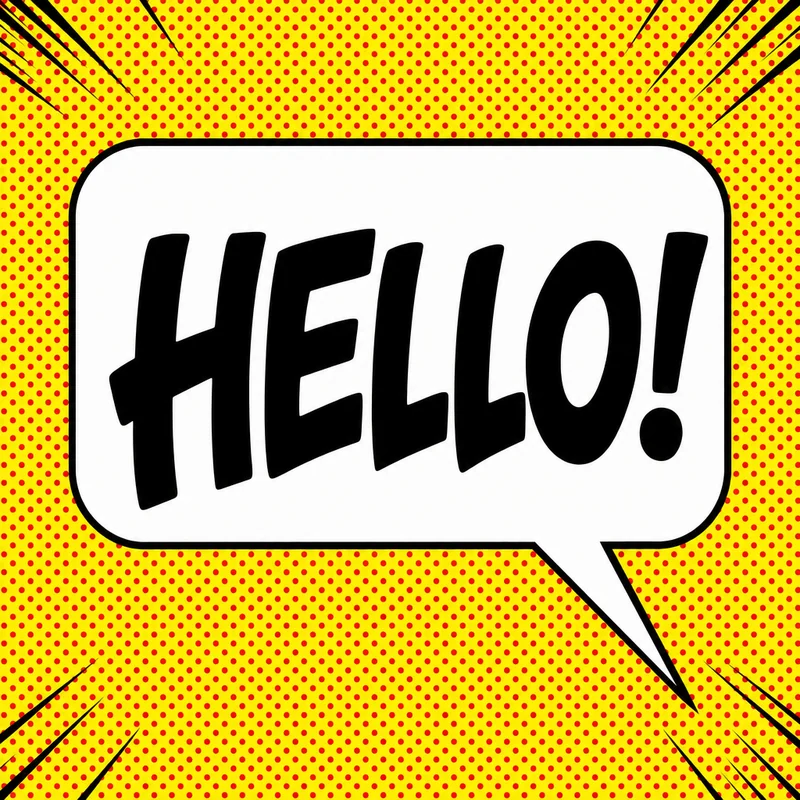
Grab a text bubble PNG and skip the editor. Six clean caption treatments — outlined, outline-only, solid black, solid white, a dashed note box and neutral grey — plus four illustrated ones: a die-cut sticker bubble, a frosted glass panel, a bold retro offset outline, and a hand-drawn highlighter box. Every file is 1440×960 with a real transparent background, so the bubble text sits on your photo, slide or screenshot with no white box behind it.
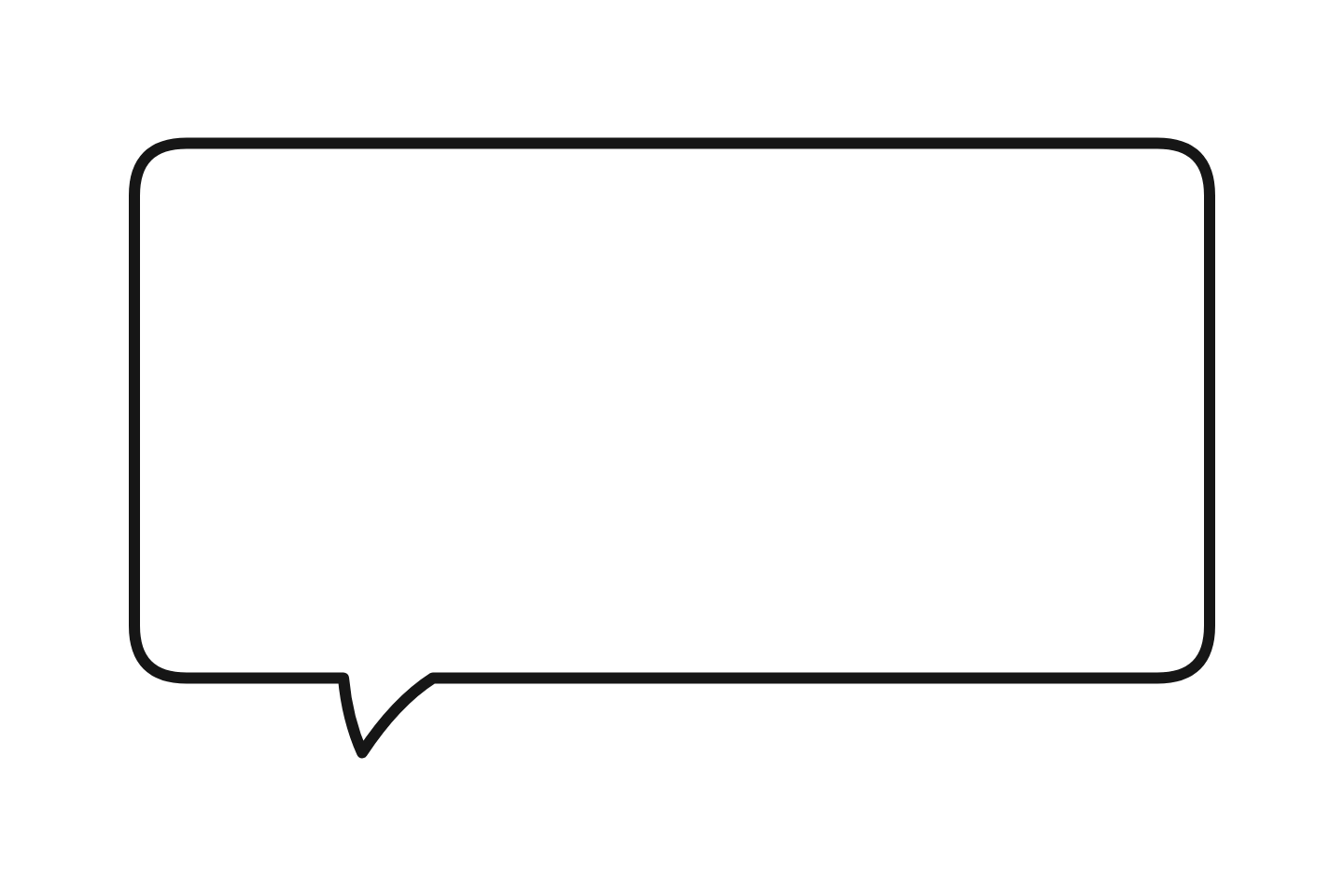 White (outlined) Download PNG
  Outline only Download PNG
  Black caption Download PNG
  White caption Download PNG
  Dashed note Download PNG
  Neutral grey Download PNG
  Die-cut sticker Download PNG
  Frosted glass Download PNG
  Retro offset Download PNG
  Highlighter Download PNG
 Need your own words inside? Use the text bubble maker above — it renders your text and exports the same transparent PNG. More shapes and bubbles PNG sets: speech bubble PNG library.
What You Can Make with Text Bubbles
Photo captions
Put a short caption directly on a photo without covering the whole image.
Slide callouts
Add readable callouts to PowerPoint, Keynote, or Google Slides images.
Screenshot labels
Point out UI details, steps, mistakes, or before-and-after changes.
Social posts
Make quick quote cards, reaction images, educational posts, and explainers.
Text Bubble Styles
Every text bubble in the generator can use any of these shapes. Start with Classic for readable captions and labels, then switch the style and colors to fit your image.
| Style | Shape | Best for |
|---|---|---|
| Classic | Rounded rectangle | Captions, labels, presentations |
| Round | Ellipse | Softer, modern callouts |
| Thought | Cloud + dot trail | Inner monologue, pet photos |
| Shout | Starburst | Yelling, surprise, emphasis |
| Whisper | Dashed outline | Quiet speech, asides, secrets |
| Pixel | 8-bit blocks | Gaming, retro, Discord |
| Chat | Messaging app pill | Fake texts, UI mockups |
| Meme | Cropped white overlay | Reddit, Discord reactions |
Need a dedicated tool for one style? Try the comic, pixel, manga, or chat bubble generators — or read the guide to types of speech bubbles.
Transparent, Blank & PNG Text Bubbles
Transparent text bubble PNG
Pick the Outline Only appearance preset for a see-through fill, then download a transparent text bubble PNG that drops cleanly onto any image or slide.
Blank text bubble
Leave the text empty for a blank text bubble, or grab a ready-made one from the blank speech bubble page.
Start from a template
Want a prebuilt layout? Open a text bubble template and edit the text, colors, and placement.
Every text bubble exports as a high-resolution PNG — no watermark, no account, and your image never leaves your browser.
Text Bubble vs Speech Bubble vs Bubble Letters
A text bubble holds text
A text bubble is a bubble-shaped container for short text on an image — a caption, label, callout, or annotation. It doesn't have to be spoken dialogue, which makes it the most flexible bubble type.
A speech bubble means someone is talking
If the bubble points at a character or person who is "speaking", that's a speech bubble — use the add speech bubble to photo workflow instead.
Not the same as "bubble letters"
This tool makes a bubble that contains your text — not bubble-style letters (the rounded ⓑⓤⓑⓑⓛⓔ unicode font). If you want stylized letters rather than a bubble shape, you're looking for a bubble-letter generator.
Explore specialized tools: