
Transparent Speech Bubbles
36 free speech bubble PNGs with a real transparent background, made to sit over video, photos and thumbnails without a white box.
"Transparent" is the whole point of a speech bubble file: the bubble is the only thing in the image, and whatever is underneath shows through around it. Every PNG here is a real 32-bit file with an alpha channel, not a white rectangle pretending, so it drops into CapCut, Premiere, Canva, Photoshop or a slide and only the bubble appears. Jump to a set: solid silhouettes, meme bubbles, chat, oval, colour clipart.
Solid Silhouettes (Best Over Video and Photos)
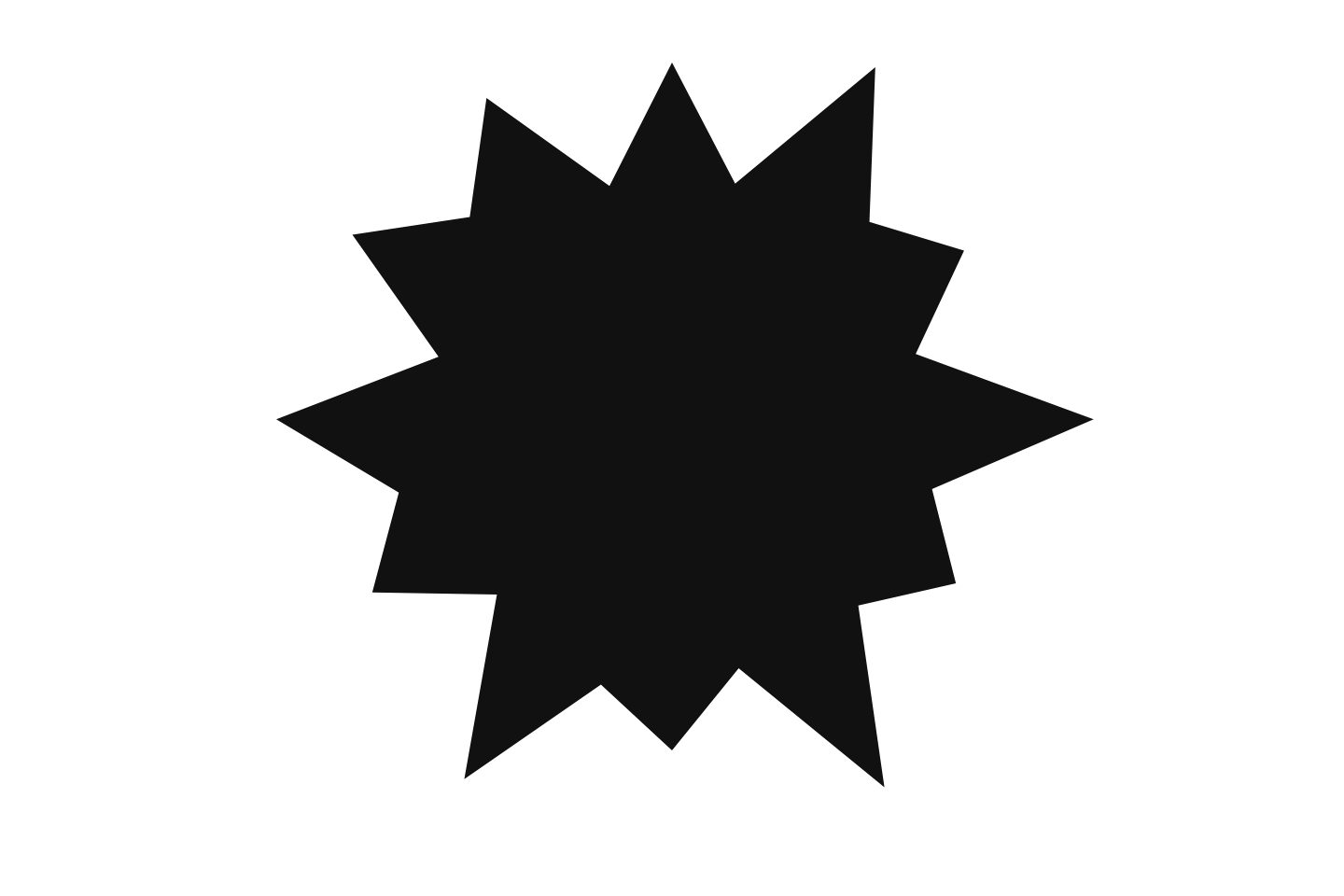
Borderless solid shapes in white, black and colour. Because there is no outline, they never fight with the footage or photo behind them, which is why they are the format for thumbnails, stream overlays and speech bubble memes.
Meme Speech Bubbles (Reddit and Discord)
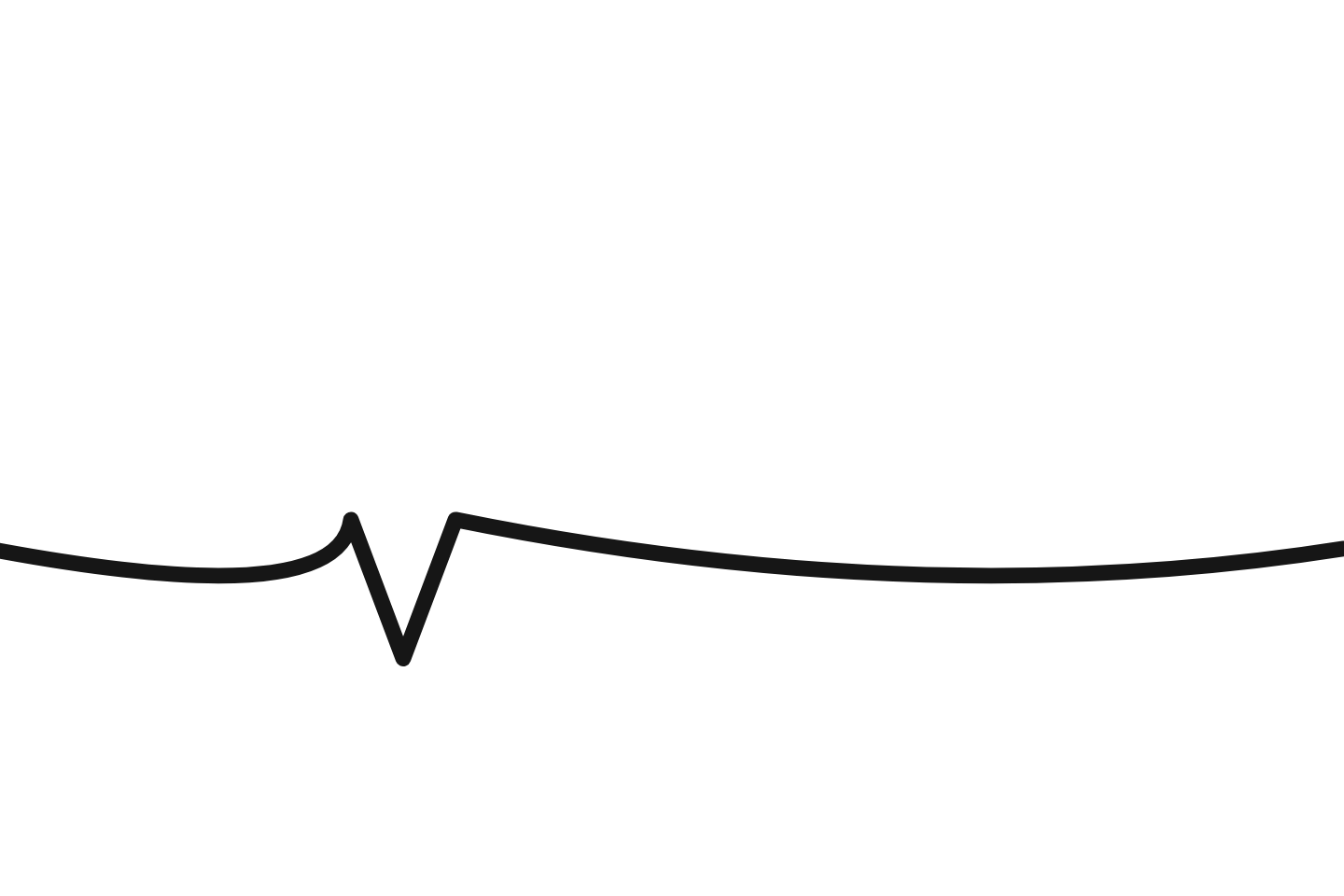
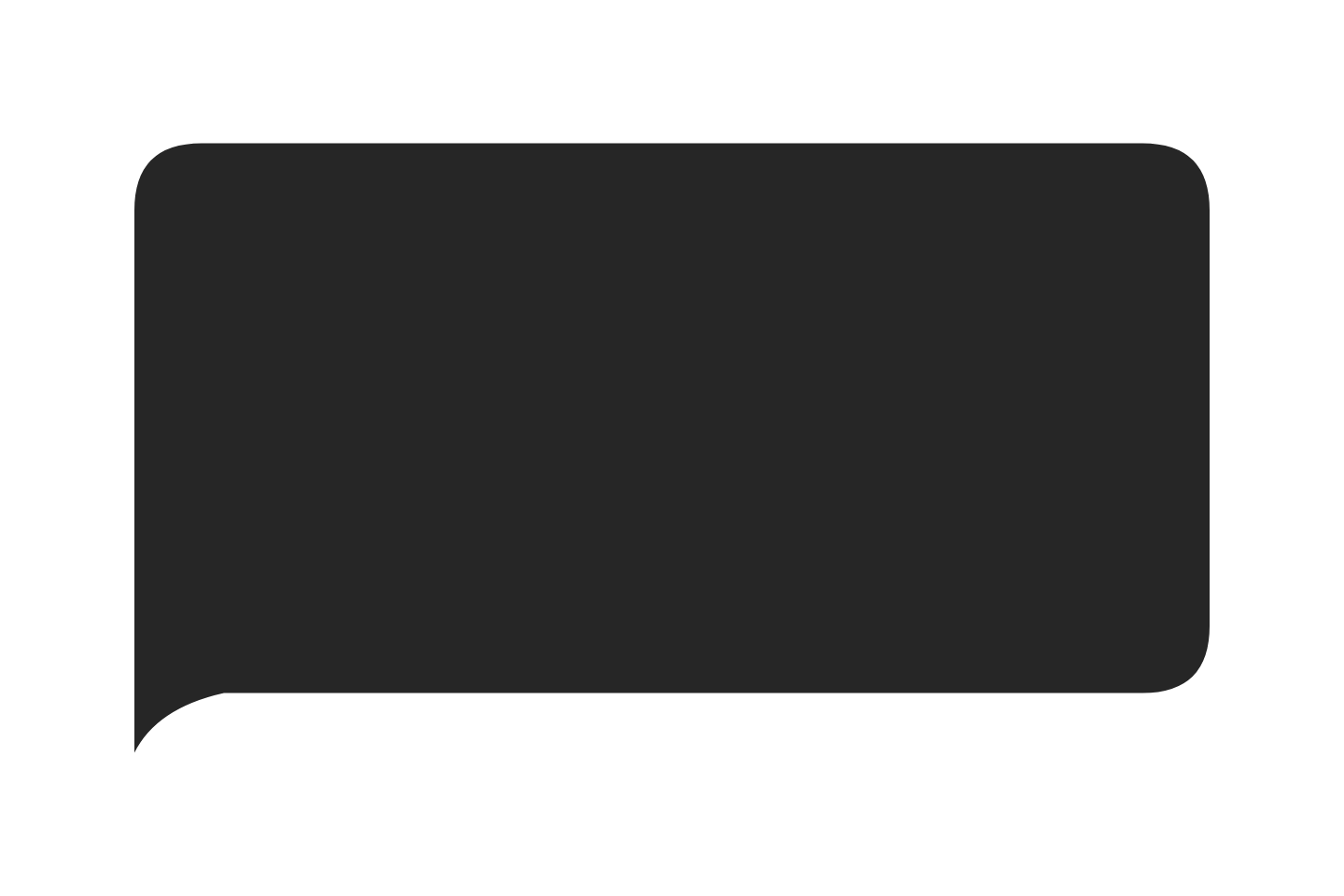
The cropped "speech bubbling" shape: a filled top edge with a curved bottom and a short tail, placed over the top of a photo so the subject appears to be talking. White, borderless white, black and dark-mode grey.

Transparent Chat and iMessage Bubbles
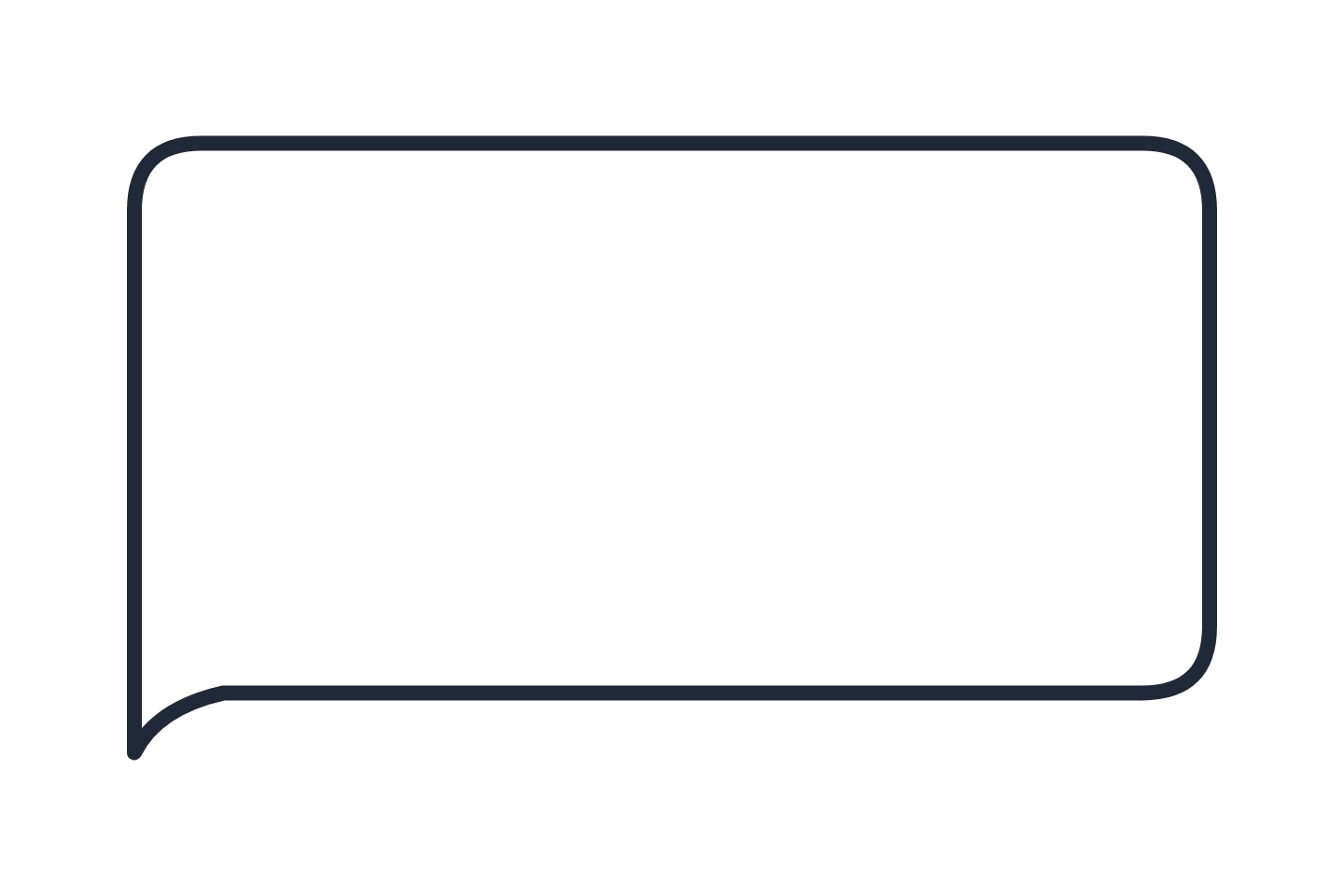
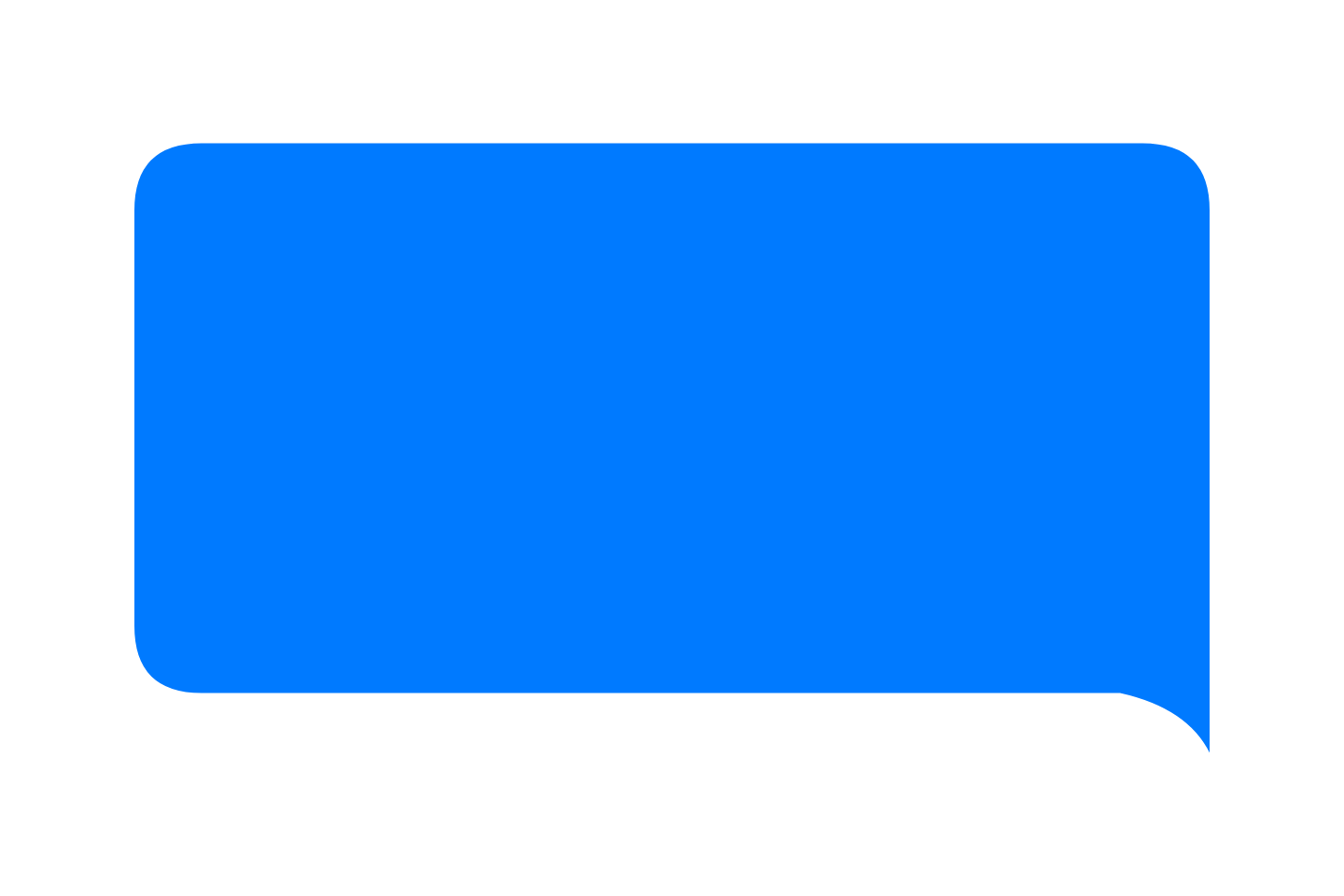
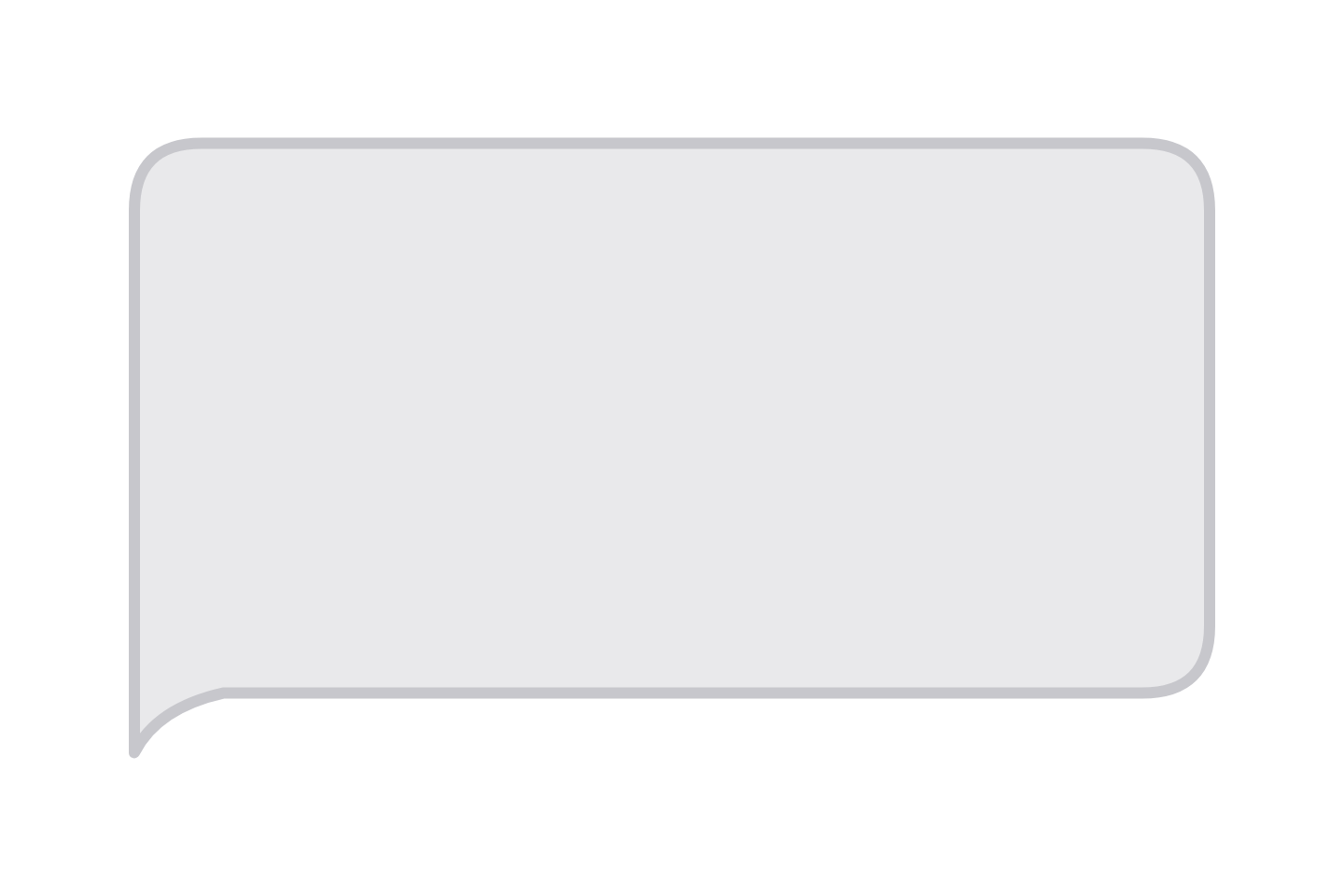
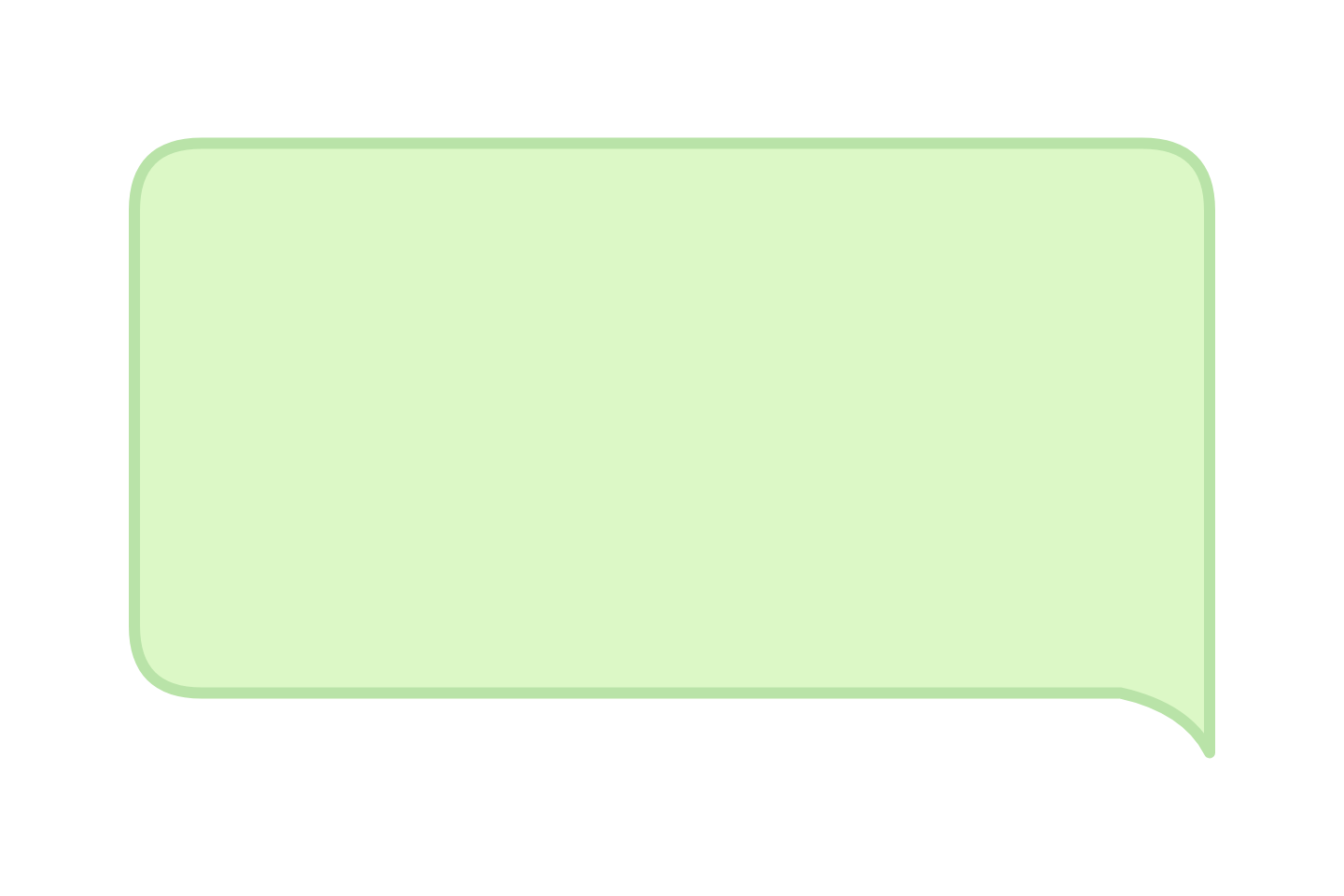
Messaging bubbles with nothing behind them: iMessage blue and grey, WhatsApp green, dark mode, plus blank and outline templates for mockups and video captions.
Transparent Oval and Ellipse Bubbles
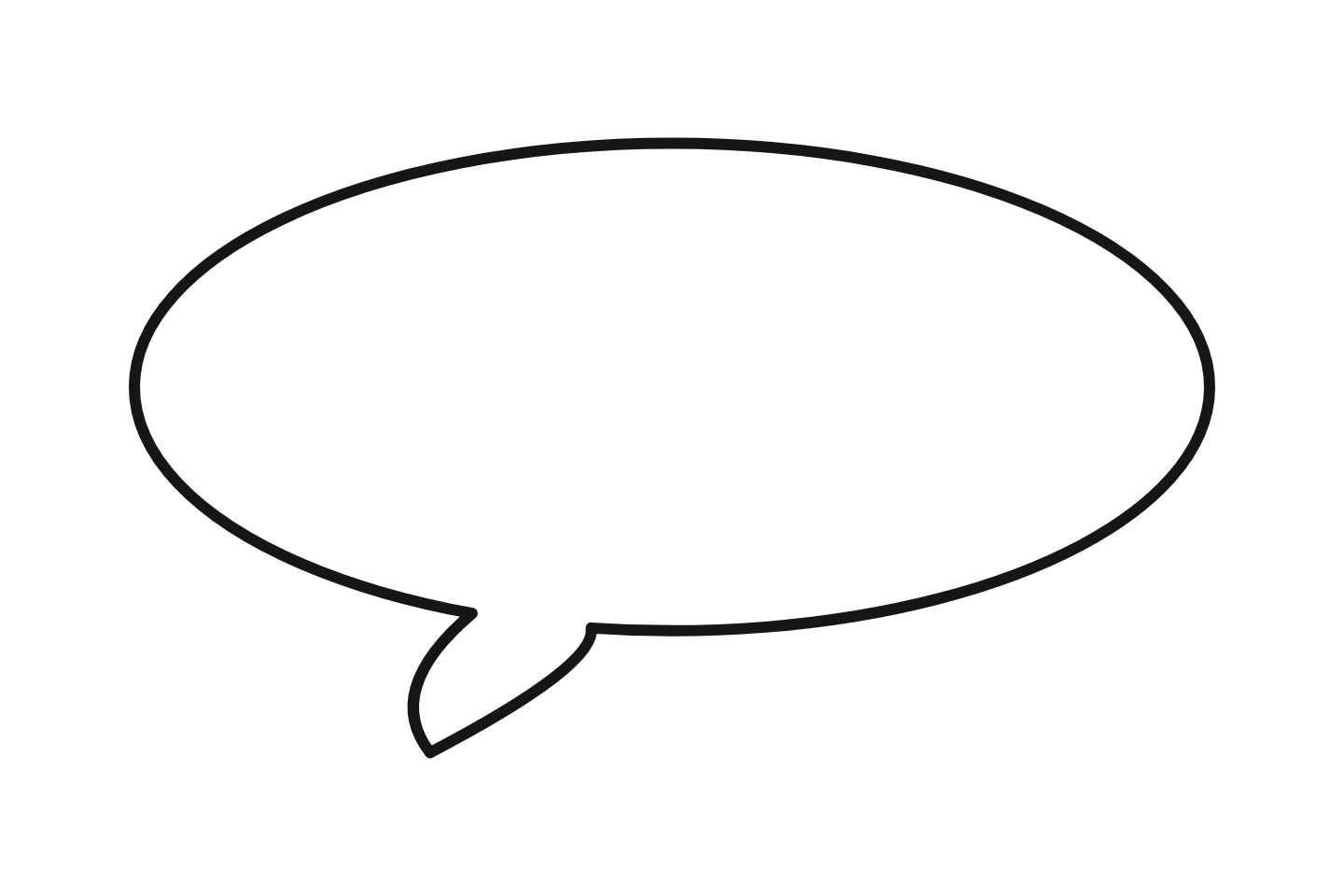
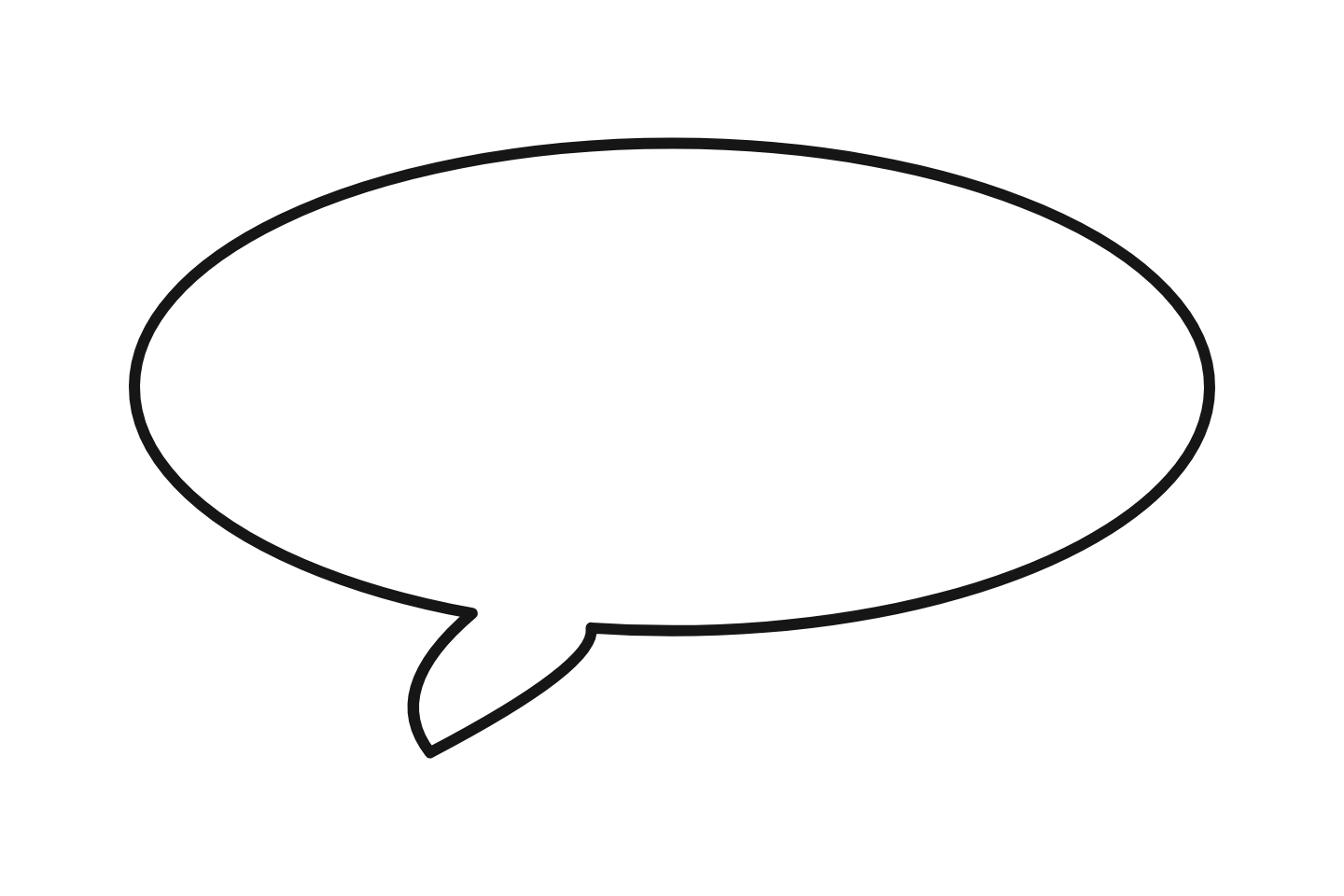
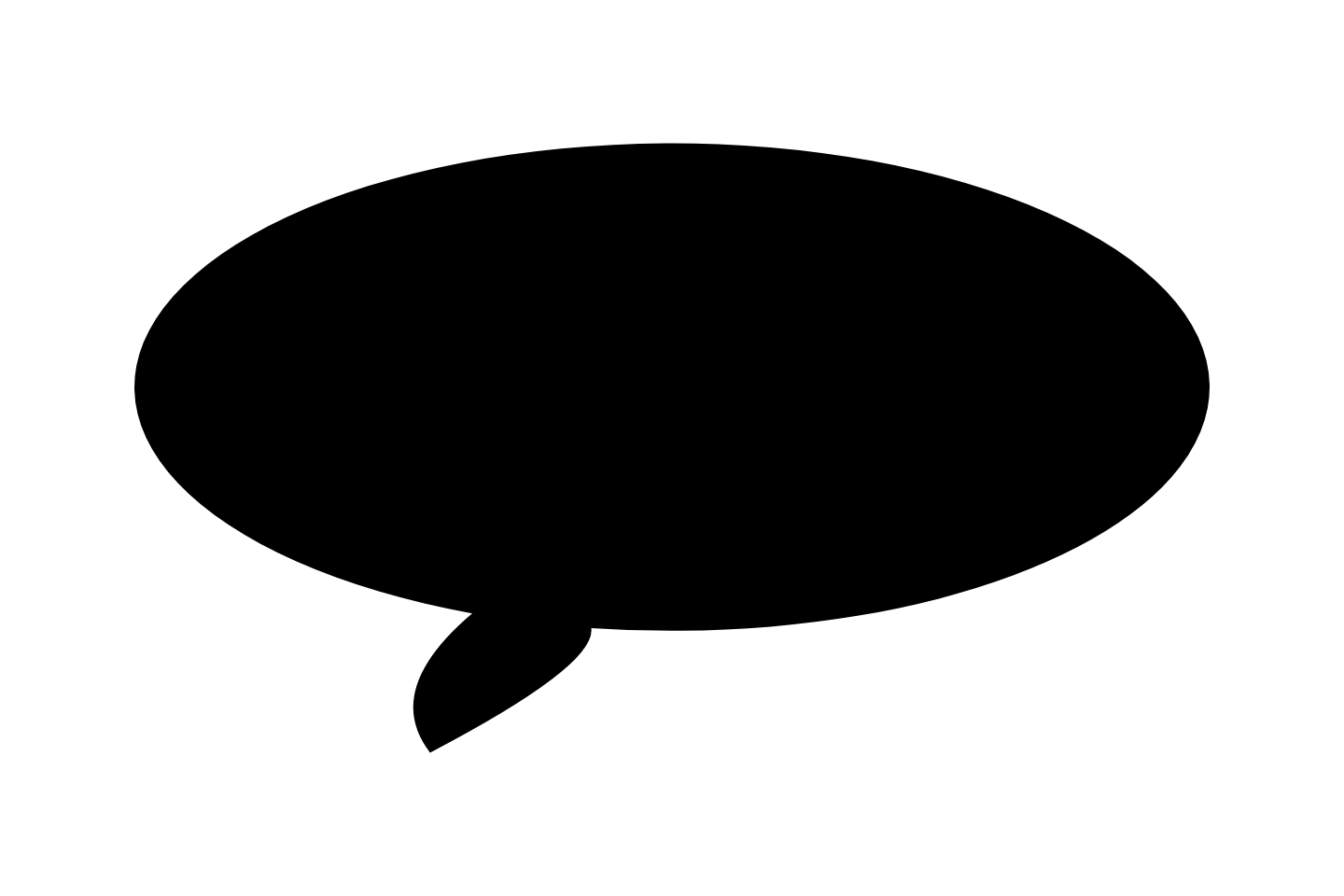
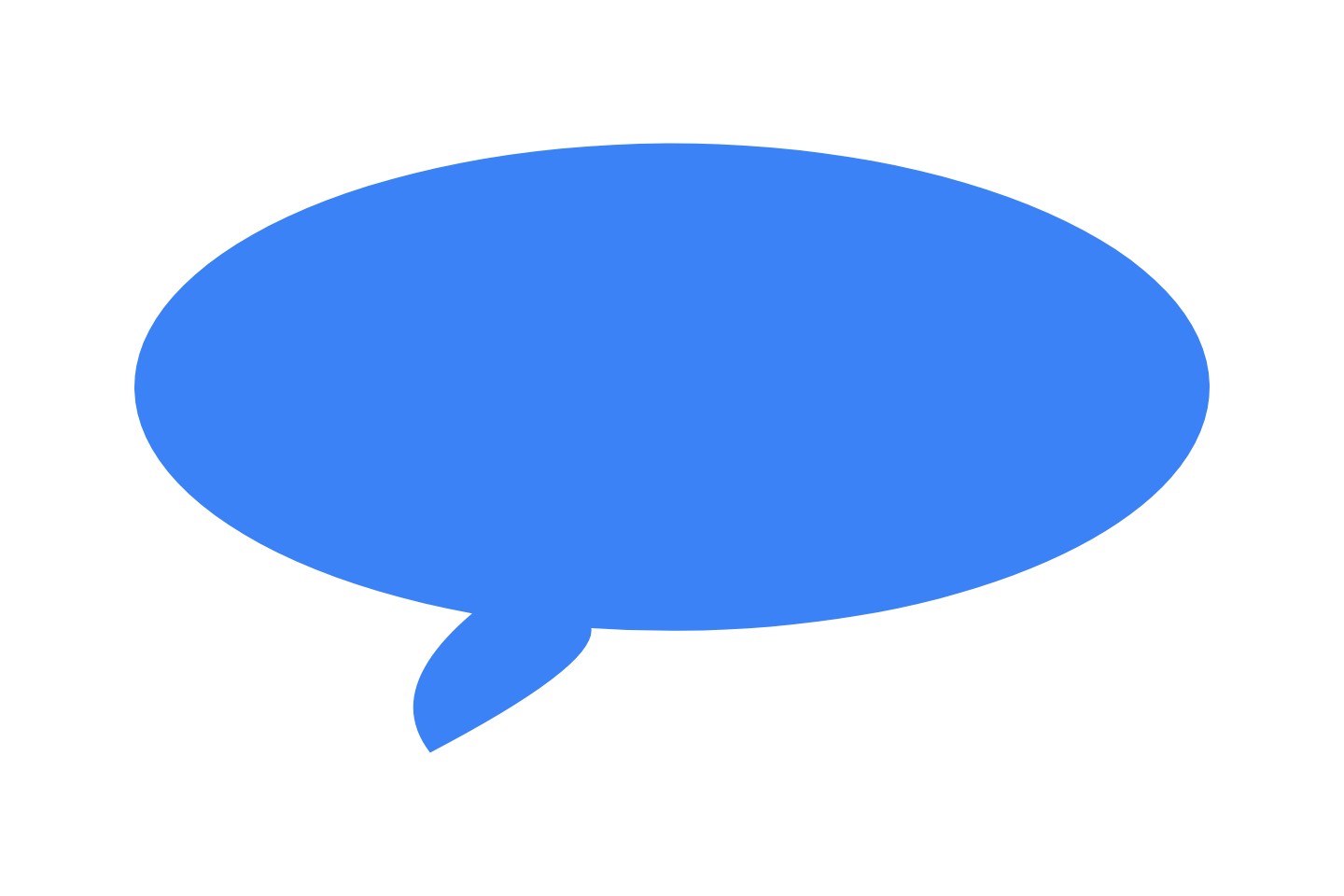
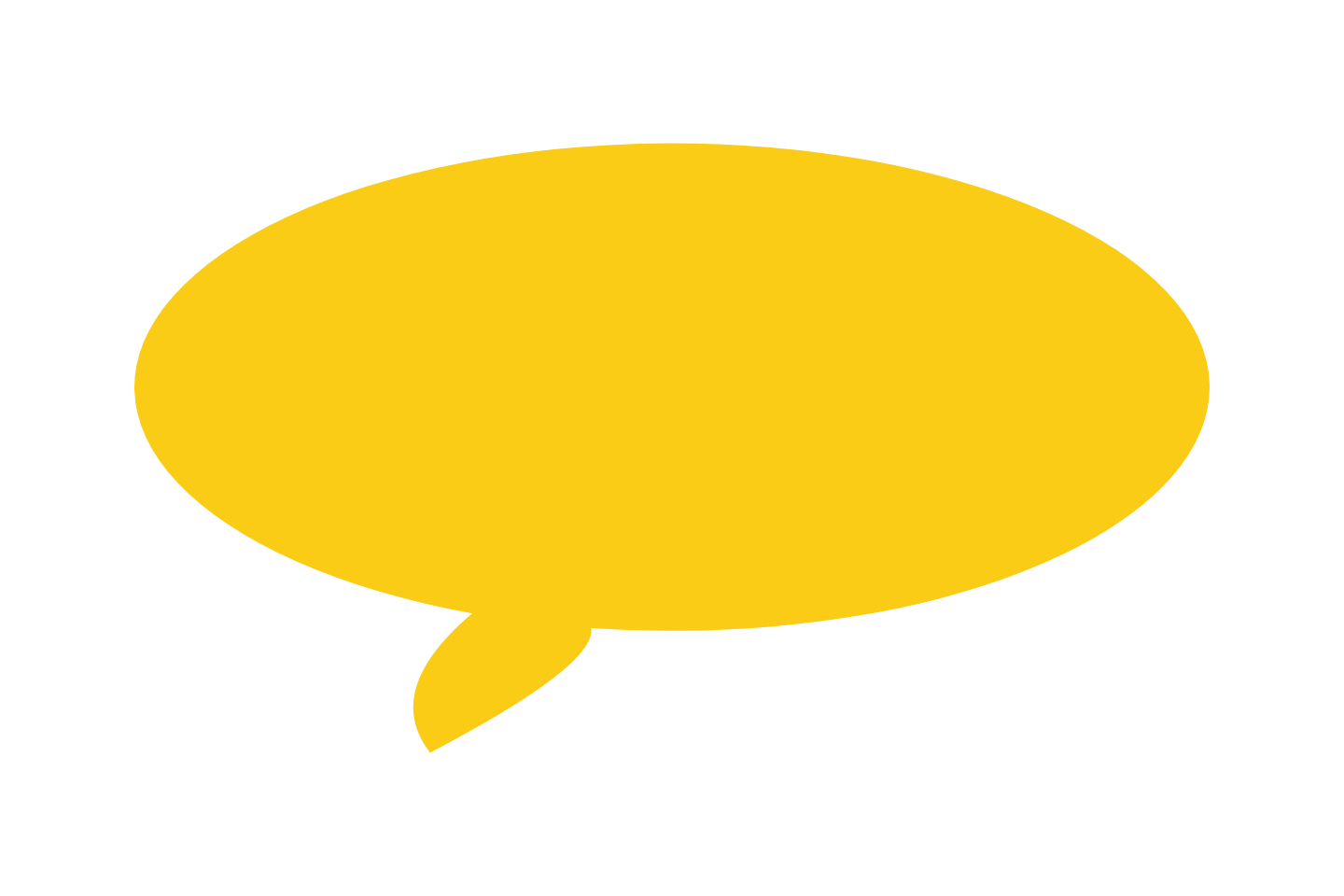
The long rounded balloon: outlined, outline-only, solid black and white, blue and yellow. The outline-only version is fully see-through inside, so the photo shows through the bubble.
Colour Clipart with Transparent Backgrounds
Bright cartoon bubbles with a heavy outline, for slides and thumbnails that need colour. Same transparent PNG format, same one-click download.
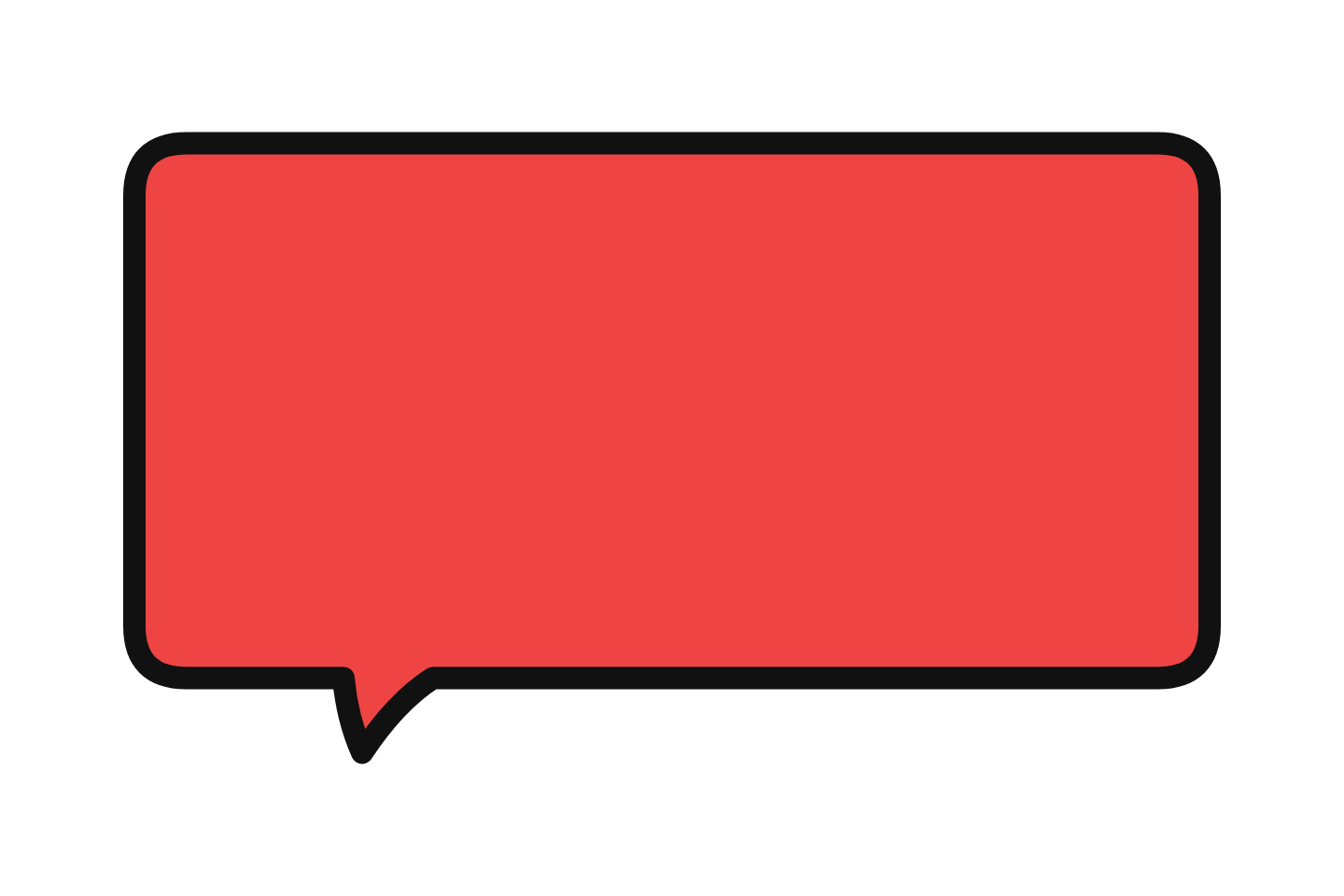 Red classic Download PNG
 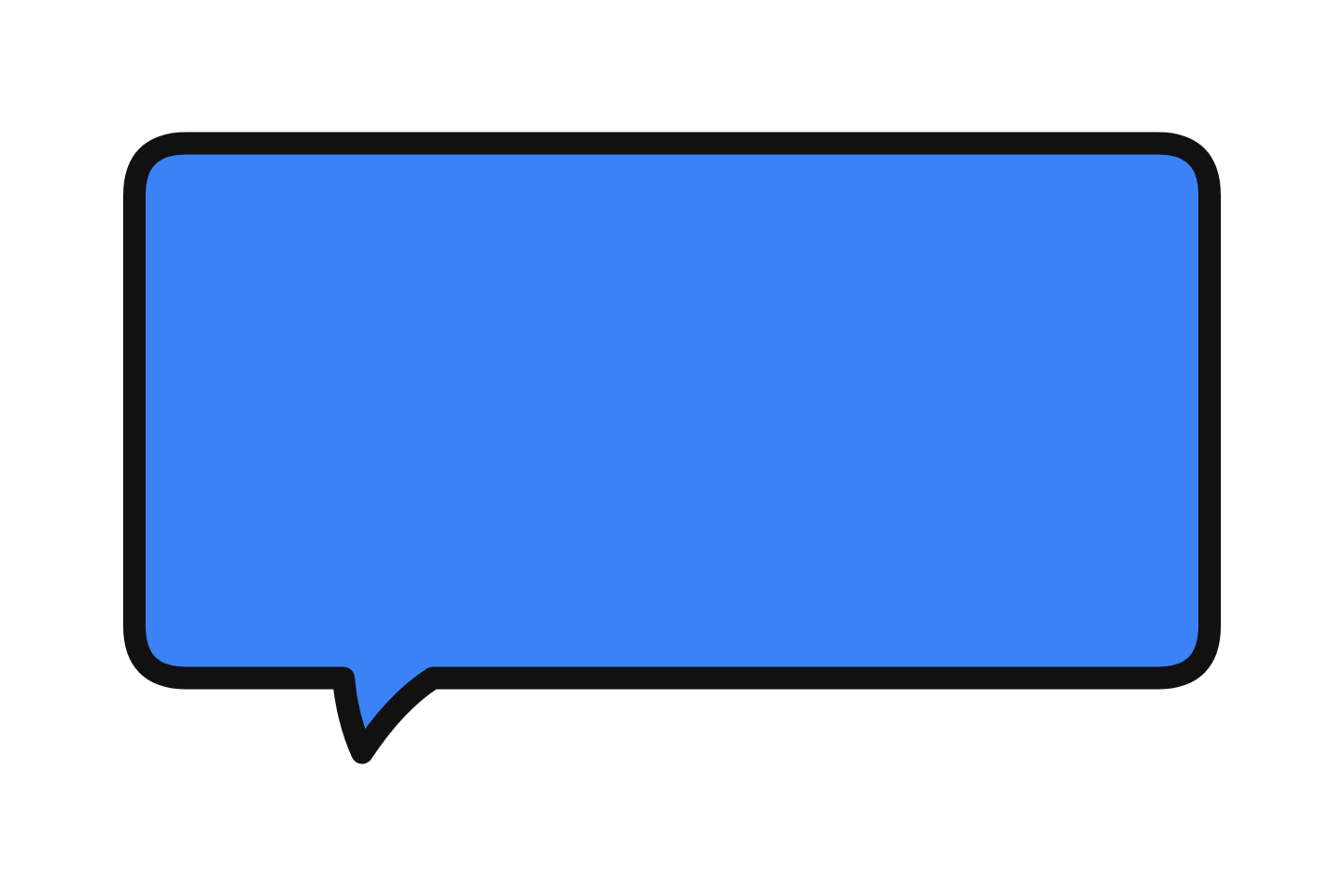 Blue classic Download PNG
 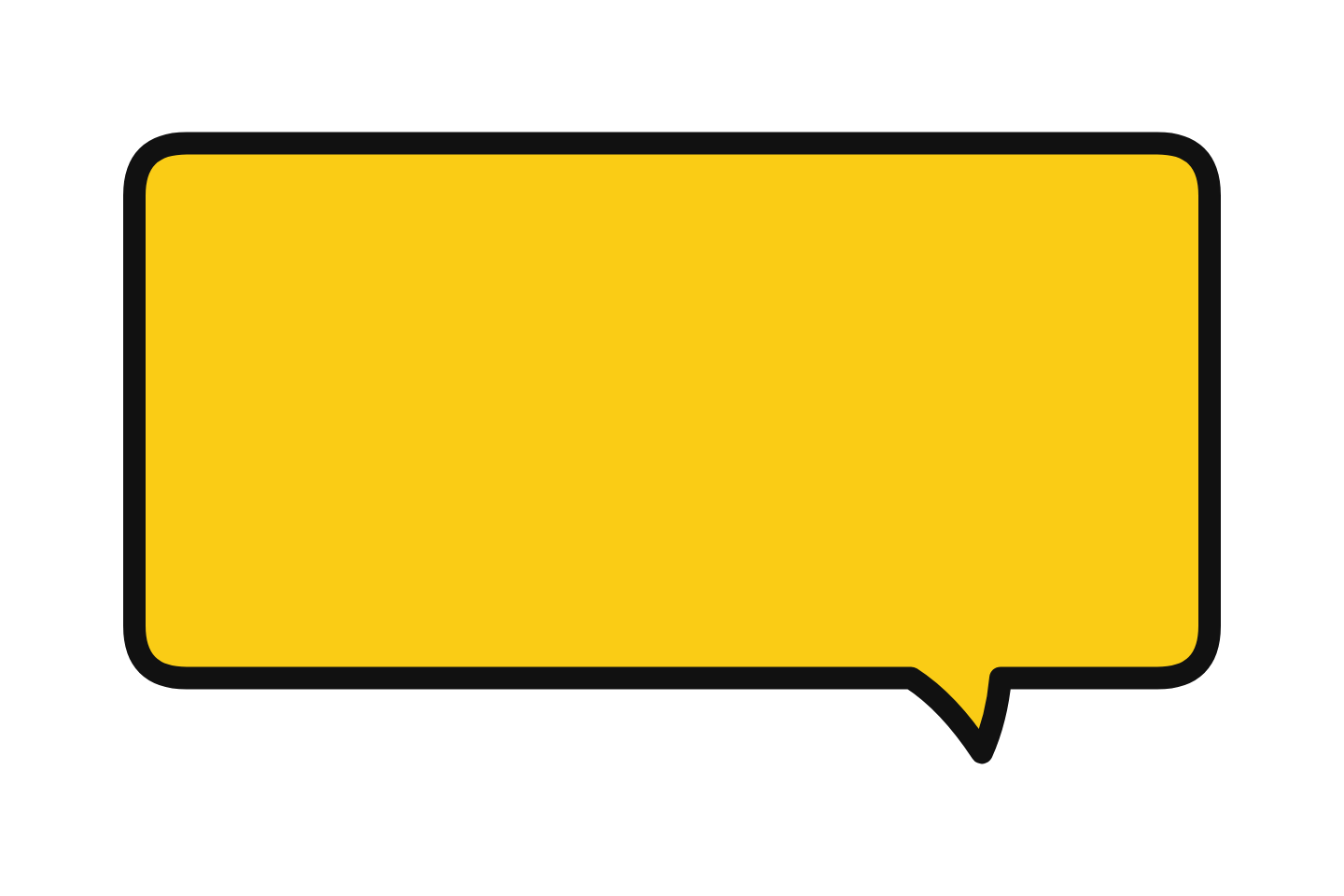 Yellow classic Download PNG
 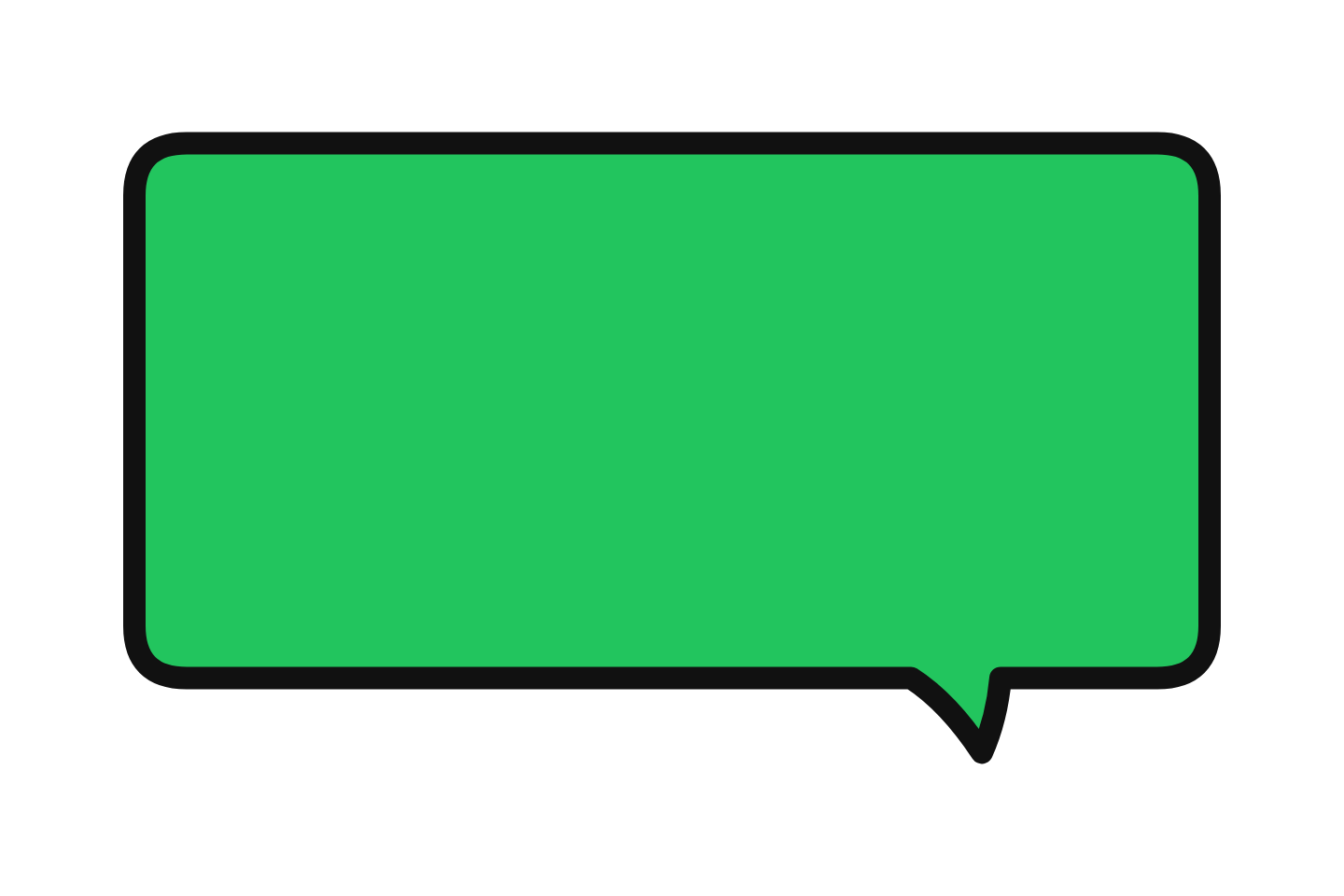 Green classic Download PNG
 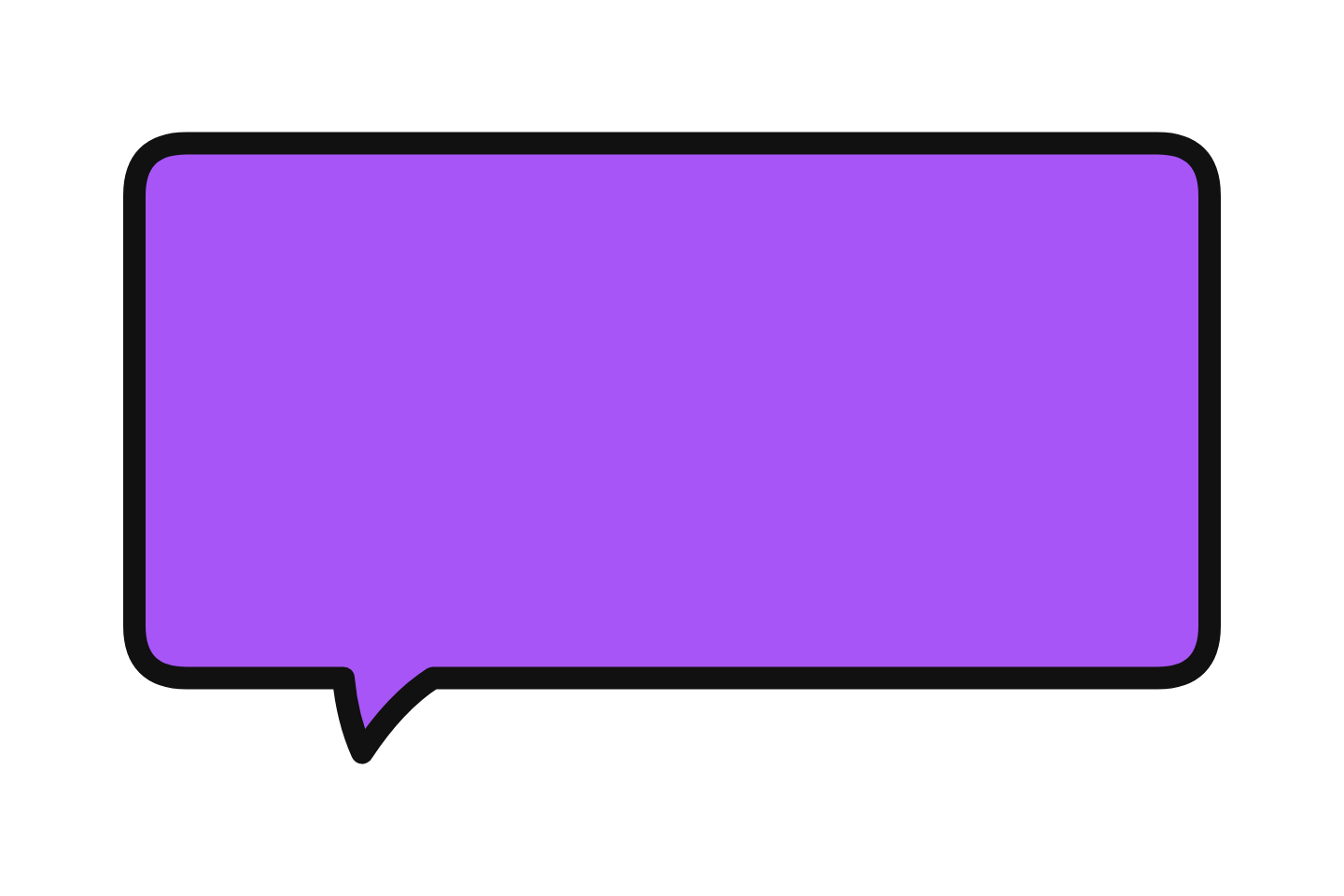 Purple classic Download PNG
 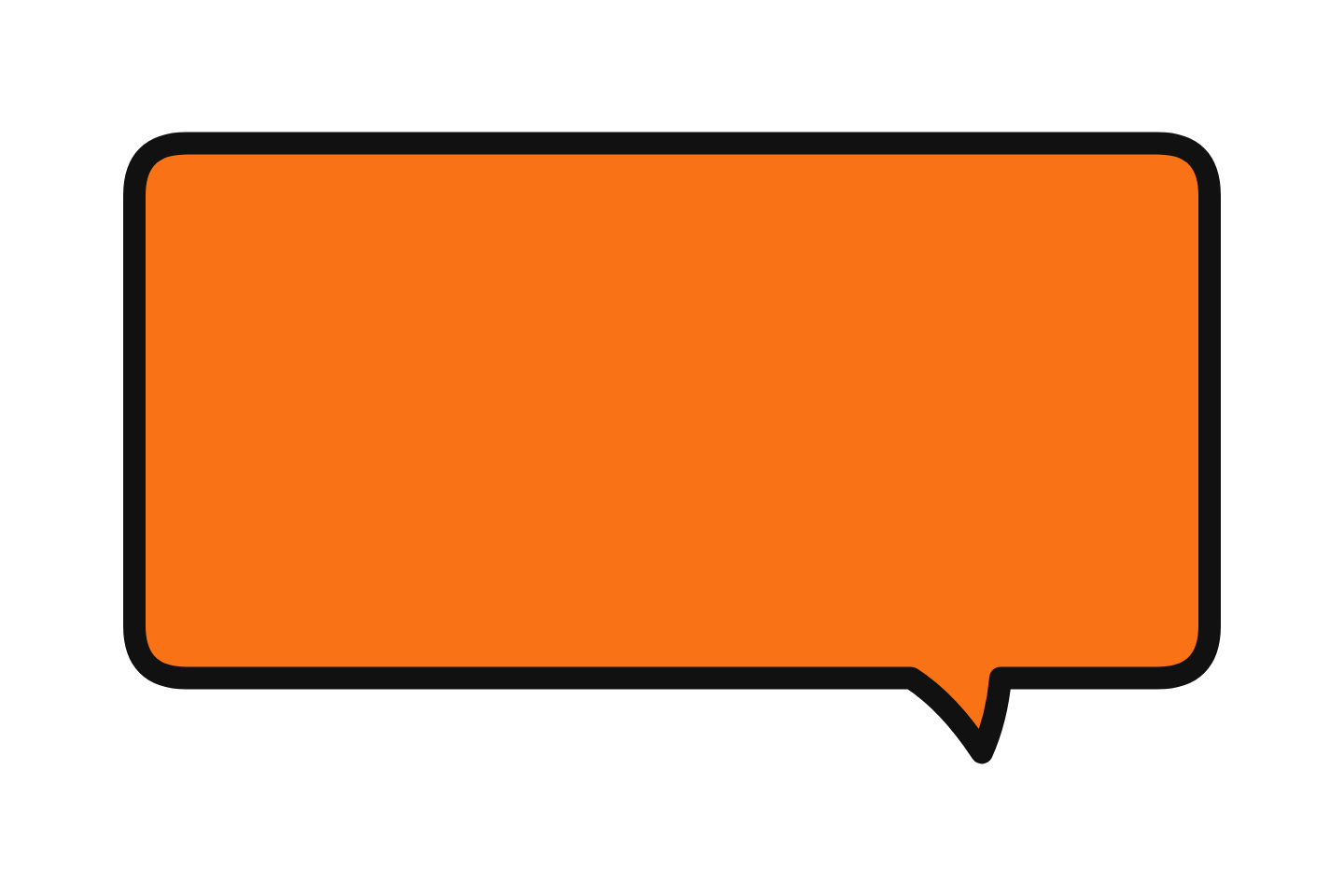 Orange classic Download PNG
 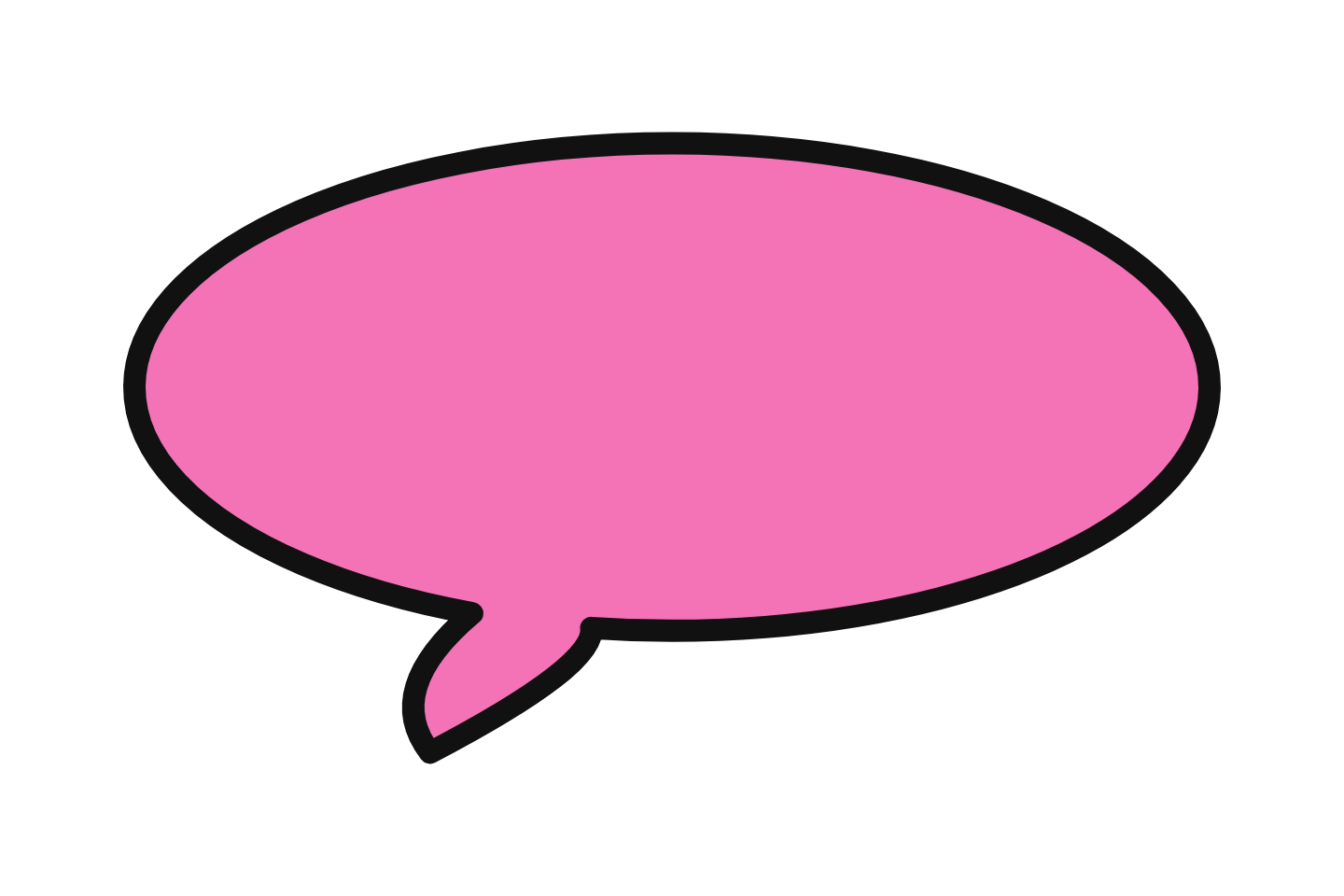 Pink round Download PNG
 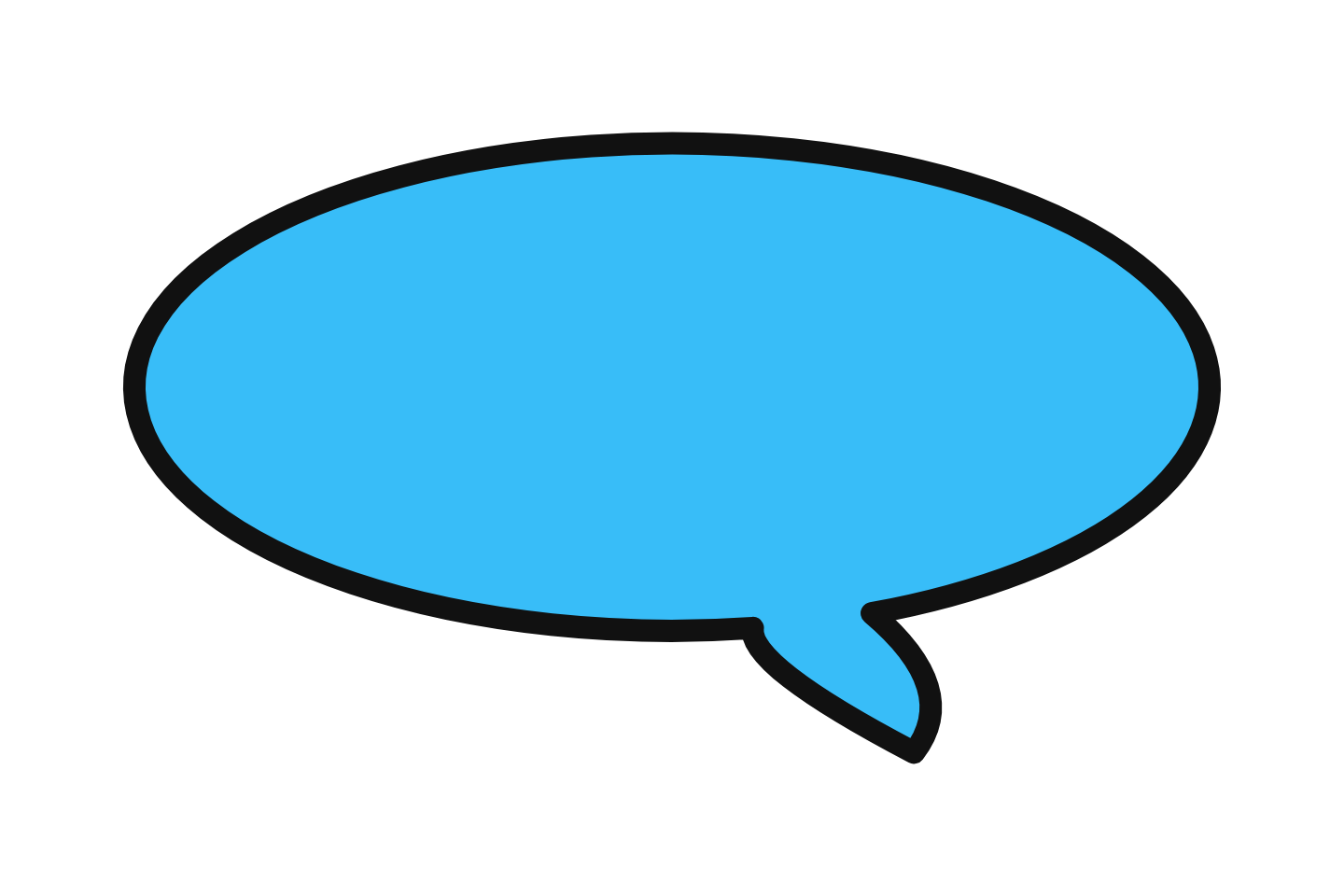 Sky blue round Download PNG
 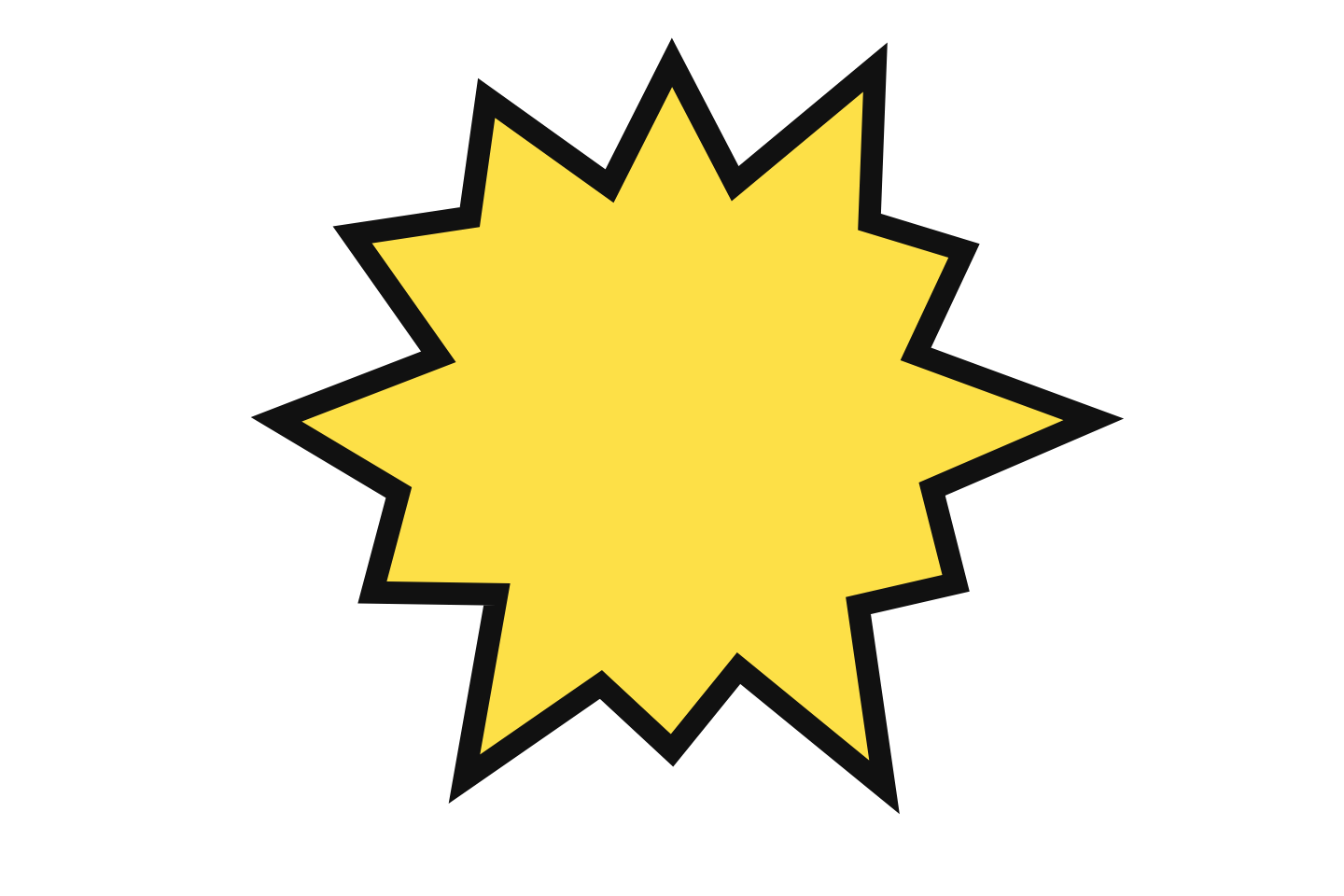 Yellow shout Download PNG
 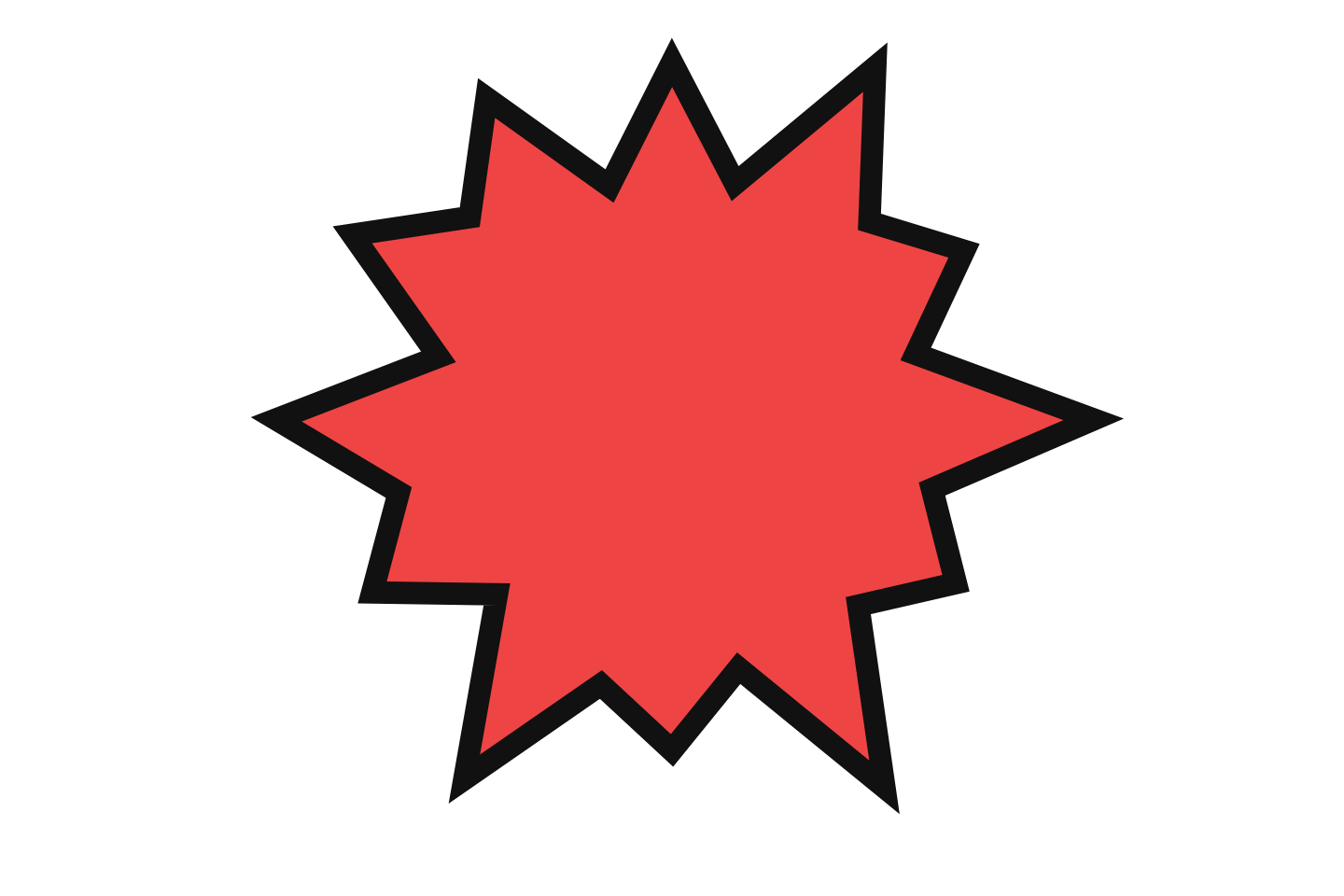 Red shout Download PNG
 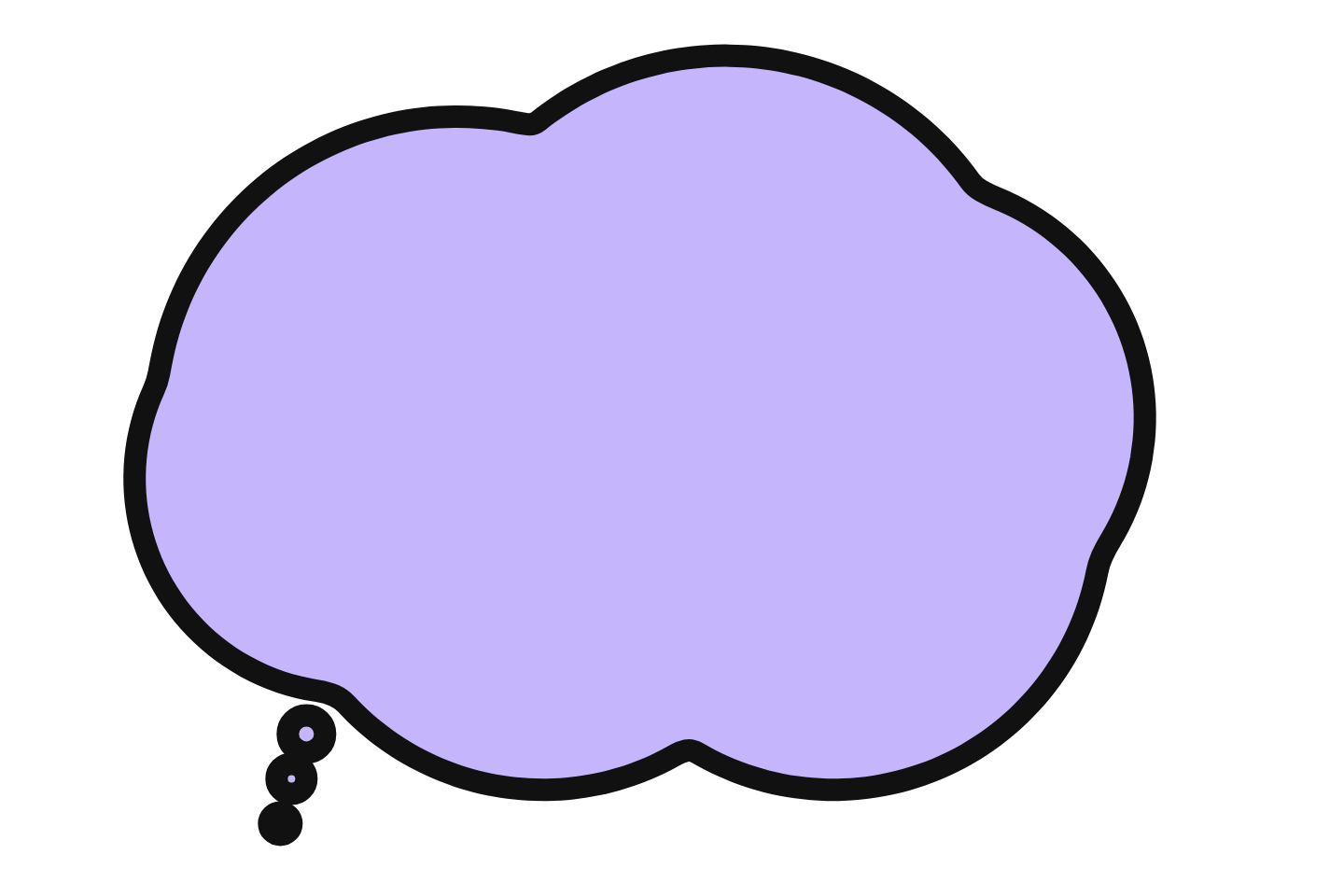 Lavender thought Download PNG
 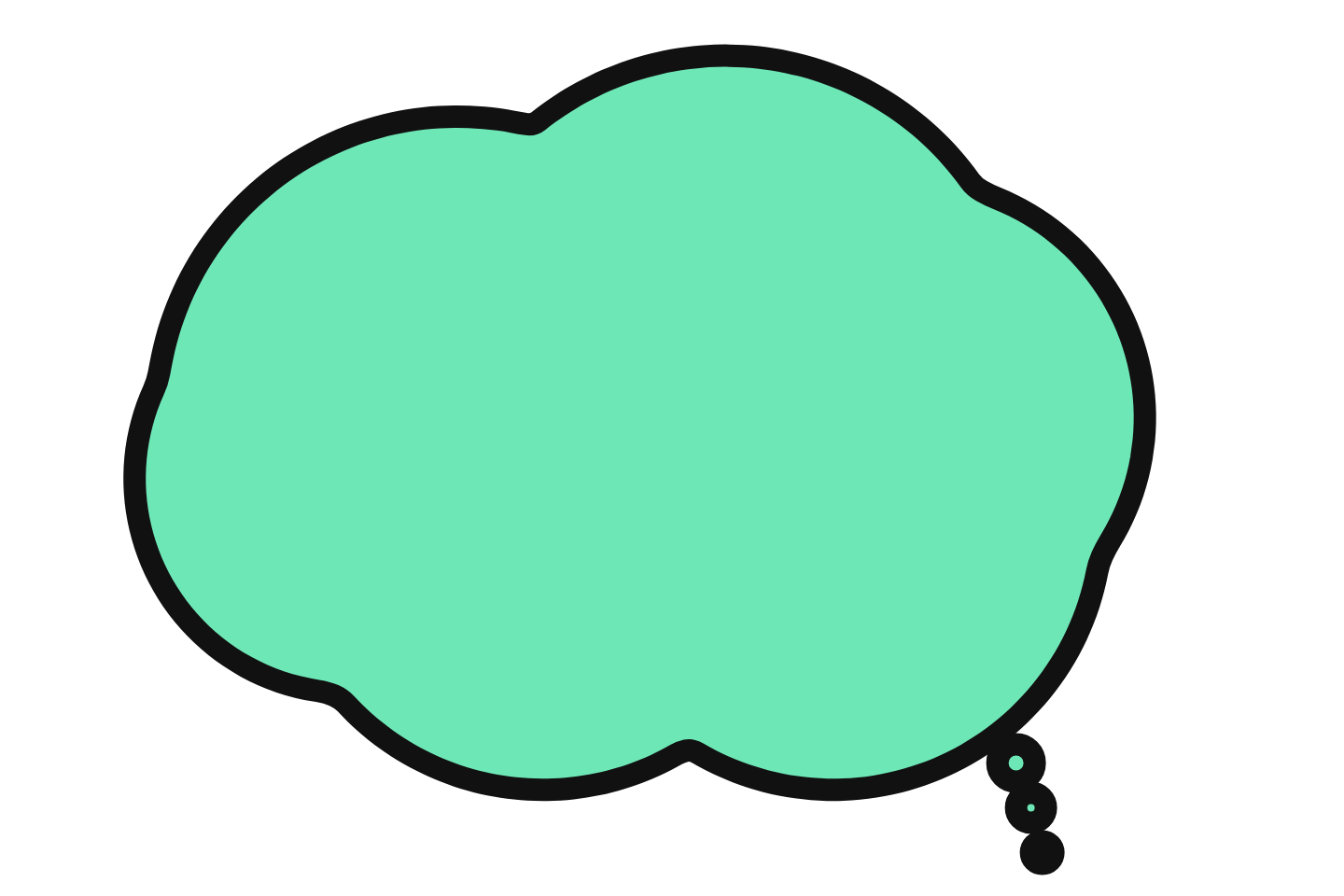 Mint thought Download PNG
 How to Check a Speech Bubble Is Actually Transparent
Look at the file type. JPG has no transparency at all; a "transparent JPG" is always a white or checkerboard rectangle. PNG, WebP and GIF can carry it. All files on this page are PNG.
Drop it over something dark. Place the file on a black slide or a photo. If a white box appears around the bubble, the file was flattened, usually because it was screenshotted or re-saved as JPG somewhere along the way. Download again with the button rather than right-click-save from a preview.
Check the preview background. The grey-and-white checkerboard you see behind each bubble above is the standard way editors show "nothing is here". It is not part of the image.
Where Transparent Bubbles Go
Video overlays
Reaction beats, dialogue over B-roll, "what they said" moments. Keep the bubble on a track above the footage and add the text as a separate title layer so you can change it later.
Thumbnails and covers
A solid white silhouette with two words in a heavy font is the most-clicked bubble format on YouTube. Place it next to the face, tail pointing at the mouth, and keep the text under four words.
Speech bubble memes
The cropped meme bubble sits along the top edge of a photo; the borderless white version is the Reddit classic. For the finished meme with the bubble already placed, use the meme generator.
Photos and edits
Add a bubble to a pet photo, a group shot or a screenshot in any editor. If you would rather do it in the browser with the text already inside, the add-a-bubble-to-photo tool exports the same transparent PNG.
Need a Different Shape or Your Own Text?
The generator draws every style on this page plus pixel, neon, sketchy, anime and manga bubbles, with your words inside and a transparent canvas option, and exports PNG, WebP or GIF with the transparency intact.