
Manga Speech Bubble Generator
Add manga-style dialogue bubbles to panels, fan art, screenshots, or photos. Use clean ellipses, shout bursts, and thought clouds in one free editor.
Build a manga panel layout
Use ellipse dialogue, shout bursts, and thought bubbles for a manga-style page.
Bubble Style
Text
Font
Appearance
Tail Direction
Double-click or double-tap a bubble to type in it. Drag the red dot to aim the tail at the speaker. The handles resize and rotate.
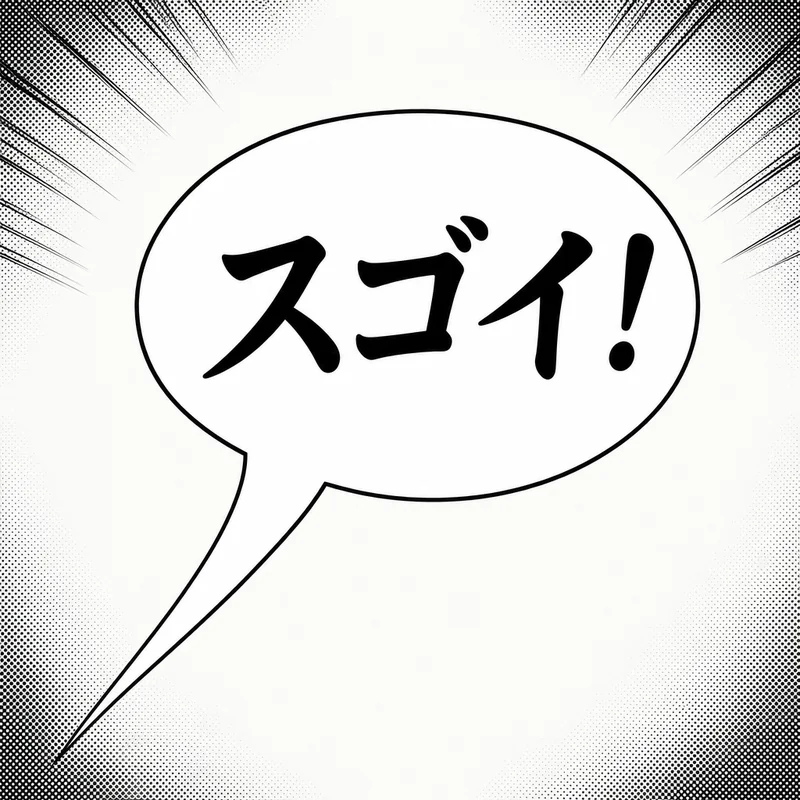
Manga Text Bubble Styles
Choose a bubble shape based on the panel's tone:
Manga Dialogue
Clean ellipse with a long pointed tail for everyday manga dialogue.
Shout / SFX
Spiky burst for action, screams, reveals, and short sound effects.
Thought Bubble
Cloud shape for internal monologue and private reactions.
Webtoon Panel
Simple rounded bubble for modern webtoon and manhwa pages.
How to Add Manga Dialogue
Upload a panel or artwork
Start with a manga panel, original drawing, anime screenshot, or black-and-white photo edit.
Pick the dialogue shape
Use Manga Dialogue for normal lines, Shout for intense moments, and Thought for inner monologue.
Place the tail carefully
Drag the bubble near the speaker and point the tail toward the mouth, face, or character position.
Export the PNG
Download the final image and use it in fan comics, webtoon drafts, social posts, or class projects.
Manga vs Anime Bubbles
Manga usually means panel-first composition: black-and-white pages, clear dialogue flow, shout bursts, thought bubbles, and short sound effects. This page is built for that workflow.
Anime edits are usually color screenshots, fan art, or meme images. For that broader use case, use the anime speech bubble maker.
Related tools:
Reading manga that has no translation yet?
Sumi translates raw manga in place — the artwork and the bubbles stay exactly as drawn, only the text changes language. iPhone app and Chrome extension, from the same team as this tool.