Anime Speech Bubble Maker
Add anime-style dialogue to screenshots, fan art, and edits. Use round, shout, thought, and classic bubble shapes for expressive captions.
Upload a photo
Download the bubble on its own as a transparent PNG, or upload a photo to put it on.
Bubble Style
Text
Font
Appearance
Tail Direction
Double-click or double-tap a bubble to type in it. Drag the red dot to aim the tail at the speaker. The handles resize and rotate.
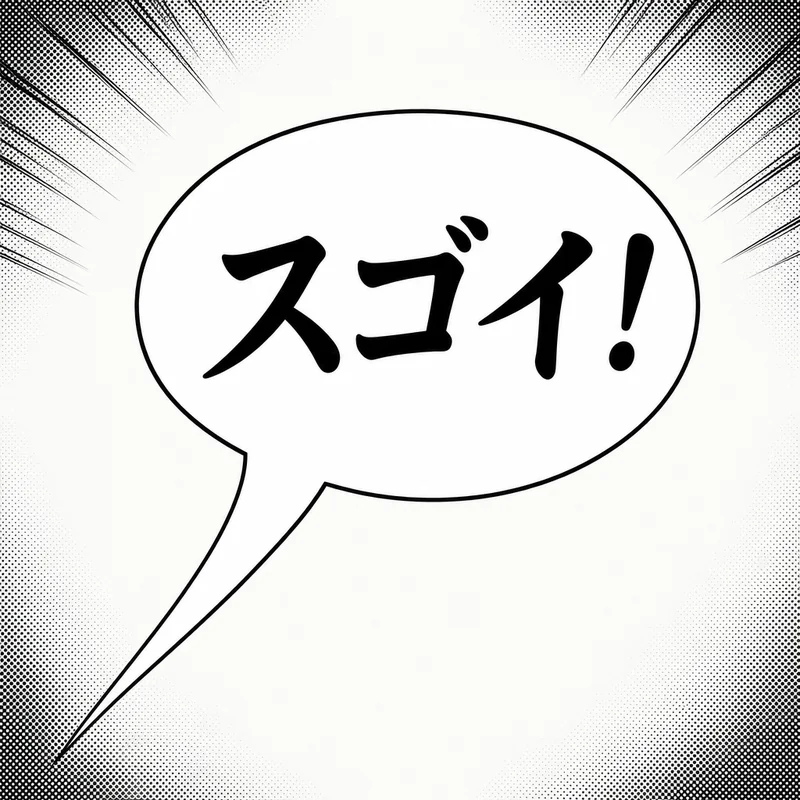
Ready-Made Anime & Manga Speech Bubble PNGs
Just want a blank anime speech bubble or text bubble as a transparent PNG? Download one below — one click, no upload — then drop it onto fan art, an anime screenshot, or a JJK / Jujutsu Kaisen edit. Add your own dialogue in the editor above when you need text inside.
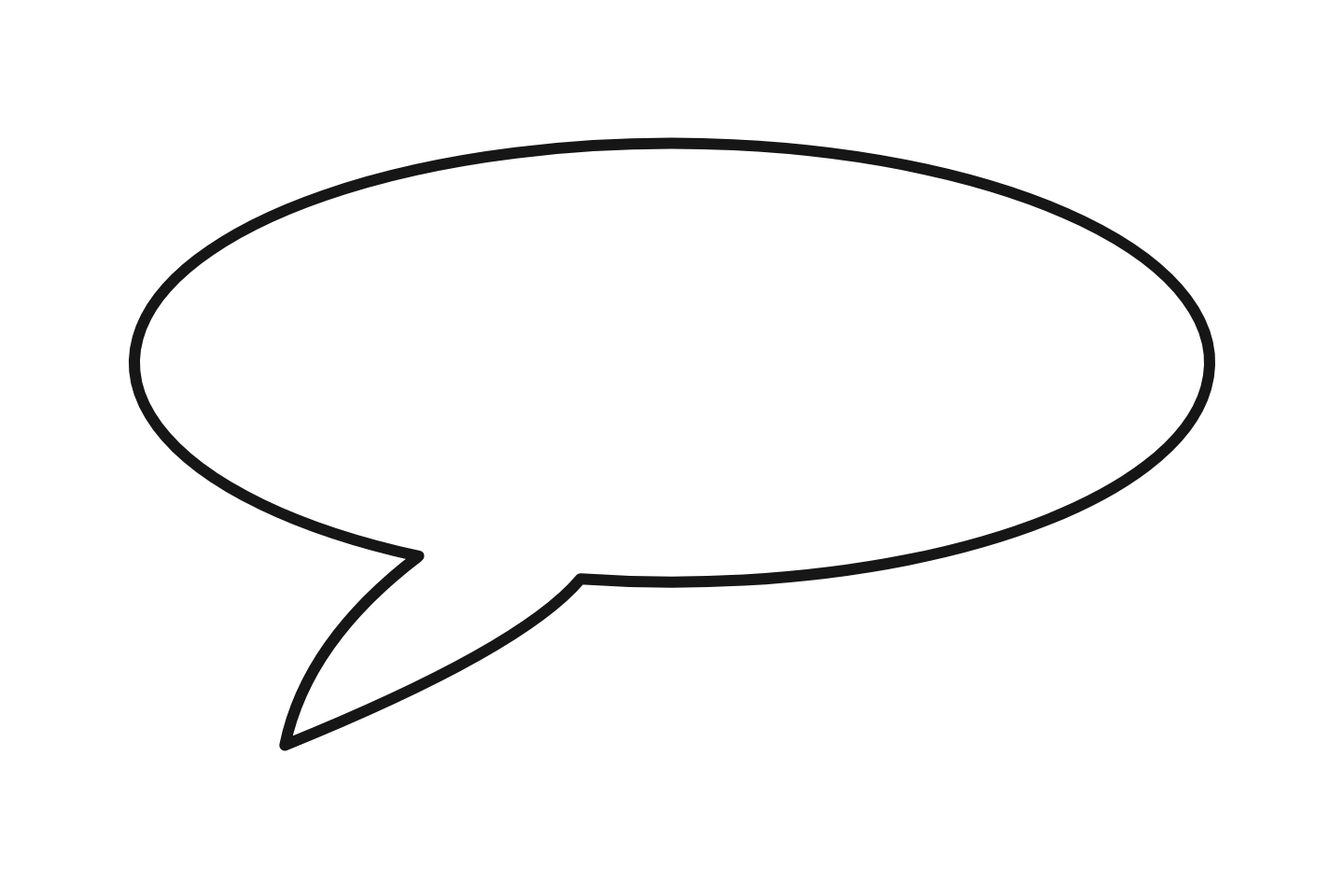 Anime (white) Download PNG
 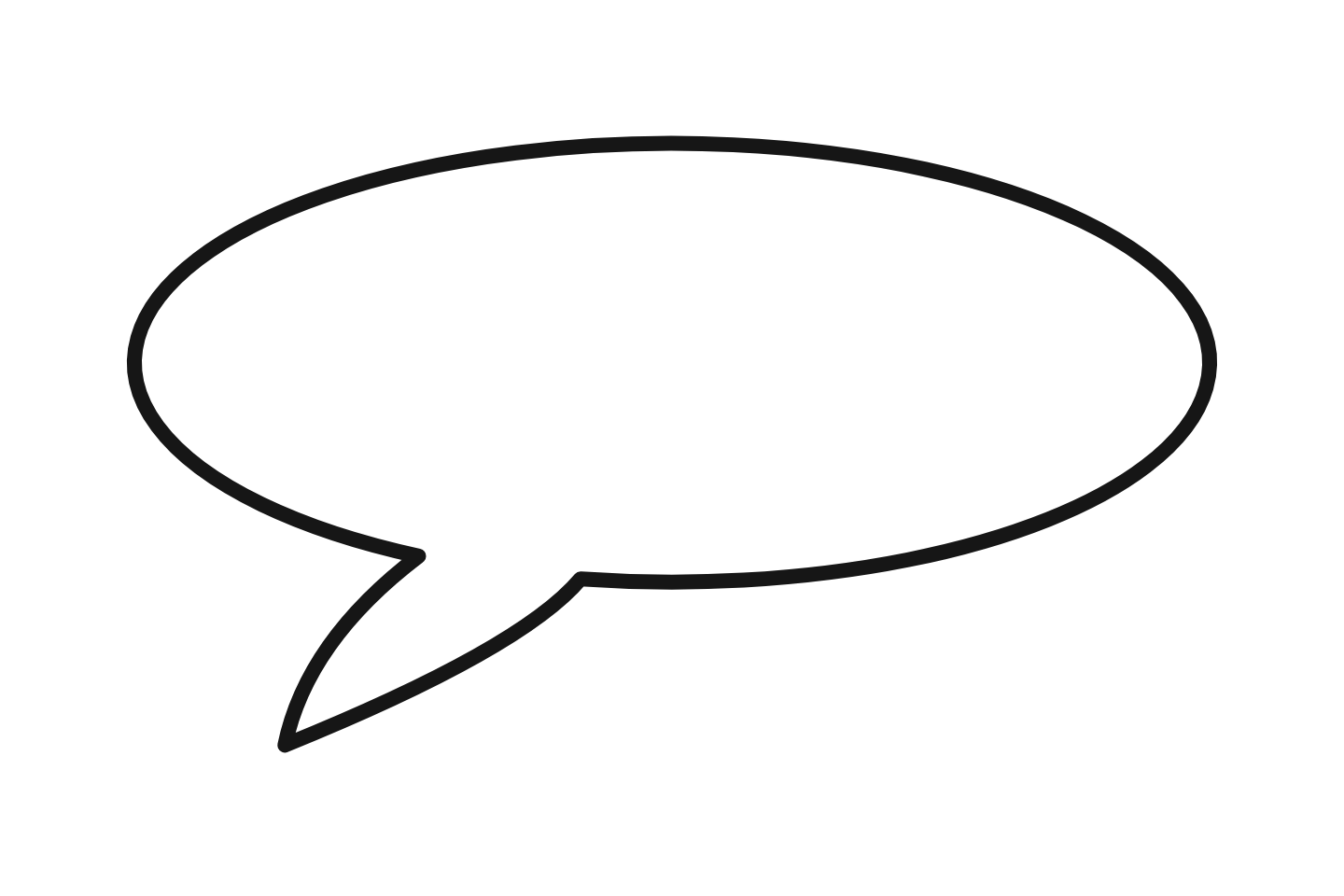 Anime (outline) Download PNG
 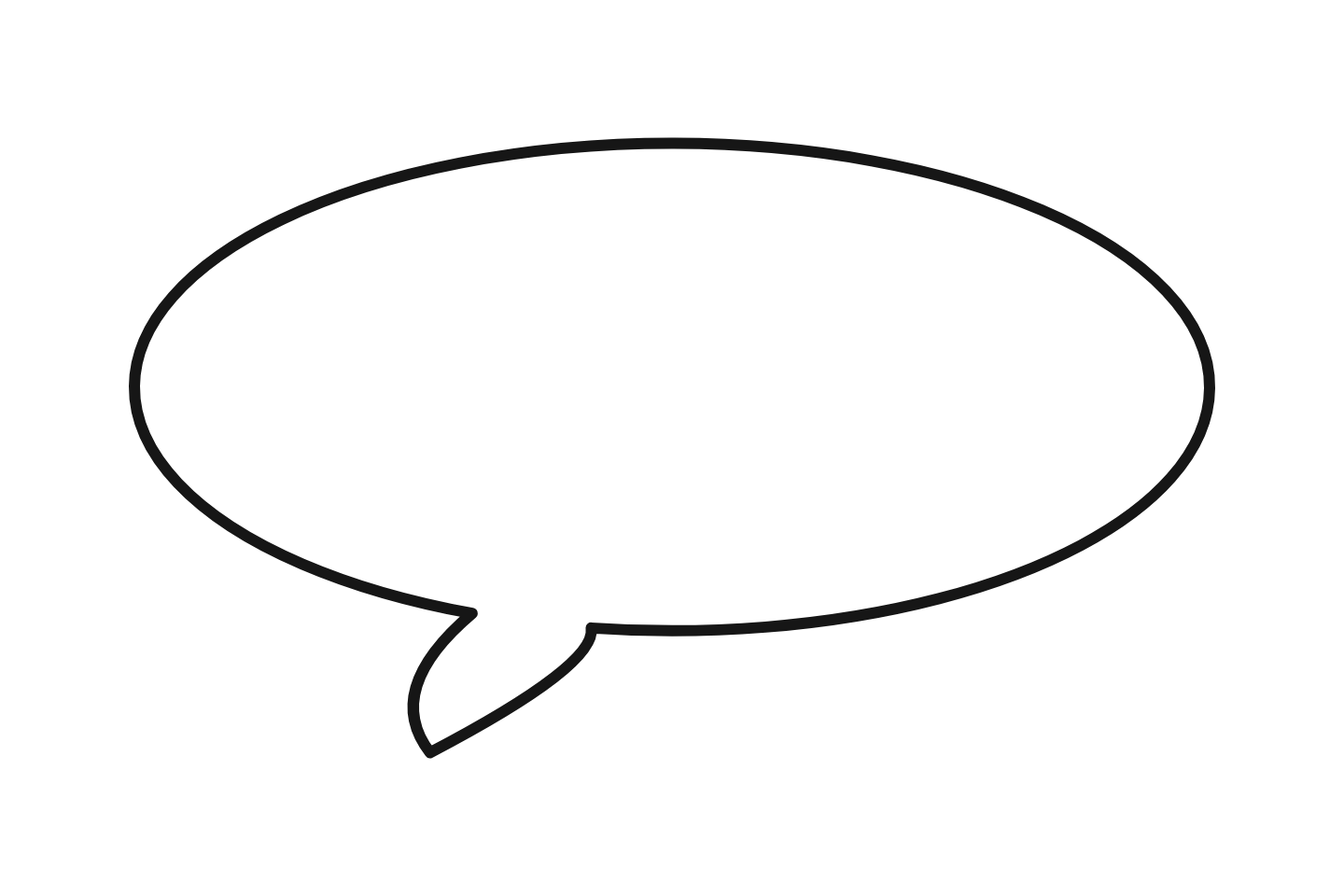 Round dialogue Download PNG
 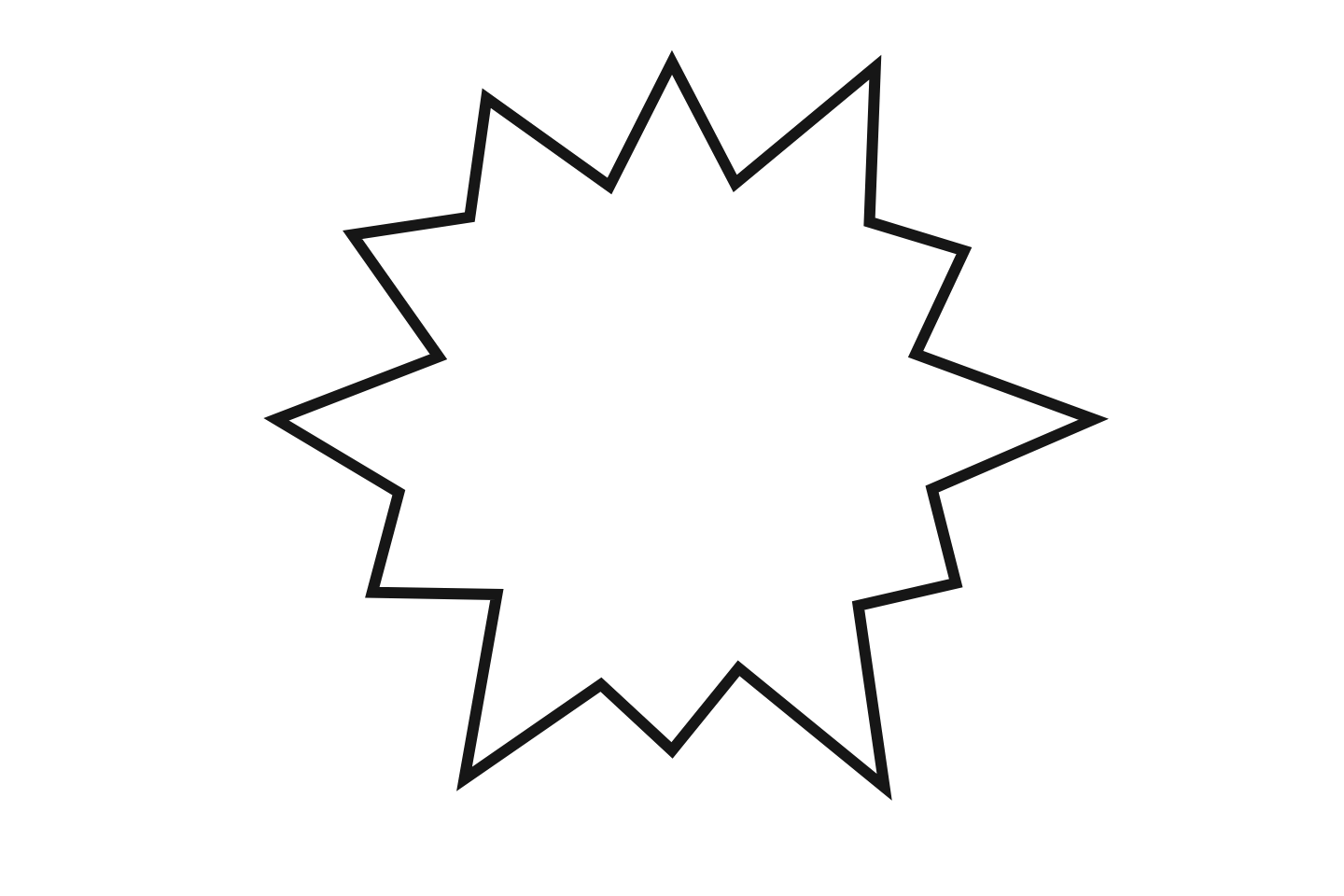 Shout / action Download PNG
 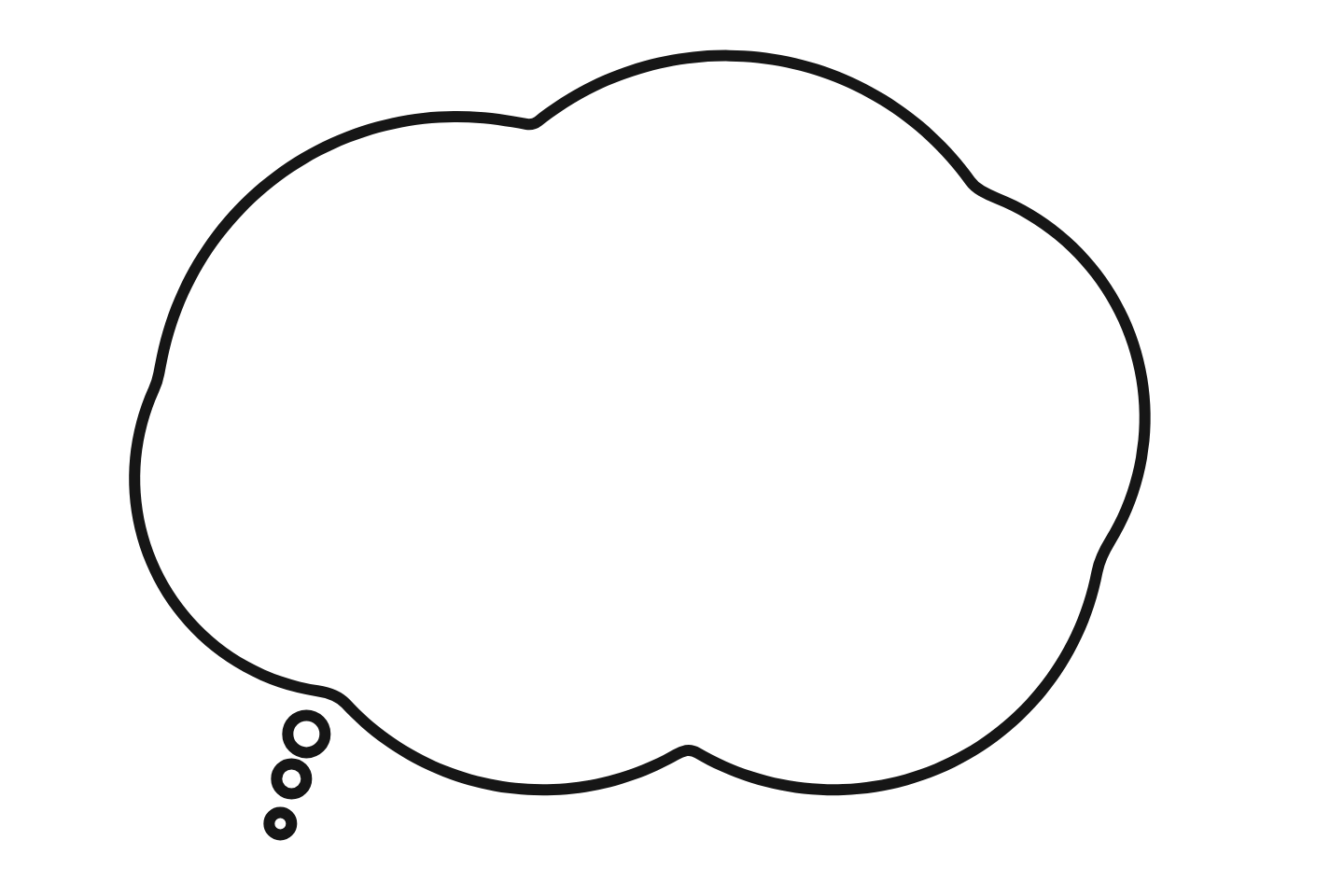 Thought cloud Download PNG
 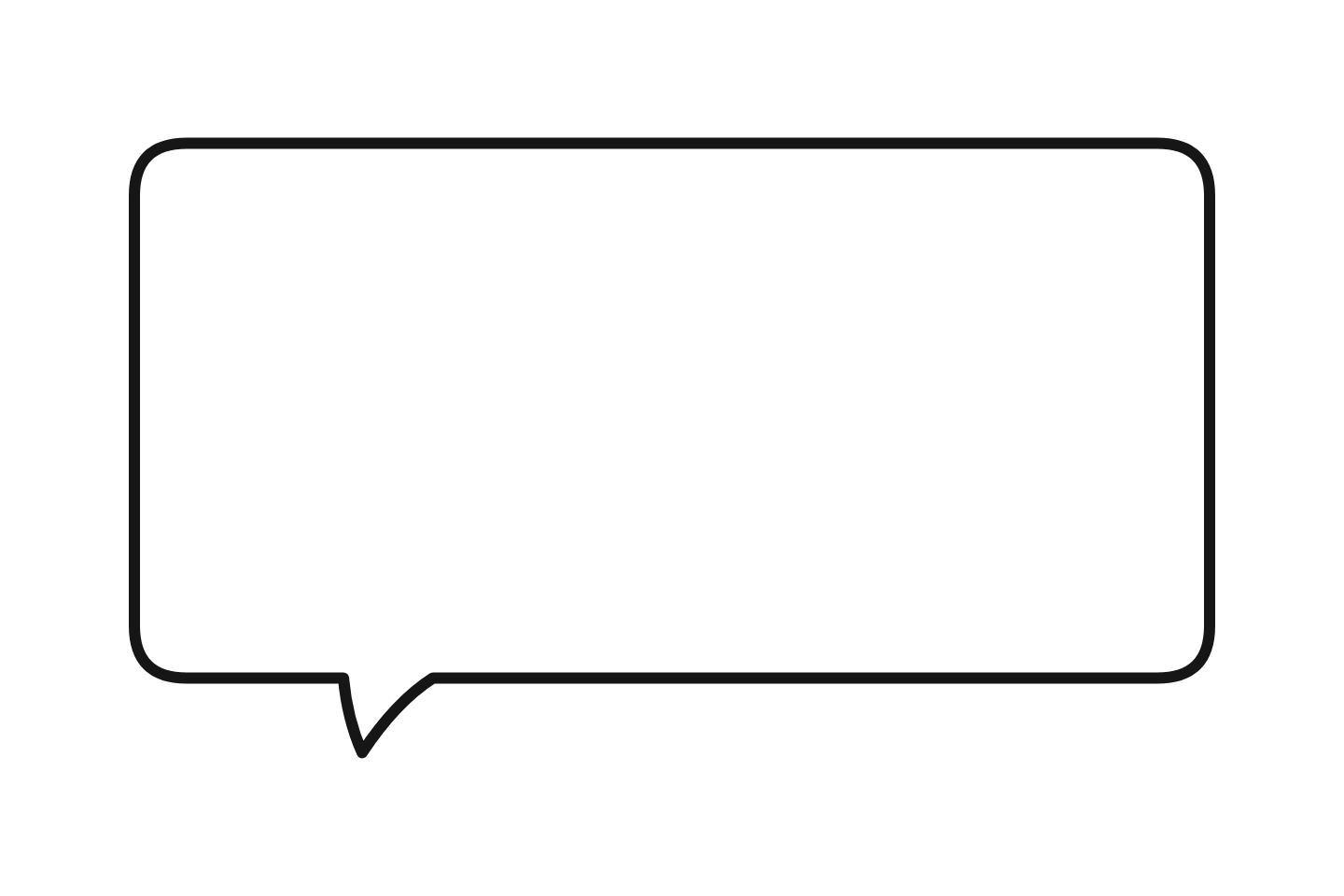 Webtoon Download PNG
 Want more styles and colors? Browse the full speech bubble PNG library.
Anime Bubble Styles
Each shape carries a different emotional weight in anime edits and fan art:
Round
Standard Dialogue
The default manga balloon. Soft ellipse for everyday conversation.
Shout
Action & Intensity
Spiky starburst for screams, battle cries, and dramatic reveals.
Thought
Inner Monologue
Cloud shape with dot trail. Private thoughts only the reader "hears."
Classic
Modern / Webtoon
Clean rounded rectangle. Common in webtoons, manhwa, and modern manga.
Add Dialogue to Fan Art in 4 Steps
Upload your art or screenshot
Works with original illustrations, anime screenshots, manga scans, or photos you want to give a manga feel.
Pick the right bubble shape
Round for normal dialogue, Shout for action, Thought for internal monologue. Each conveys a different tone.
Position and type your text
Drag the bubble near the character's mouth (speech) or head (thoughts). Type in any language — Japanese, English, Korean.
Download and share
Export as PNG. Post to Pixiv, DeviantArt, Twitter, or your webtoon platform.
Who Uses This Tool
Need a Manga Panel Workflow?
If you are making black-and-white panels, manga dialogue, shout effects, or webtoon drafts, use the manga speech bubble generator. It is tuned for panel composition and manga text bubbles.
Related tools:
Reading manga that has no translation yet?
Sumi translates raw manga in place — the artwork and the bubbles stay exactly as drawn, only the text changes language. iPhone app and Chrome extension, from the same team as this tool.