
Free Customizable Chat Bubble Generator
Every template is free — no signup, no paywall, no watermark. Customize colors, font, size, and tail for an iMessage, WhatsApp, or Messenger look, then download a transparent PNG instantly.
Upload a screenshot, or mock up a conversation first
The default preview shows a two-message exchange so the chat layout is obvious before you add your own image.
Text
Font
Appearance
Tail Direction
Bubble Style
Double-click or double-tap a bubble to type in it. Drag the red dot to aim the tail at the speaker. The handles resize and rotate.
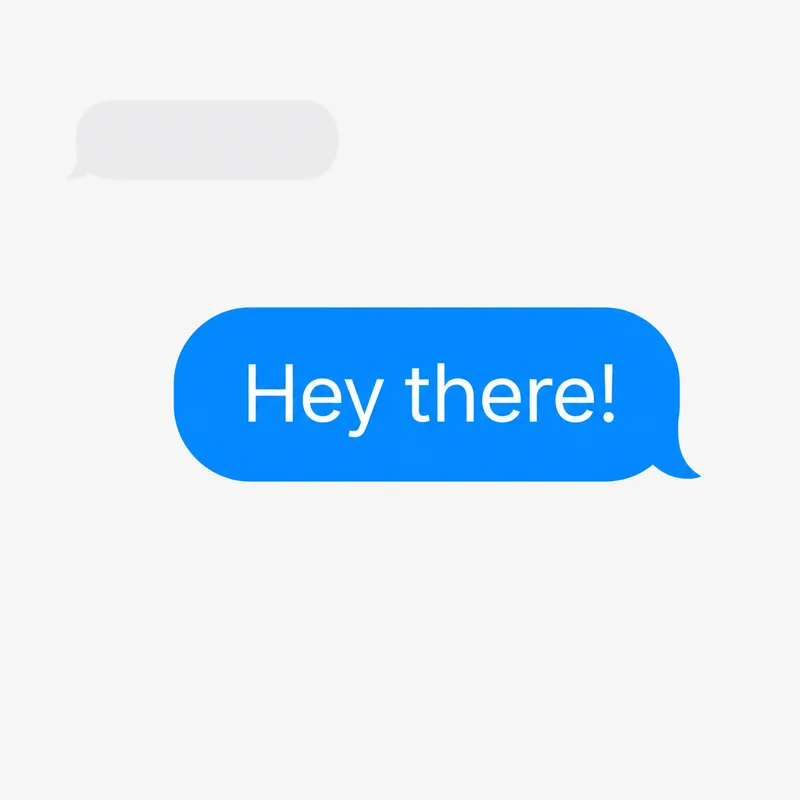
Free Customizable Chat Bubble Templates (PNG)
Grab a blank customizable chat bubble as a transparent PNG — one click, no signup, and no template locked behind a paywall. They cover iMessage blue and gray, WhatsApp green, plus blank, outline, and dark. Want a different look (Messenger blue, your brand color, custom text)? Open any of them in the editor above and recolor in seconds.
✓ 100% free ✓ No signup ✓ No “upgrade to Pro” ✓ No watermark ✓ Instant PNG download
 Blank (white) Download PNG
  Outline only Download PNG
  iMessage blue Download PNG
  iMessage gray Download PNG
  WhatsApp green Download PNG
  Dark mode Download PNG
 Want the glossy 3D aesthetic look (glassy pink, celestial, y2k) that's trending on TikTok? Those are free too — see the aesthetic speech bubble PNGs, no signup or paywall. Or browse the full PNG library.
What People Build with Chat Bubbles
Fake Text Conversations
Want a full fake chat screenshot instead of single bubbles? The fake text message generator builds a whole conversation — both sides, blue/green, light/dark — as one iPhone-style PNG. Or alternate left/right tail bubbles here to overlay on a photo.
UI Mockups & Design Demos
Need chat screenshots for a pitch deck, wireframe, or portfolio? Create clean conversation layouts and export as PNG. Import directly into Figma, Canva, Keynote, or PowerPoint.
Social Media & Memes
Overlay chat bubbles on photos for "conversation over image" formats. Popular on Instagram Stories, TikTok, and Twitter. For the viral speech bubbling format, try the Reddit meme maker.
Match Your Favorite Messaging App
Use Custom Colors in the editor to match these popular styles:
iMessage
Blue (#007AFF) for iMessage sent, green (#34C759) for SMS sent, light gray (#E5E5EA) for received.
Light green (#DCF8C6) for sent, white for received. Teal (#075E54) accent.
Messenger
Blue (#0084FF) for sent, light gray (#E4E6EB) for received.
Try other styles: