
Comic Bubble Generator
Turn any photo into a comic or cartoon panel. Add cartoon speech bubbles, shout bursts, thought clouds, and whisper bubbles in one free editor.
Talk
Lay down the main dialogue with classic bubbles.
Punch
Use shout bubbles for impact beats and reactions.
Subtext
Mix in thought or whisper styles to add tension.
Upload your panel, or block out the comic rhythm first
This preview starts with mixed comic styles so the page feels different from the general editor right away.
Bubble Style
Text
Font
Appearance
Tail Direction
Double-click or double-tap a bubble to type in it. Drag the red dot to aim the tail at the speaker. The handles resize and rotate.

Free Comic Speech Bubble PNGs (Ready-Made Templates)
Just need a blank comic or cartoon speech bubble without opening the editor? Download a transparent PNG below — classic dialogue balloons, shout bursts, thought clouds, and the hard-to-find whisper bubble with its dashed outline, plus hand-drawn ink and retro pop-art styles with halftone dots. Each one drops straight onto a comic strip template, cartoon, comic book page, or photo panel. Want your own cartoon bubble text inside the word bubble? Use the editor above.
 Classic dialogue Download PNG
  Shout / action Download PNG
  Thought cloud Download PNG
  Whisper (dashed) Download PNG
 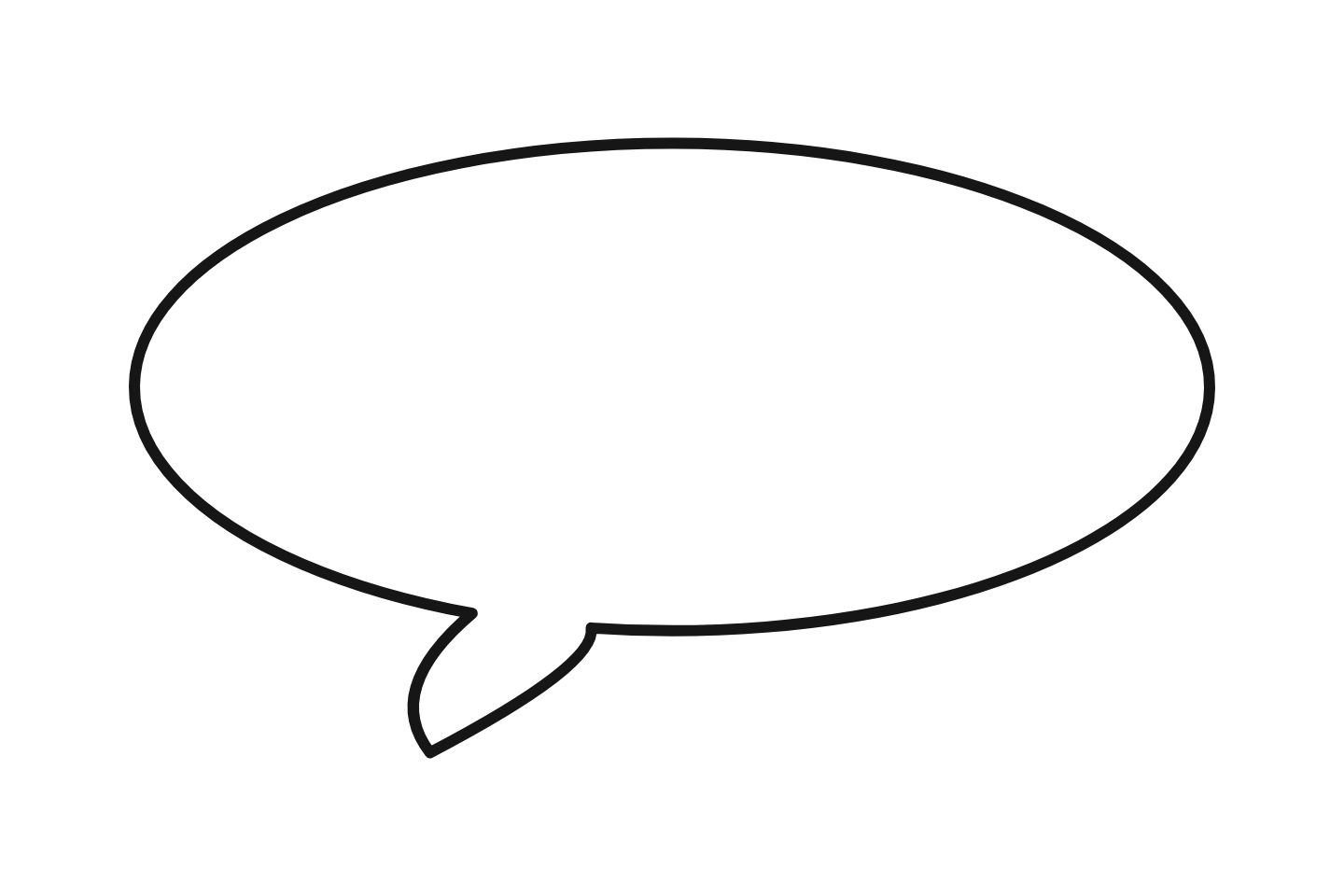 Round (European) Download PNG
 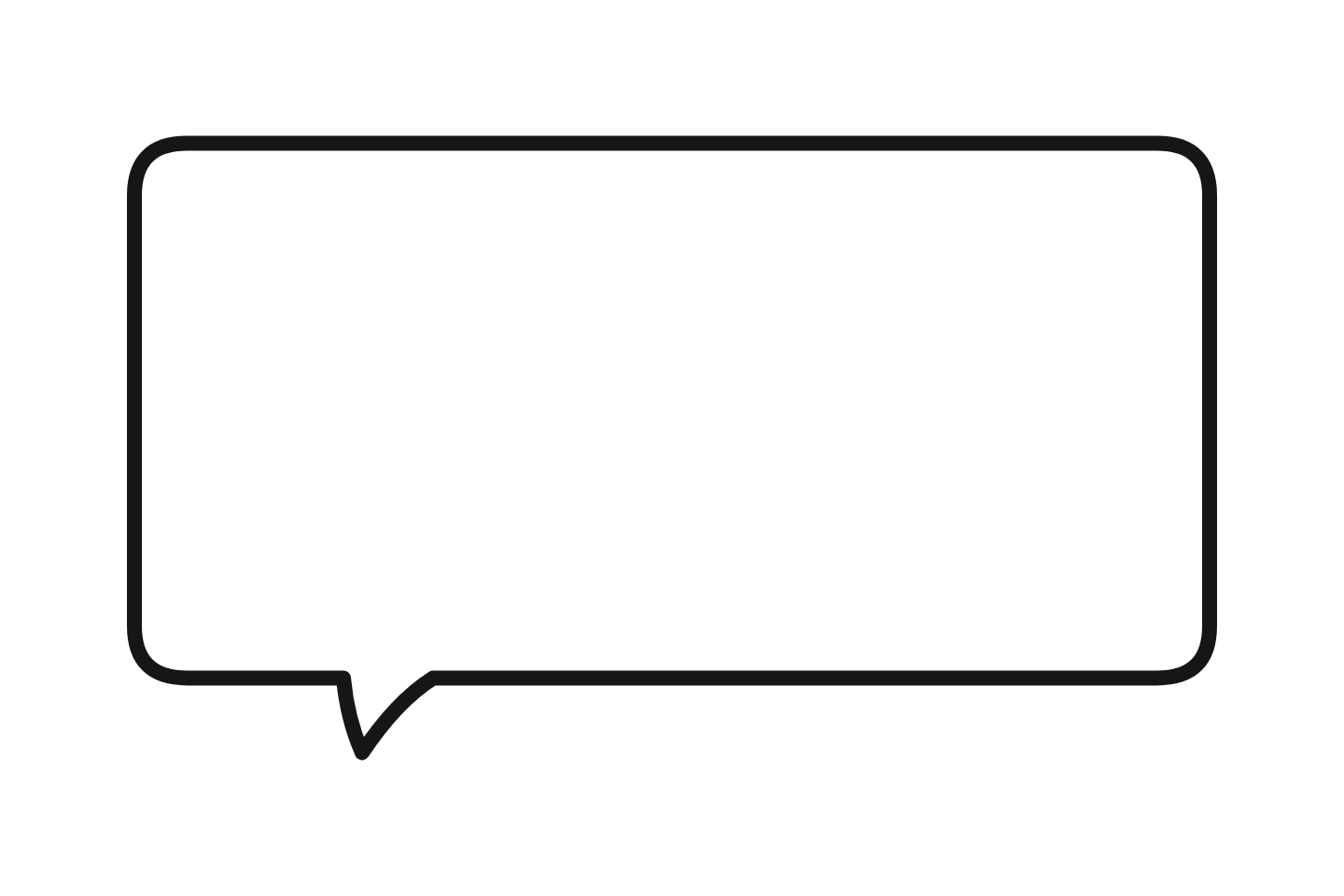 Outline only Download PNG
 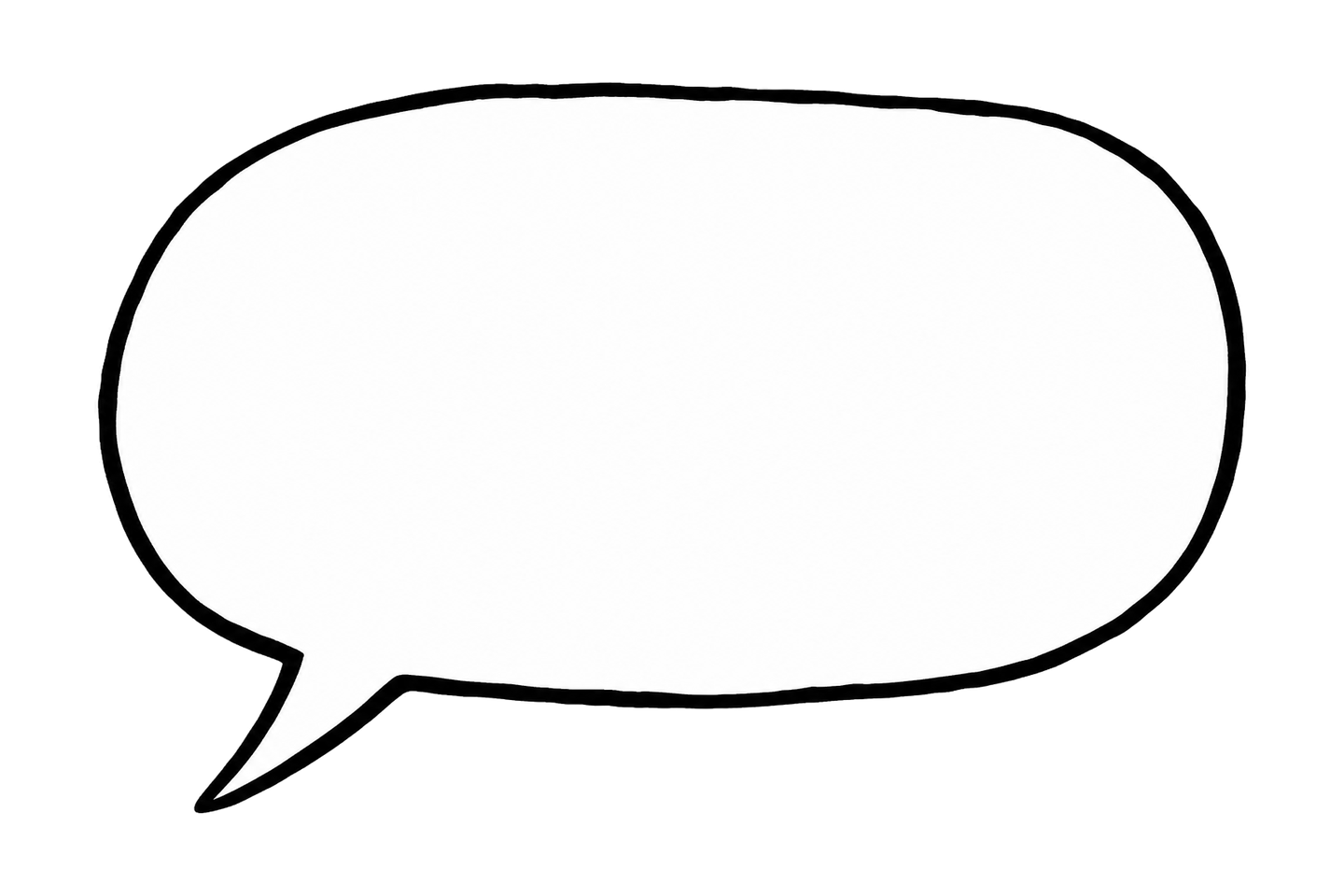 Hand-drawn ink Download PNG
 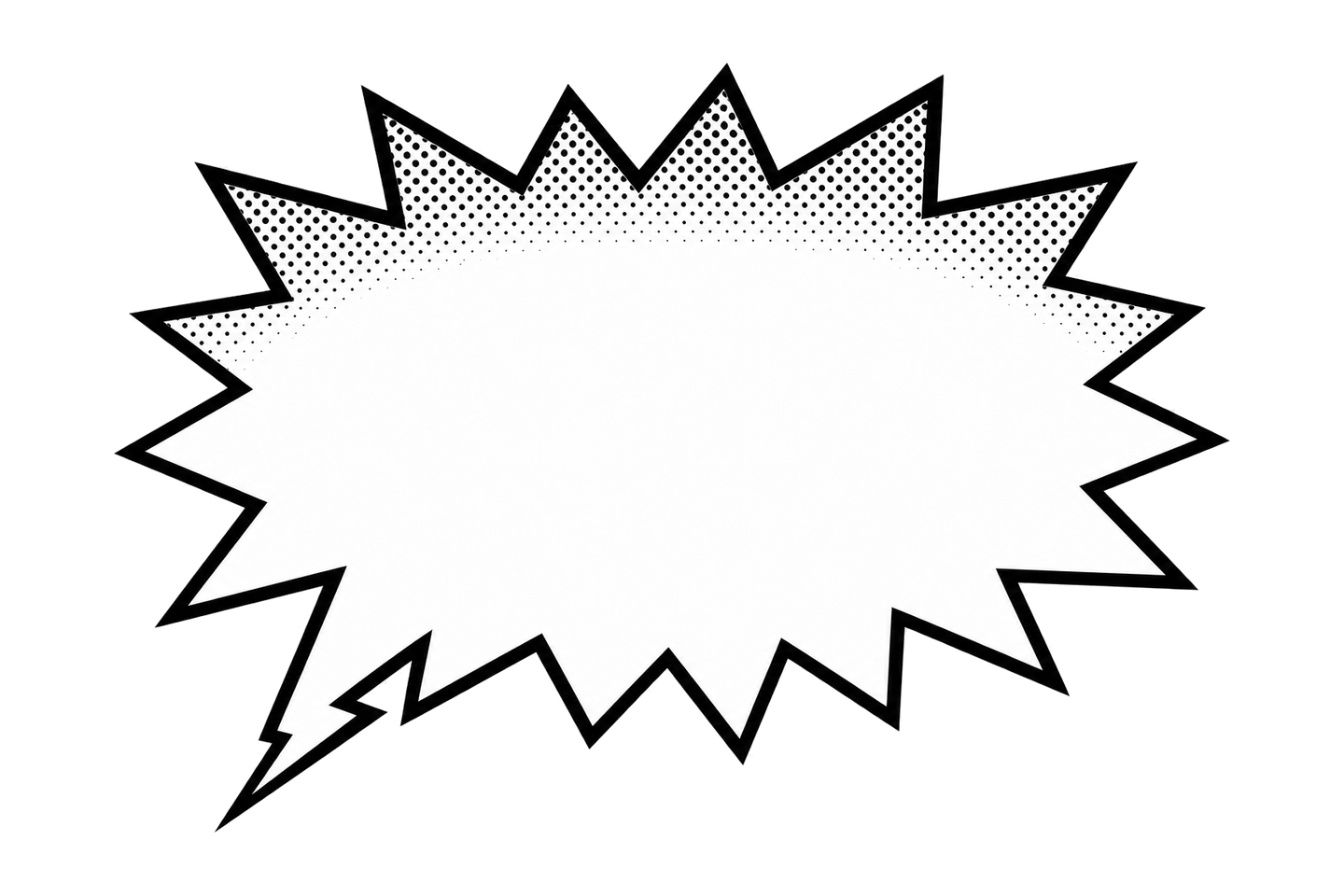 Pop-art shout Download PNG
 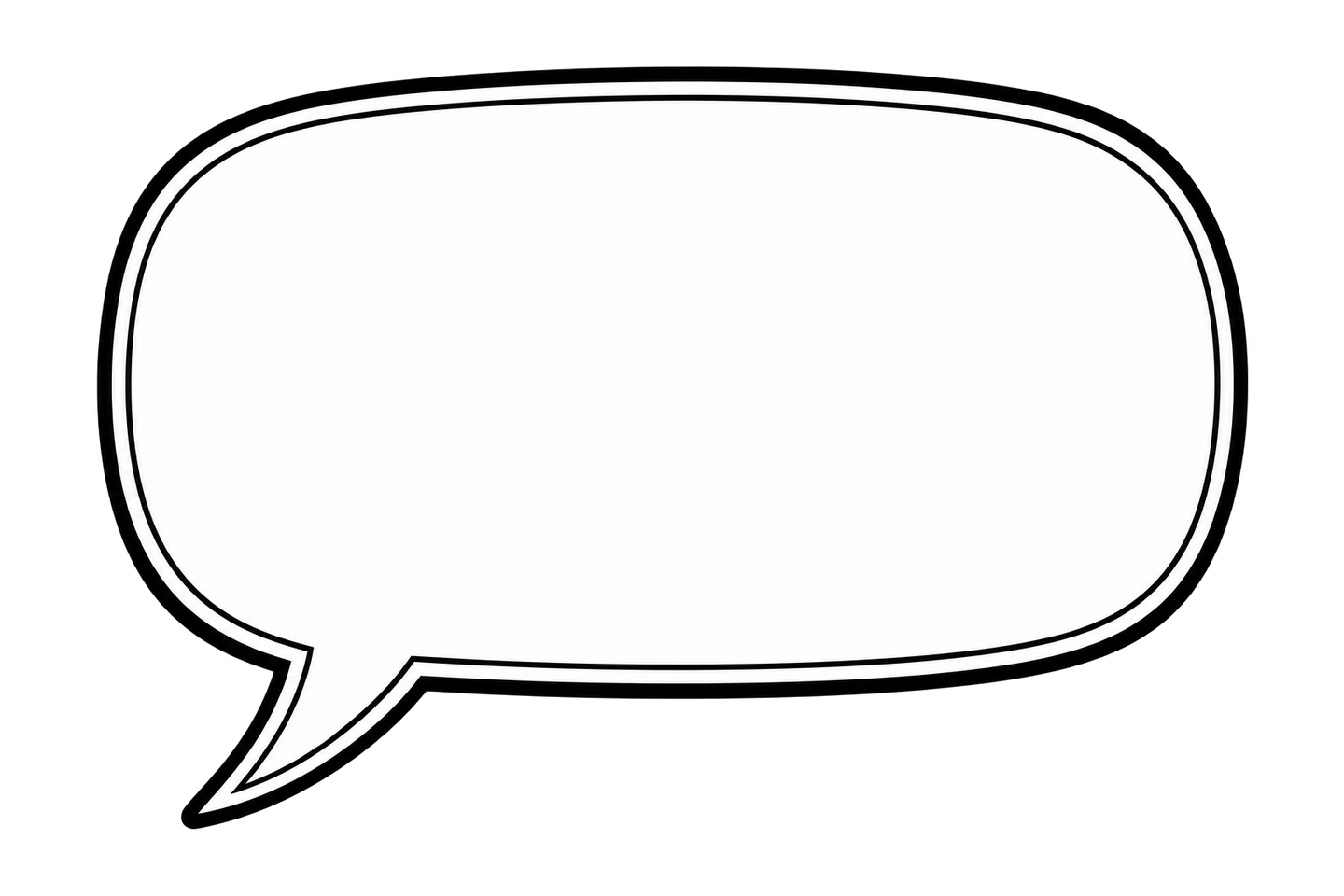 Double outline Download PNG
 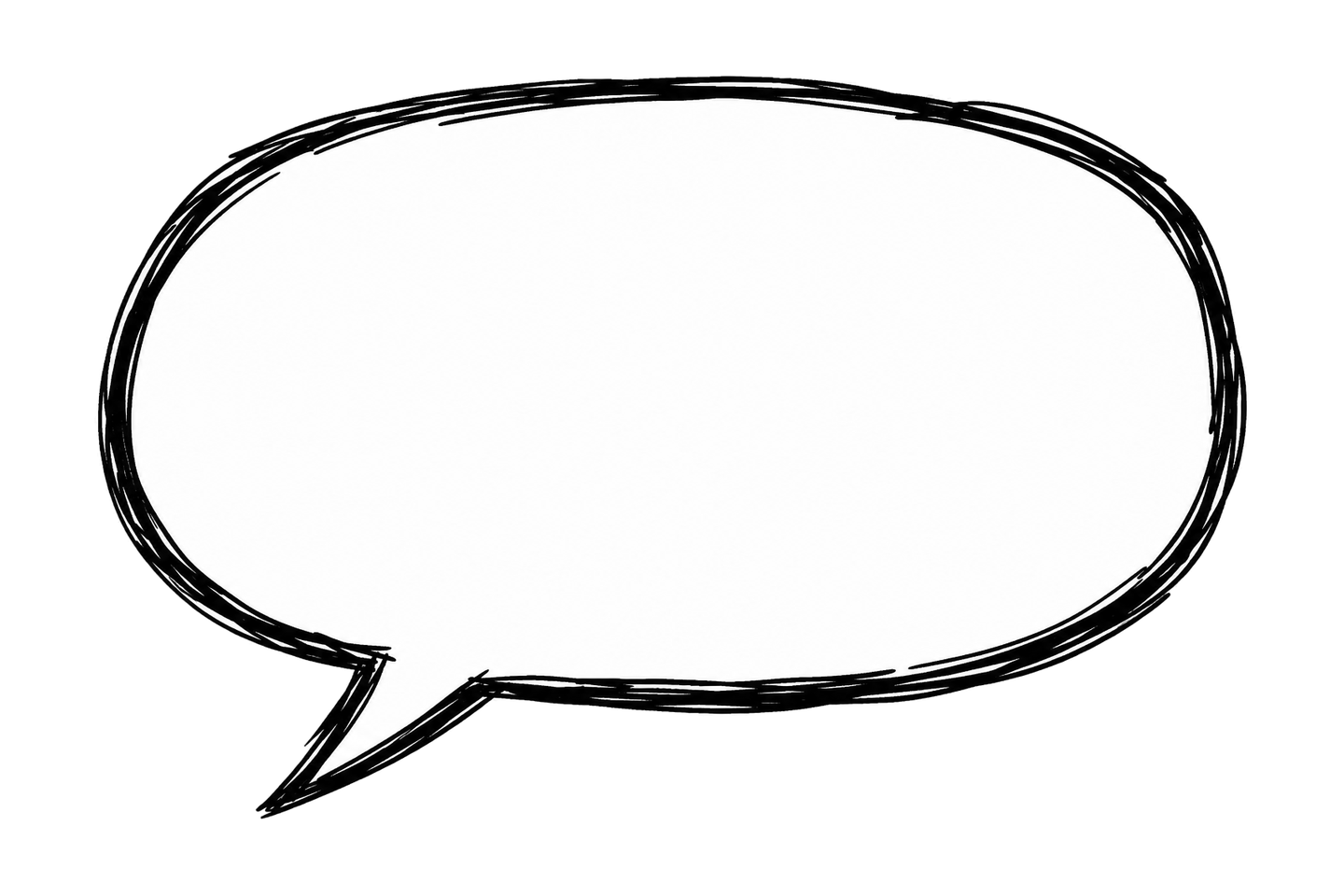 Sketchy marker Download PNG
 Want more styles and colors? Browse the full speech bubble PNG library.
Comic & Cartoon Speech Bubble Style Guide
Each comic and cartoon bubble shape communicates a different tone. Choose the right one for your panel:
| Preview | Style | When to Use | Effect |
|---|---|---|---|
| | Classic | Regular spoken dialogue | Neutral, clear |
| | Shout | Yelling, surprise, impact | Loud, intense, dramatic |
| | Thought | Inner monologue, daydreams | Private, reflective |
| | Whisper | Quiet speech, secrets, asides | Hushed, conspiratorial |
| | Round | European comics, softer tone | Gentle, classic |
How to Make a Photo Comic
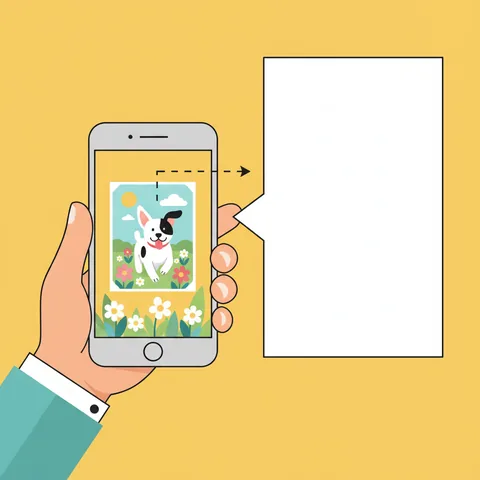
Choose Your Panel Image
Upload a photo, illustration, or screenshot as the background. Group photos, action shots, and portraits all work well for comic panels.
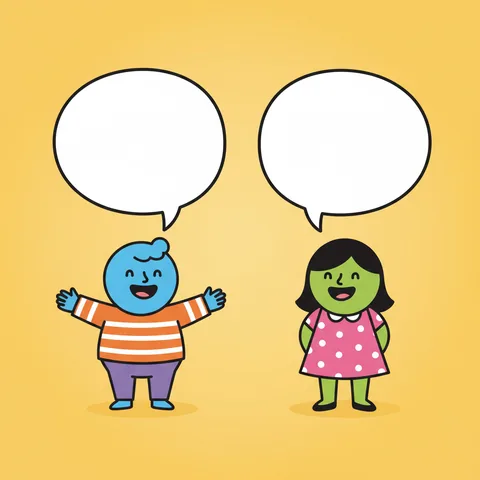
Layer Dialogue Bubbles
Add Classic bubbles for conversation between characters. Position each bubble near the speaker's mouth. Use multiple bubbles for back-and-forth dialogue.
Add Emotion & Emphasis
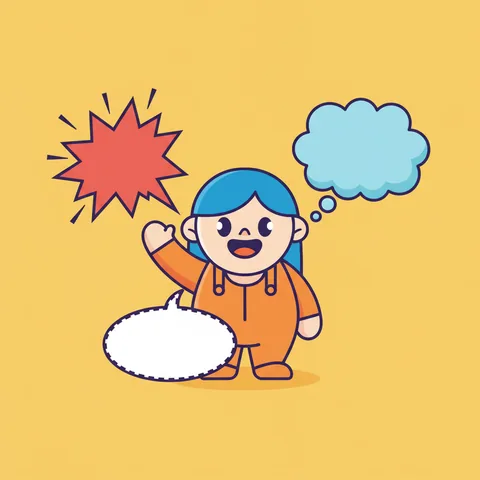
Layer Shout bubbles for yelling, Thought clouds for inner monologue, and Whisper for secrets. Mixing styles makes the scene feel dynamic.

Download & Assemble
Export as PNG. For multi-panel strips, create each panel separately and combine in Canva, Photoshop, or Google Slides.
Full tutorial: How to Make a Comic Strip from Photos
More bubble tools: