For Discord

Discord Speech Bubble Maker

Create speech bubble memes, emoji images, stickers, and PFP overlays for Discord. Choose meme, pixel, chat, or classic styles and download PNG.

Upload a photo

Keep testing on the blank canvas, or replace it with your own image.

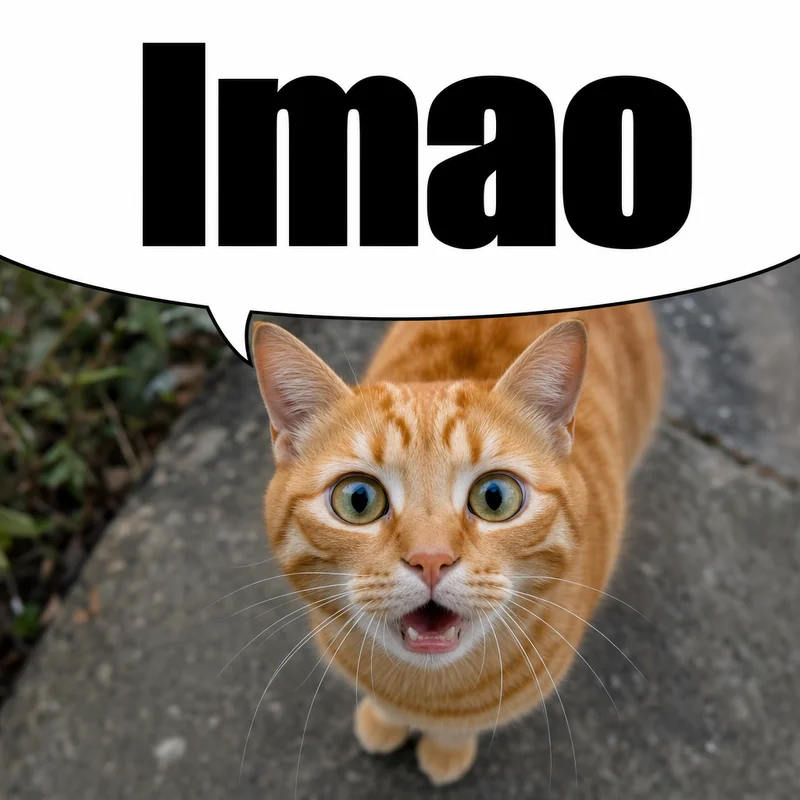
Meme mode: Drag the bubble arc up or down to position it. Use as a Discord/Reddit reaction image — the white area blends with the page background.

Bubble Style
Tail Direction
Appearance

Drag the arc up or down. Switch tail direction with Left / Right.

Discord speech bubble meme style — white cropped bubble that blends with Discord's background, perfect for reaction images and server emojis

What Is the Discord Speech Bubble?

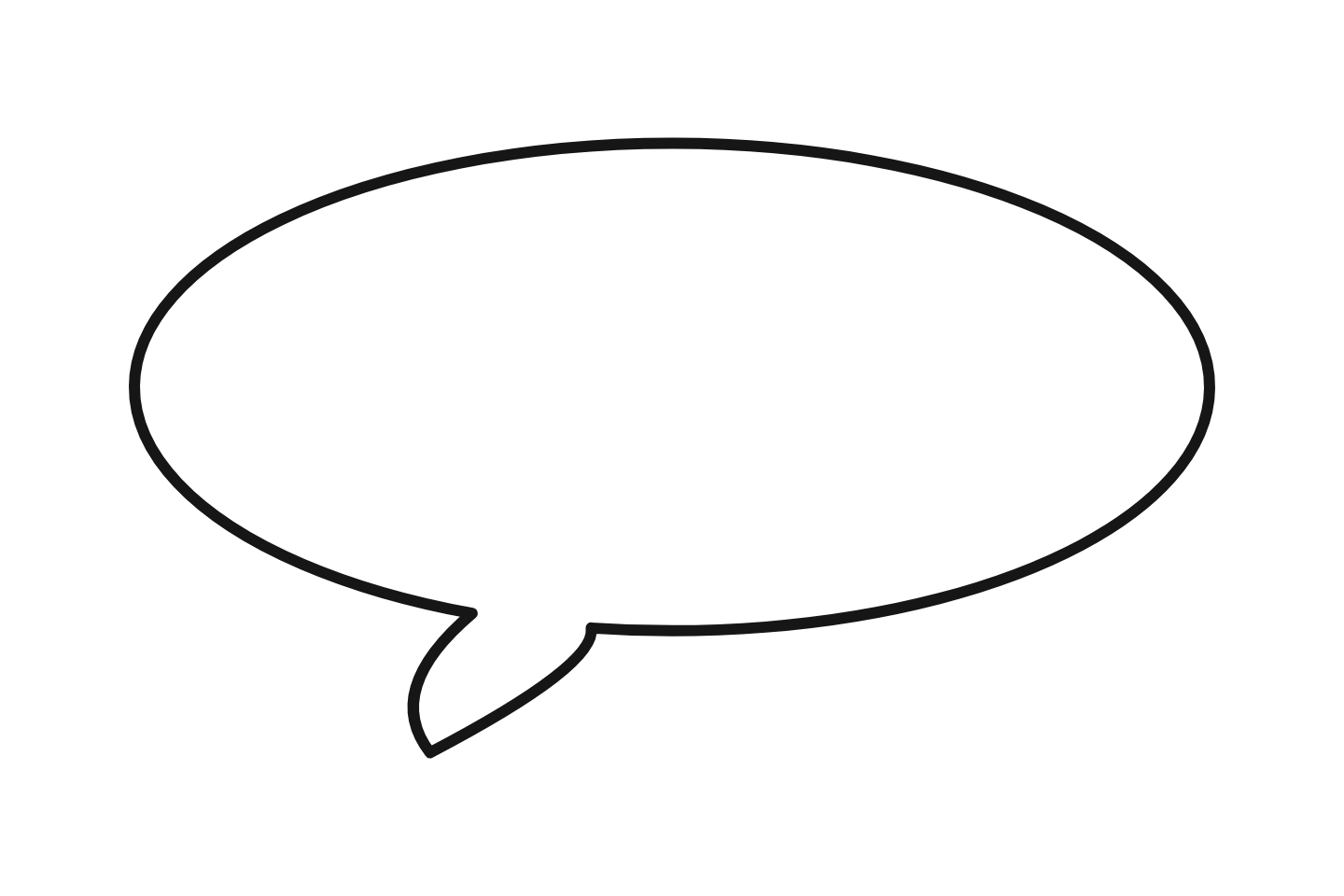
The Discord speech bubble is a meme format where a cropped white speech bubble is overlaid on an image — usually a reaction face, anime screenshot, or someone's profile picture. When the image is posted in a Discord channel, the white area blends with the light-theme chat background. The result: it looks like the character in the image is "saying" whatever message appears above it in chat.

The format originated on Tumblr and 4chan around 2015, but it went viral specifically on Discord in late 2021 when users started posting speech-bubbled images as reaction memes in servers. It quickly became one of Discord's most recognizable meme formats, alongside the Reddit speech bubble meme which uses the same visual trick on Reddit's white background.

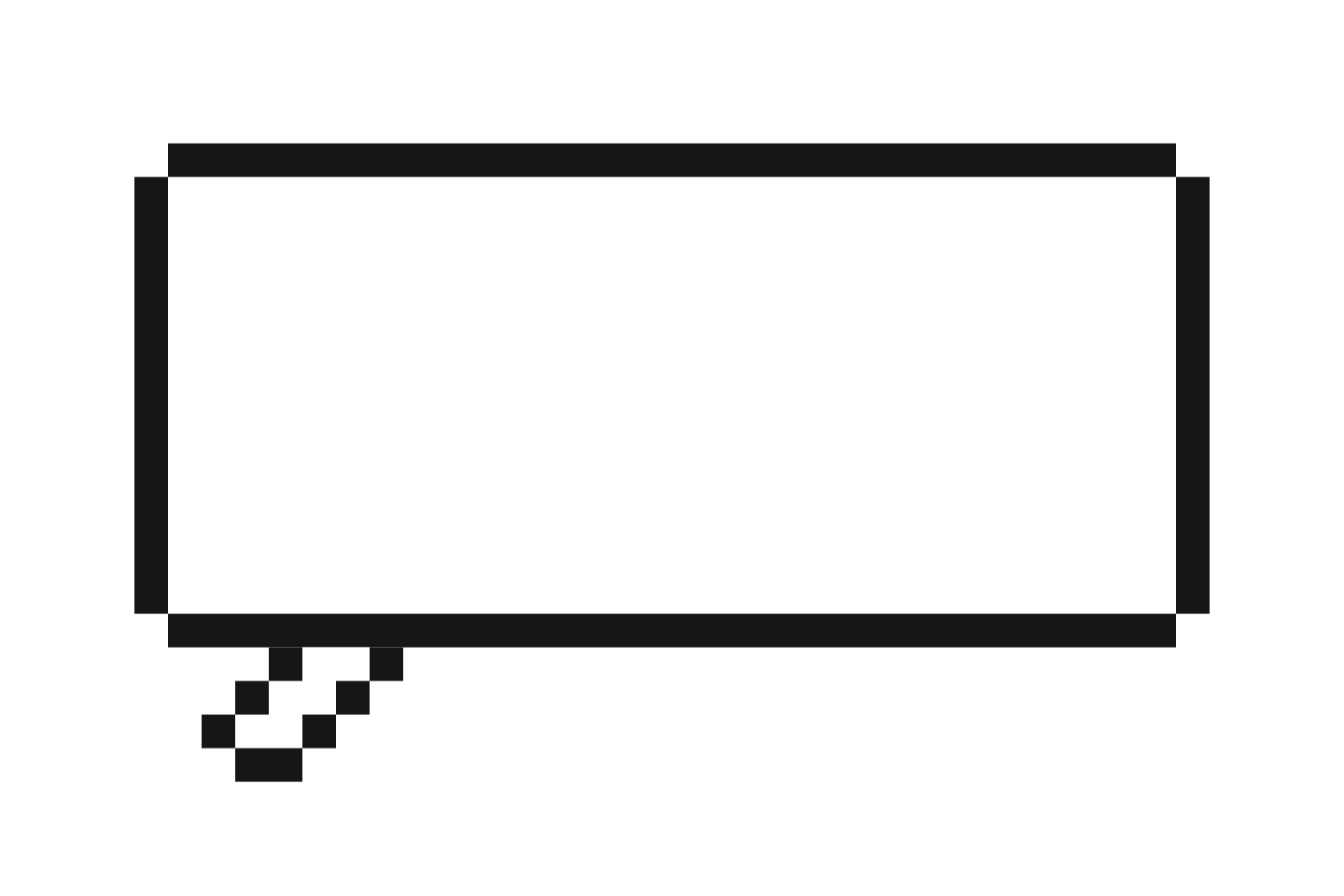
On Discord, speech bubbles are used in several ways: as reaction images posted directly in chat, as custom emojis uploaded to a server (128x128 px), as stickers (320x320 px), and as PFP (profile picture) overlays where users add a bubble to someone's avatar to create a meme. The pixel speech bubble style is especially popular in gaming-focused Discord servers.

Related guide: Discord Speech Bubble Meme — Complete Tutorial (2026)

Discord Emoji vs Sticker — Size & Specs

Know the upload sizes before you export your speech bubble PNG:

Spec Custom Emoji Custom Sticker
Size 128 x 128 px 320 x 320 px
Max file size 256 KB 512 KB
Format PNG, JPG, GIF PNG, APNG
Transparency Supported Required (no background)
Permission needed Manage Emojis Manage Expressions
Free slots per server 50 (more with boosts) 5 (more with boosts)

How to Make a Discord Speech Bubble

1

Upload a photo or Discord PFP

Click "Upload Photo" and choose any image — a reaction face, meme template, anime screenshot, or someone's Discord avatar. Right-click any profile picture in Discord → "Save Image As" to grab an avatar.

2

Pick a speech bubble style

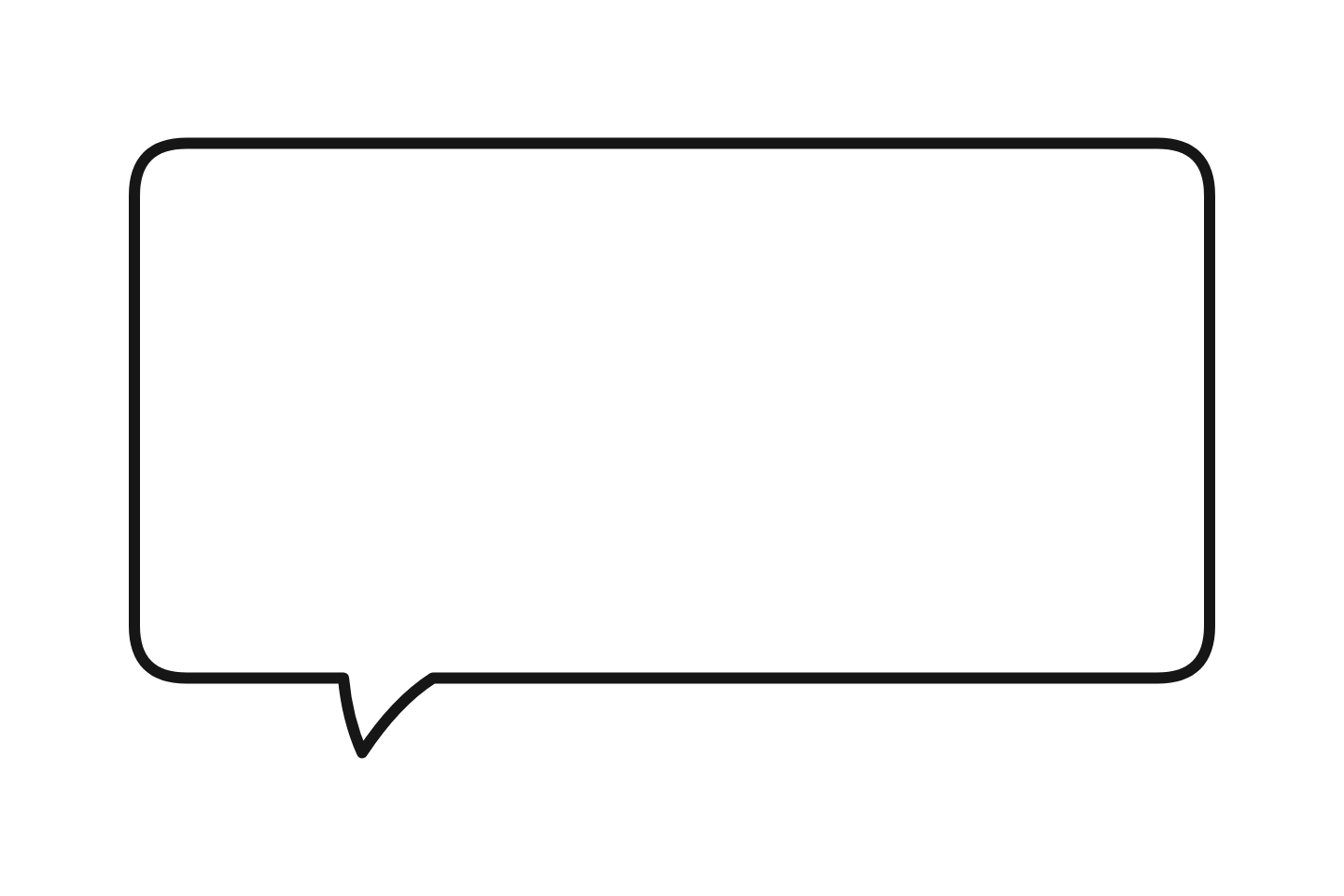
Meme style is the most popular on Discord — the cropped white bubble creates the viral "speech bubbling" effect. Pixel works for gaming servers, Chat for fake conversation memes, Shout for excitement reactions.

3

Customize your bubble

Drag to position, resize as needed, add text. For transparent speech bubbles, use the "Outline Only" appearance preset. For dark-mode-friendly bubbles, set fill color to #313338.

4

Download as PNG

Click "Download PNG". The file is full resolution, no watermark, and ready to use. Transparent backgrounds are preserved in the PNG export.

5

Resize and upload to Discord

Resize to 128x128 px (emoji) or 320x320 px (sticker) using squoosh.app or any editor. In Discord: Server Settings → Emoji → Upload Emoji. For stickers: Server Settings → Stickers → Upload.

Best Bubble Styles for Discord

Meme (Speech Bubbling)

The viral reaction format. White bubble blends with Discord's light theme. Best for chat reactions and reply memes.

Pixel (8-bit Retro)

Chunky pixel-art borders. Perfect for gaming servers, retro aesthetics, and Minecraft/indie game communities.

Chat (iMessage Style)

Rounded chat bubbles for fake conversation screenshots. Great for text-based jokes and server-specific catchphrases.

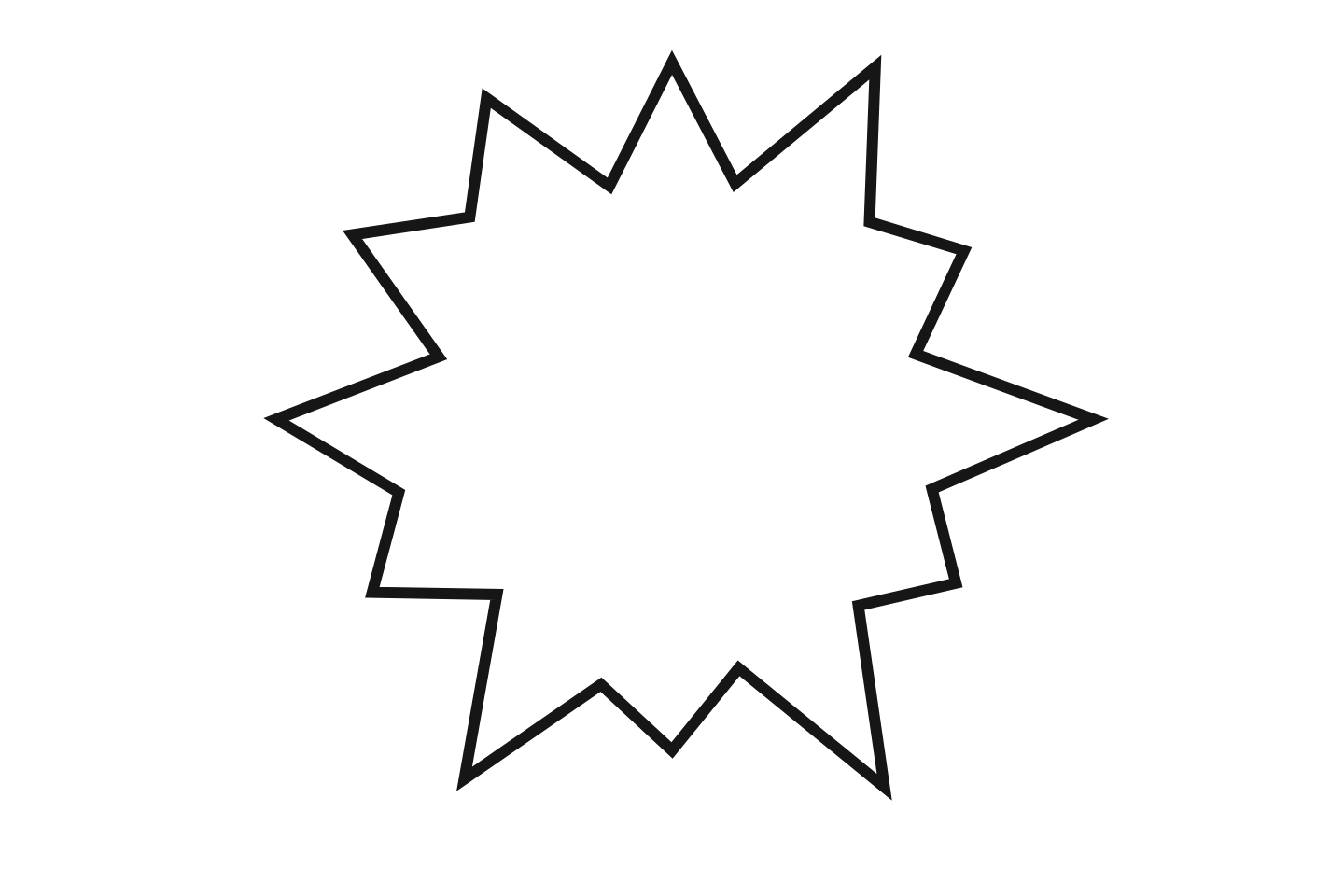
Shout (Starburst)

Spiky explosion bubble. Use for hype announcements, surprise reactions, and high-energy server emojis.

Discord Speech Bubble Use Cases

Reaction Memes

The core use case. Post a speech-bubbled image as a reply in any channel — the white bubble blends with light theme, making the character "speak" the message above.

PFP / Avatar Bubbles

Save someone's Discord profile picture, add a speech bubble overlay, and post it back. A quick way to mock what someone said — or create running jokes about server members.

Custom Server Emojis

Upload a 128x128 speech bubble emoji to your server. Use "Outline Only" preset for transparent backgrounds. Great for inside jokes that become part of your server's culture.

Server Stickers

Create 320x320 speech bubble stickers with server-specific catchphrases. Available for servers with Boost Level 1+. See sticker creation guide.

Transparent Overlays

Use the "Outline Only" appearance preset to create transparent speech bubbles. The PNG exports with no background — perfect for emojis that blend into any Discord theme.

Server Branding

Create branded welcome images or announcement graphics with speech bubbles. Use your server's mascot or logo with a comic bubble or thought bubble.

Discord Dark Mode vs Light Mode

Light Theme (Best for Meme Illusion)

The classic speech bubble meme relies on Discord's white background. The white bubble area becomes invisible, creating the illusion that the character is speaking the message above.

This works best on Discord's default light theme, and also works on web browsers and some mobile clients.

Dark Theme (Alternative Approaches)

Most Discord users are on dark theme. The white bubble is visible as a shape — which some users use as a deliberate style choice.

For dark-mode-friendly speech bubbles:

  • Use "Outline Only" preset — transparent background
  • Match the fill color to Discord dark: #313338
  • Use Pixel or Chat style — they look intentional on any background

Related speech bubble tools & guides:

Frequently Asked Questions

What is the speech bubble meme on Discord?
A cropped white speech bubble overlaid on an image. When posted in a Discord channel, the white area blends with the light-theme background, so the character looks like they're "saying" whatever message appears above. It's the same format as the <a href="/speech-bubble-meme-generator/" class="text-orange-600 underline">Reddit speech bubble meme</a>, adapted for Discord servers.
What size should a Discord speech bubble emoji be?
Discord emojis must be 128x128 pixels and under 256 KB. Our tool exports full-resolution PNGs — resize to 128x128 with squoosh.app or any image editor before uploading to your server.
What size should a Discord speech bubble sticker be?
Discord stickers must be exactly 320x320 pixels, under 512 KB, in PNG or APNG format. Create your speech bubble here, download it, then resize before uploading.
How do I make a transparent speech bubble for Discord?
Use the "Outline Only" appearance preset in the editor. The bubble renders with a transparent fill, so the PNG exports with no background. Perfect for Discord emojis and stickers that overlay the chat background seamlessly.
Which bubble style is best for Discord emojis?
Meme (cropped white) is the most popular for reaction images. Pixel works for gaming and retro servers. Chat style is great for fake conversation memes. Shout is good for hype and excitement reactions.
Can I put a speech bubble on my Discord profile picture (PFP)?
Yes. Right-click any Discord avatar → "Save Image As" → upload it to this tool → add a speech bubble → download. The result works as a reaction image, emoji, or you can use it as your own PFP.
Does the speech bubble meme work in Discord dark mode?
The white-background meme illusion works best on light theme. On Discord dark mode, the white bubble area is visible as a shape — some users prefer this look. For dark-mode-friendly bubbles, use "Outline Only" preset or match the fill color to Discord's dark background (#313338).
Do I need Discord Nitro to upload speech bubble emojis?
No. Anyone with "Manage Emojis" permission in a server can upload emojis for free. Nitro lets you use emojis across multiple servers, but isn't required to create or upload them.
Can I make an animated speech bubble GIF for Discord?
Our tool currently exports static PNG images. For animated speech bubble GIFs, you'd need to apply the bubble overlay frame-by-frame in a GIF or video editor. The static PNG version works for most Discord emoji and sticker use cases.