
Speech Bubble Clipart
50 free clipart speech bubbles as transparent PNGs: bright cartoon colours, classic comic balloons, thought clouds and blank printables for slides, worksheets and Canva.
Clipart is the picture you drop into something else: a slide, a worksheet, a poster, a Canva design. Every bubble on this page is built for that. The background is transparent, so nothing shows behind the bubble; the outline is heavy, so it stays readable when it is shrunk to a corner of a slide or photocopied in grey; and the files are big enough (1440 × 960 pixels) to print at A4 without going soft. Jump to a set: colour cartoon, white comic, thought clouds, captions, blank printables.
Colour Cartoon Speech Bubble Clipart
The classic clipart look: saturated fills with a heavy black outline so the bubble reads from the back of a classroom or on a phone-sized slide. Six dialogue colours, two rounds, two shout bursts and two thought clouds. Each is a 1440 × 960 transparent PNG.
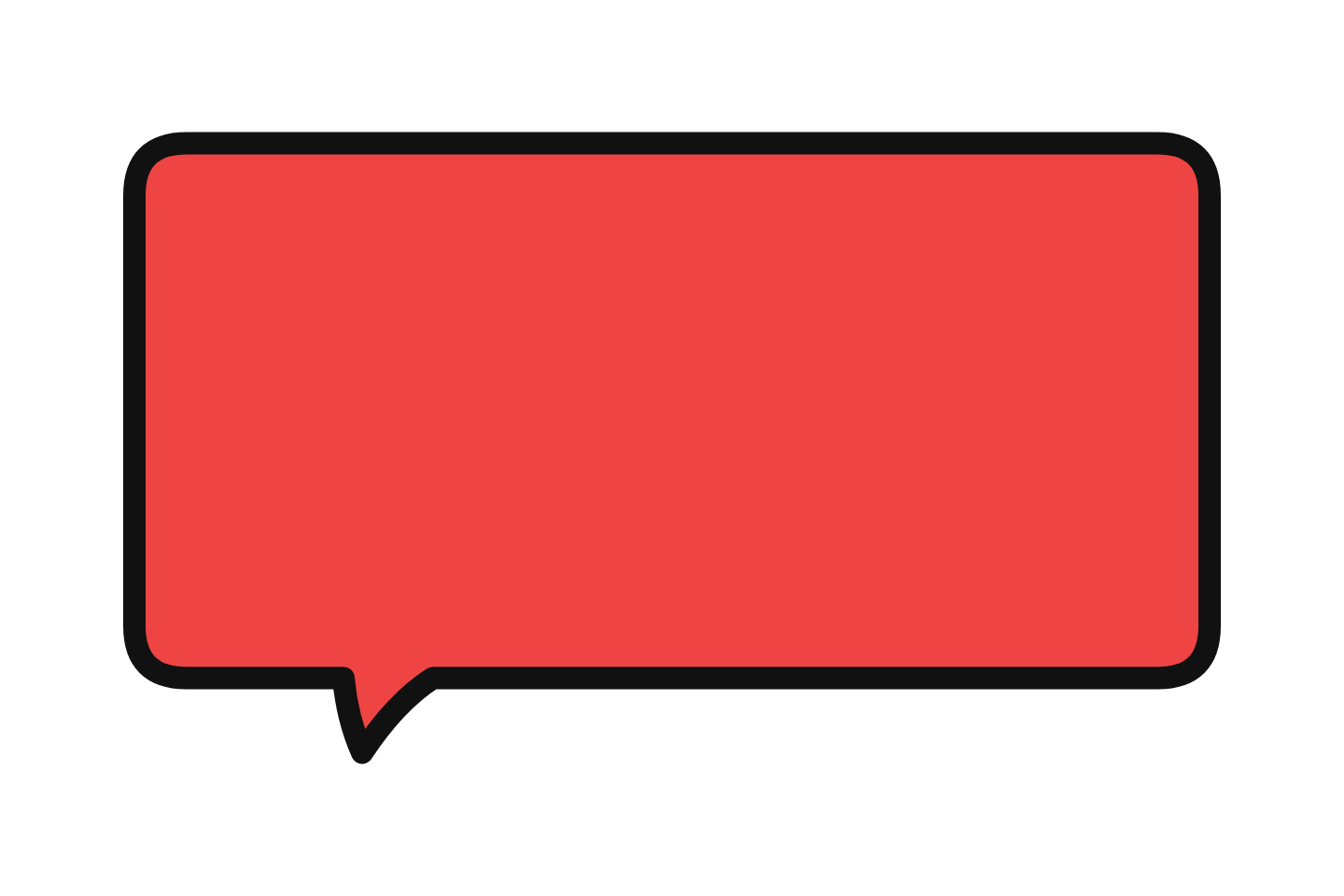 Red classic Download PNG
 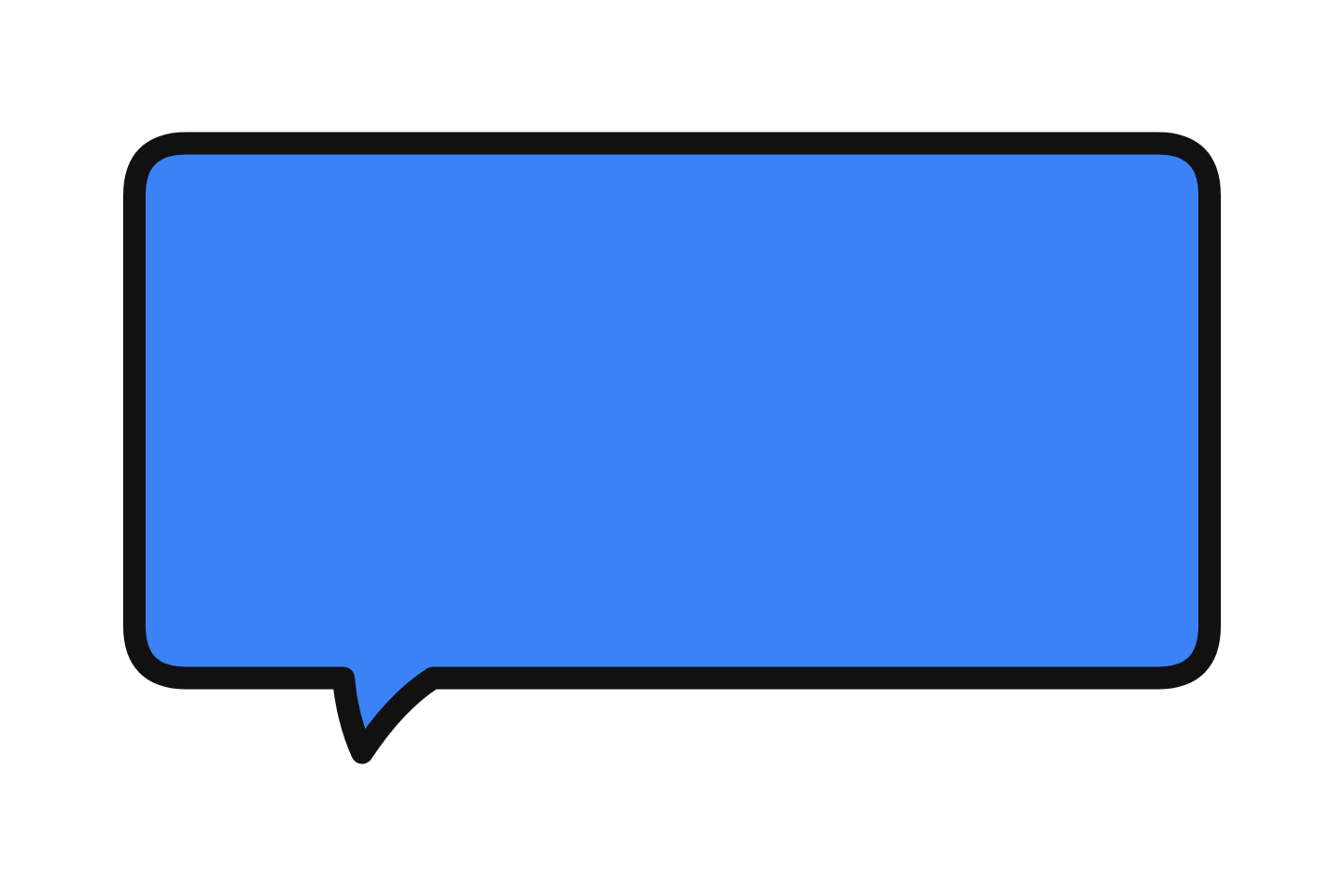 Blue classic Download PNG
 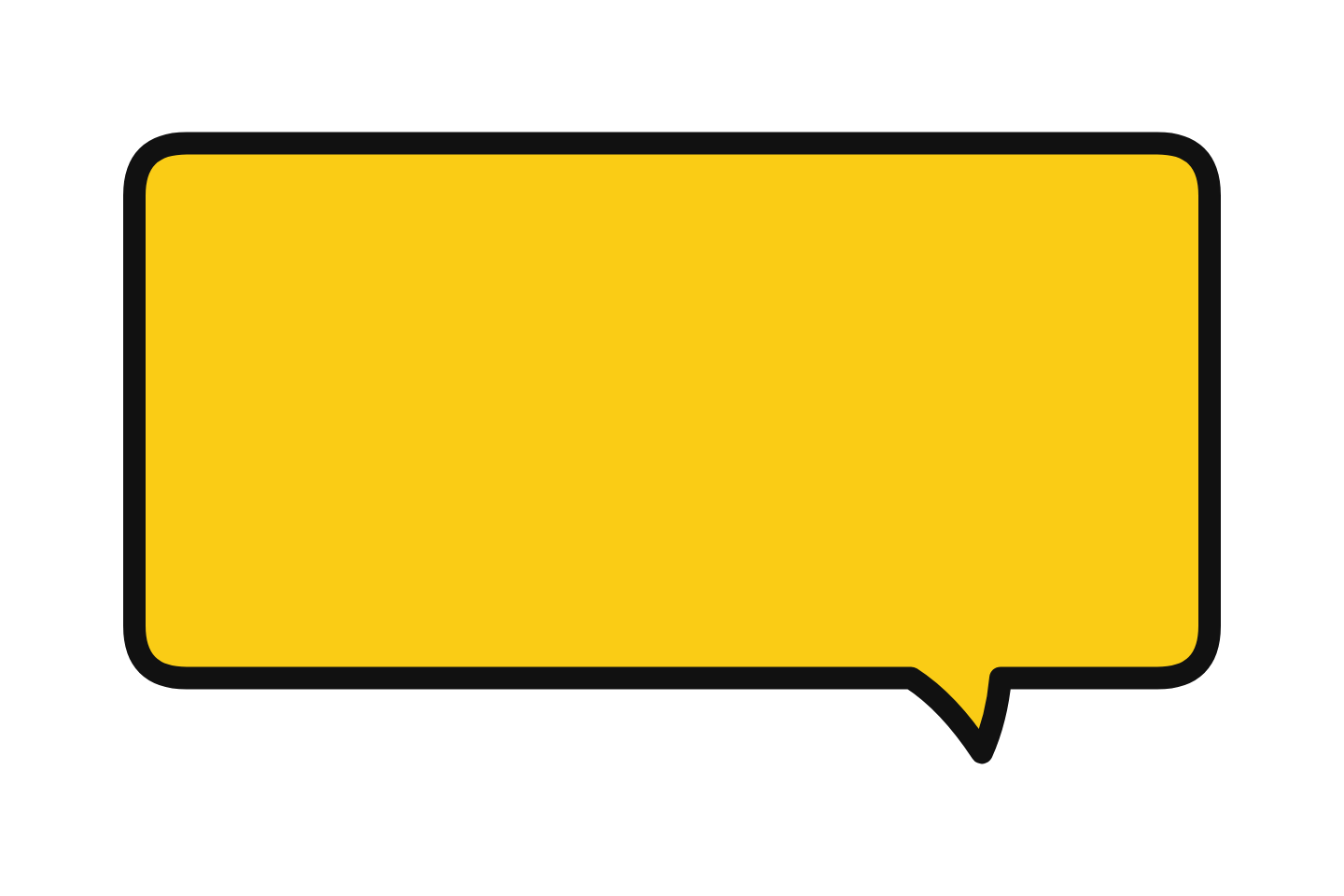 Yellow classic Download PNG
 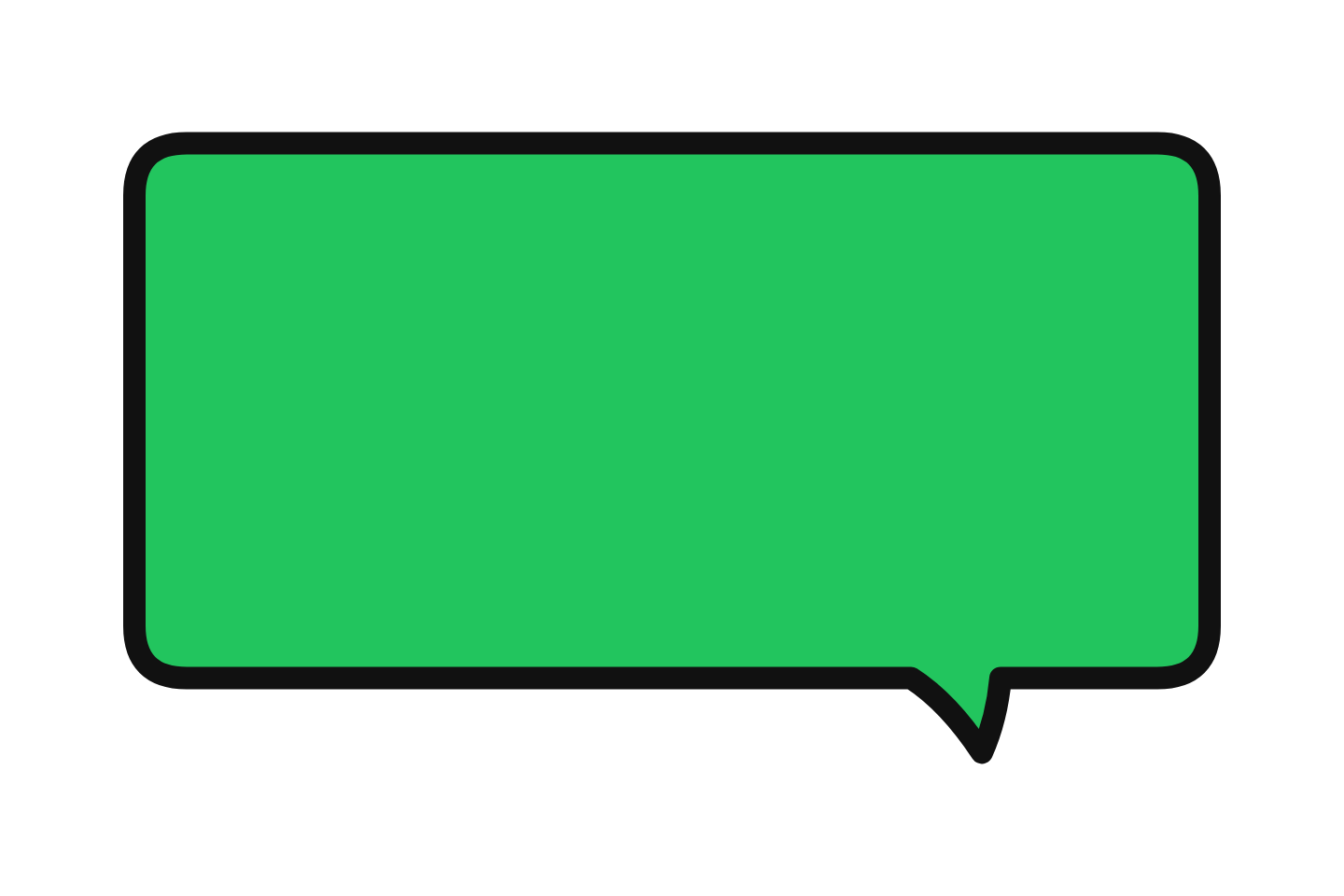 Green classic Download PNG
  Purple classic Download PNG
  Orange classic Download PNG
  Pink round Download PNG
  Sky blue round Download PNG
 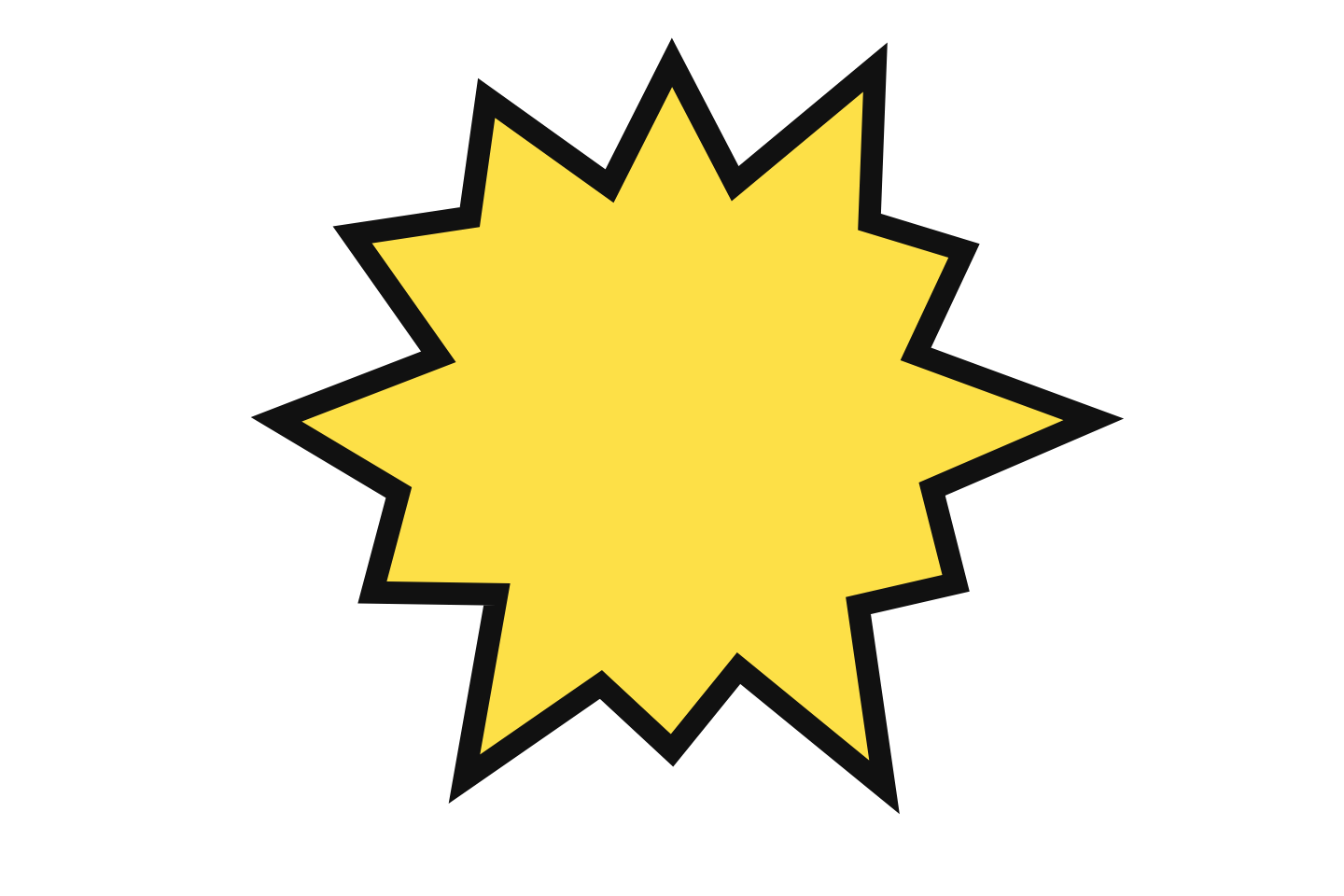 Yellow shout Download PNG
 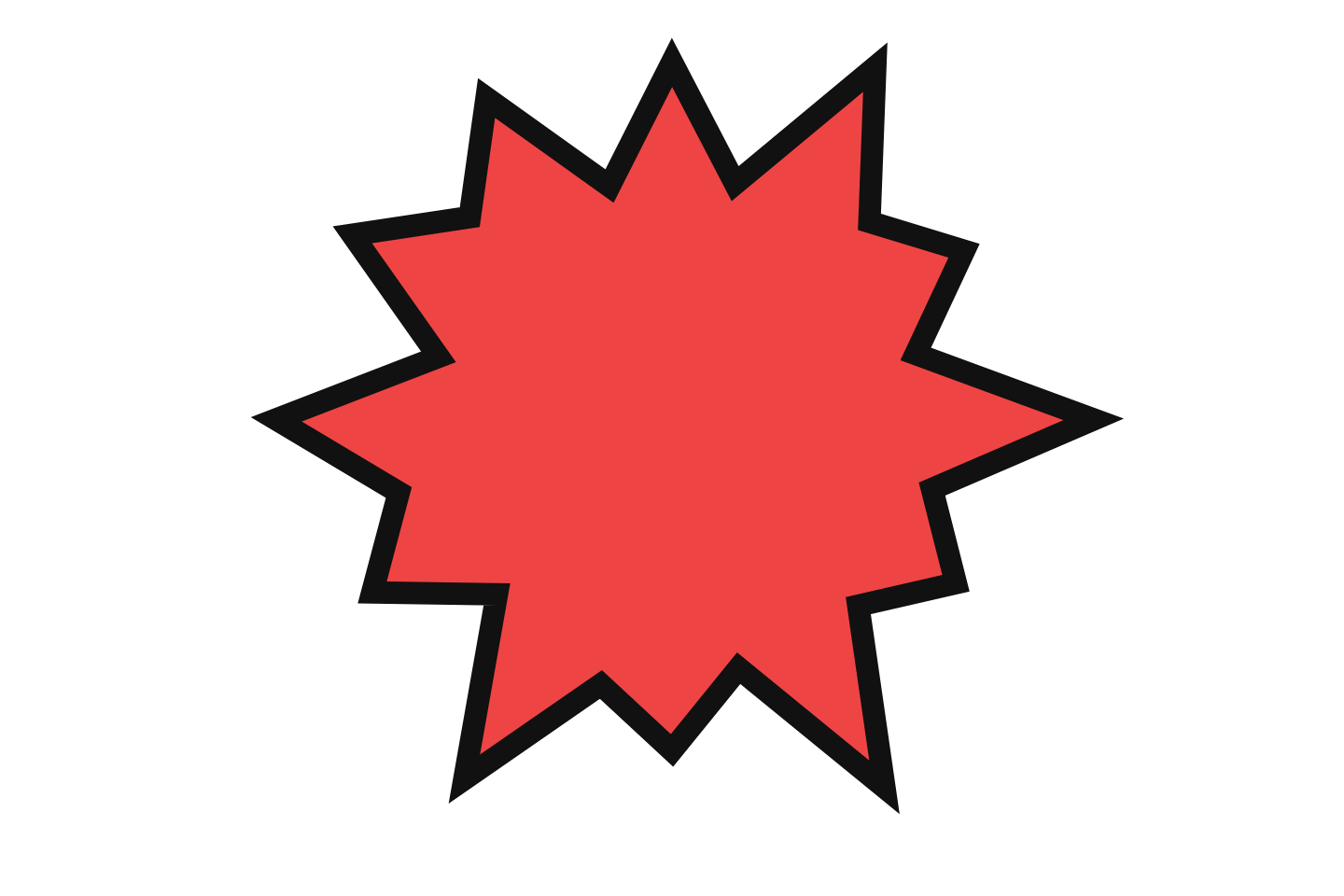 Red shout Download PNG
 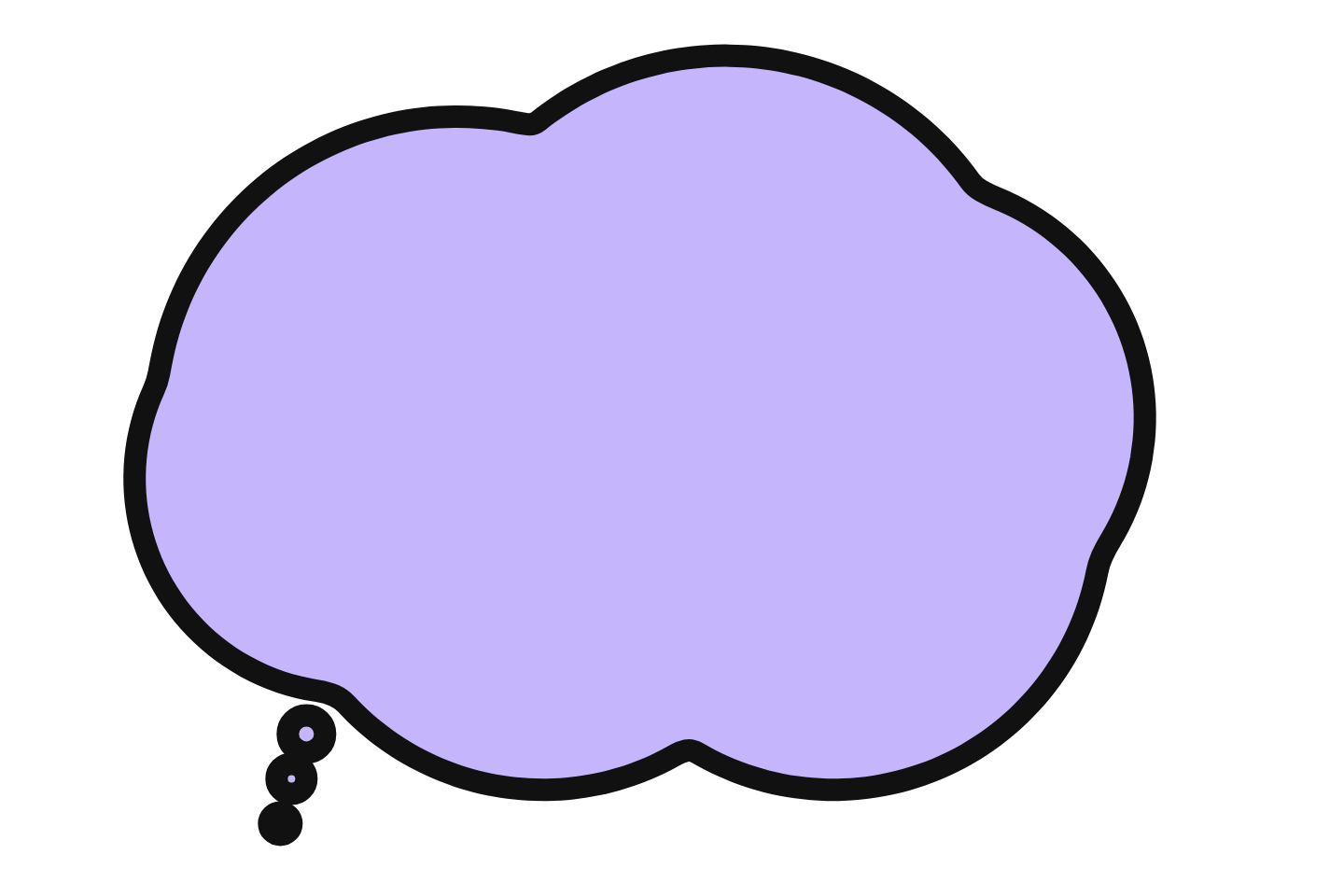 Lavender thought Download PNG
 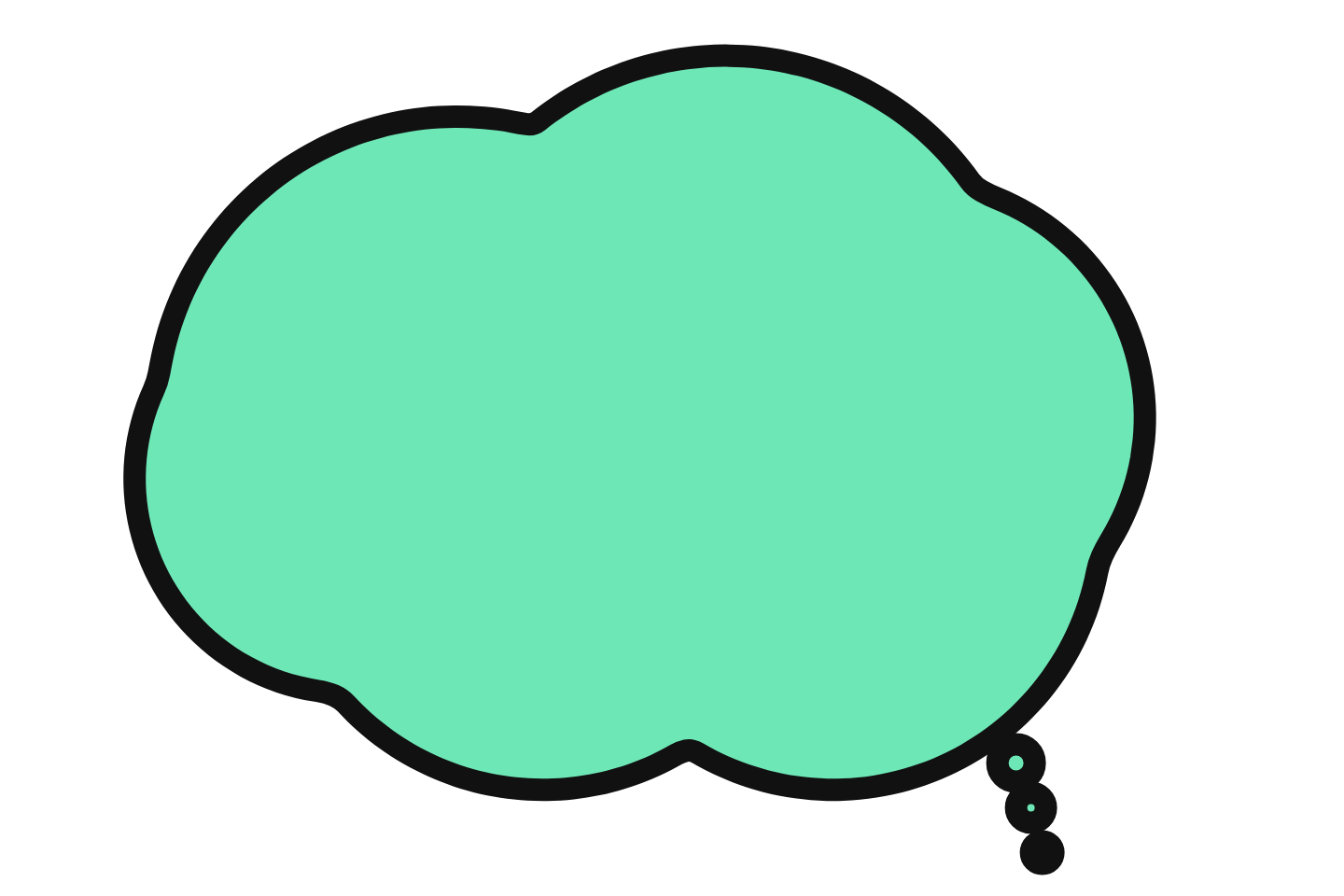 Mint thought Download PNG
 Comic Speech Bubble Clipart (White)
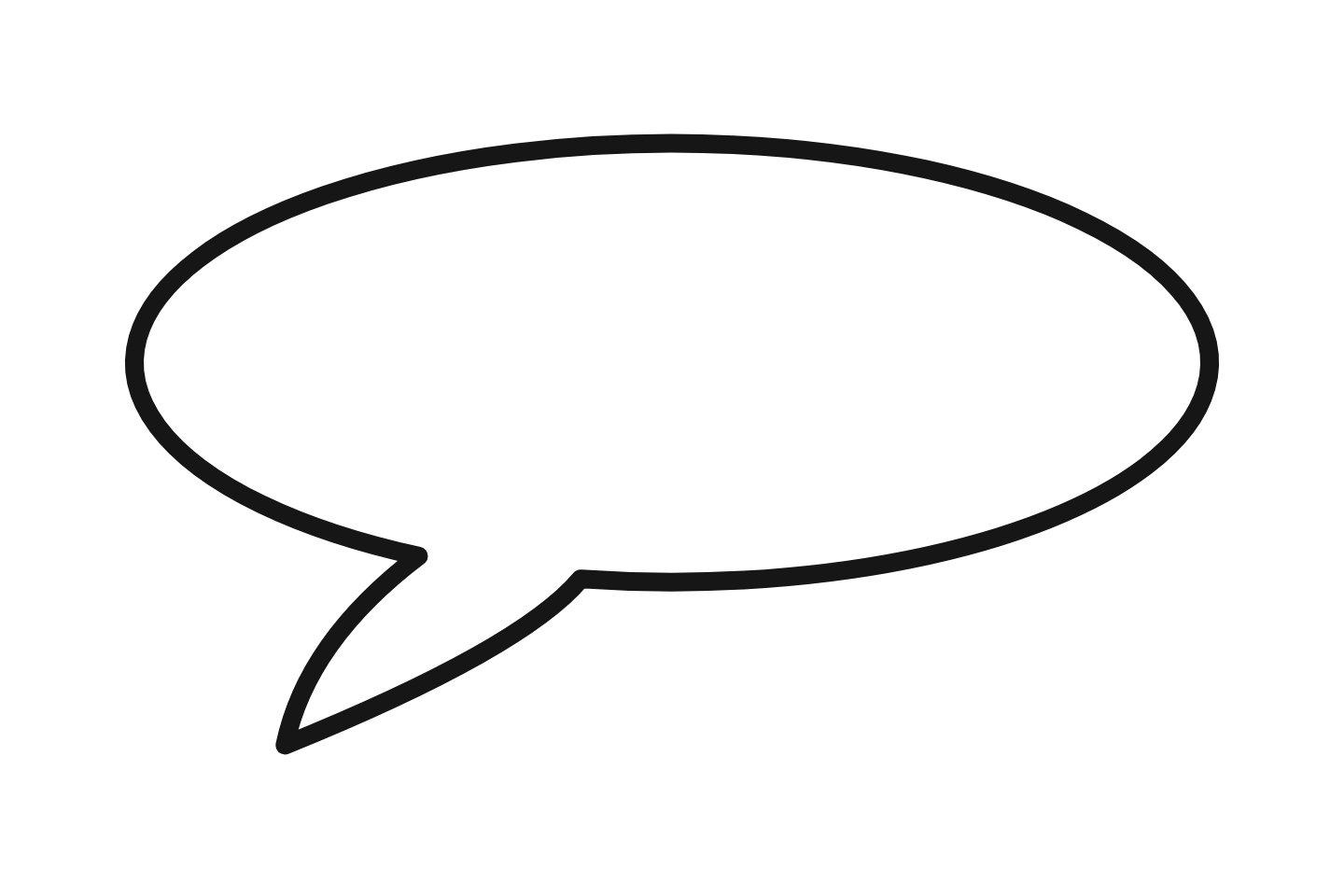
White comic balloons with a black outline: dialogue, shout, thought, whisper and round, plus outline-only versions that take the background colour of whatever you place them on. These are the bubbles to use when the text will be added on top in Canva, PowerPoint or a worksheet.
Thought Bubble Clipart
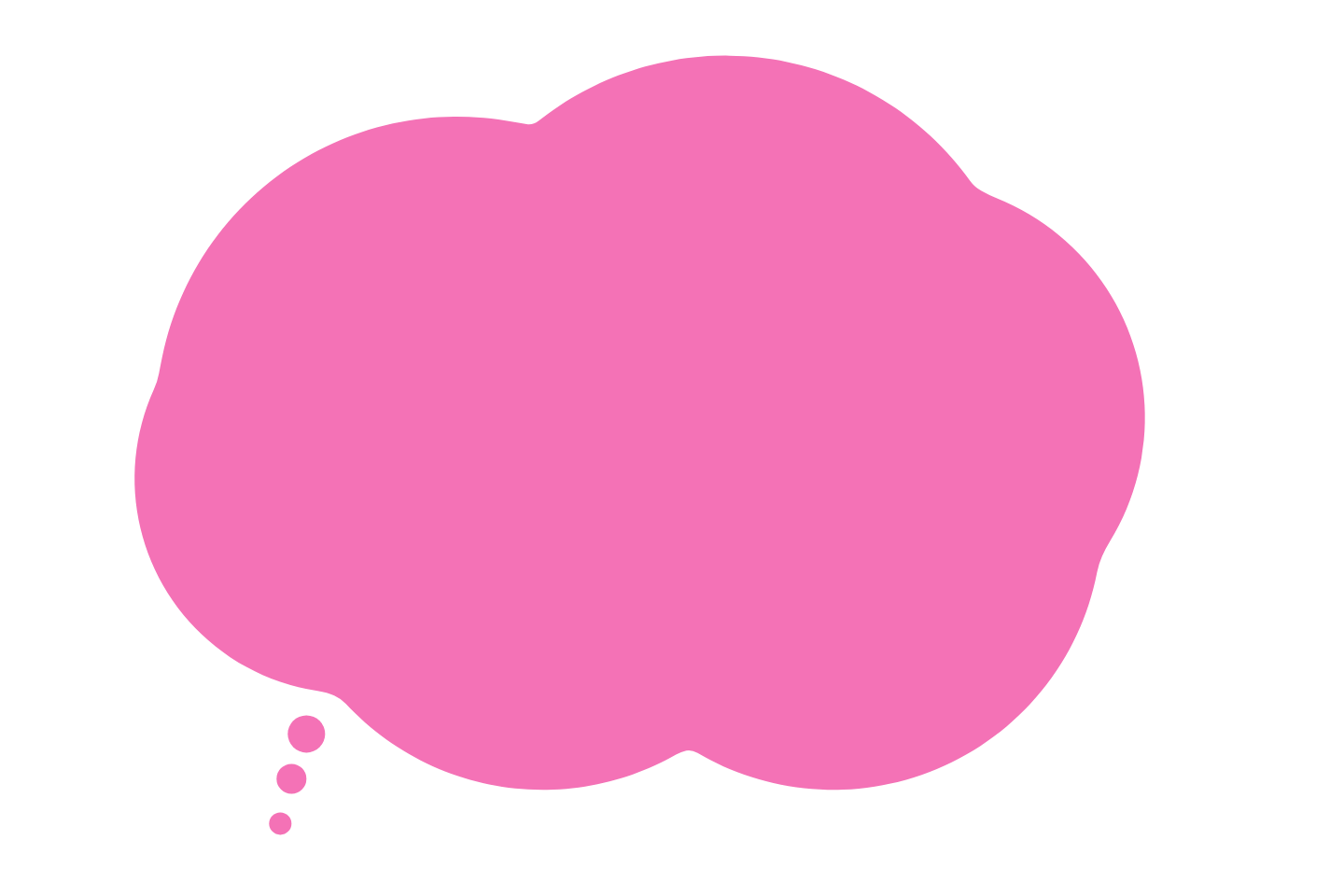
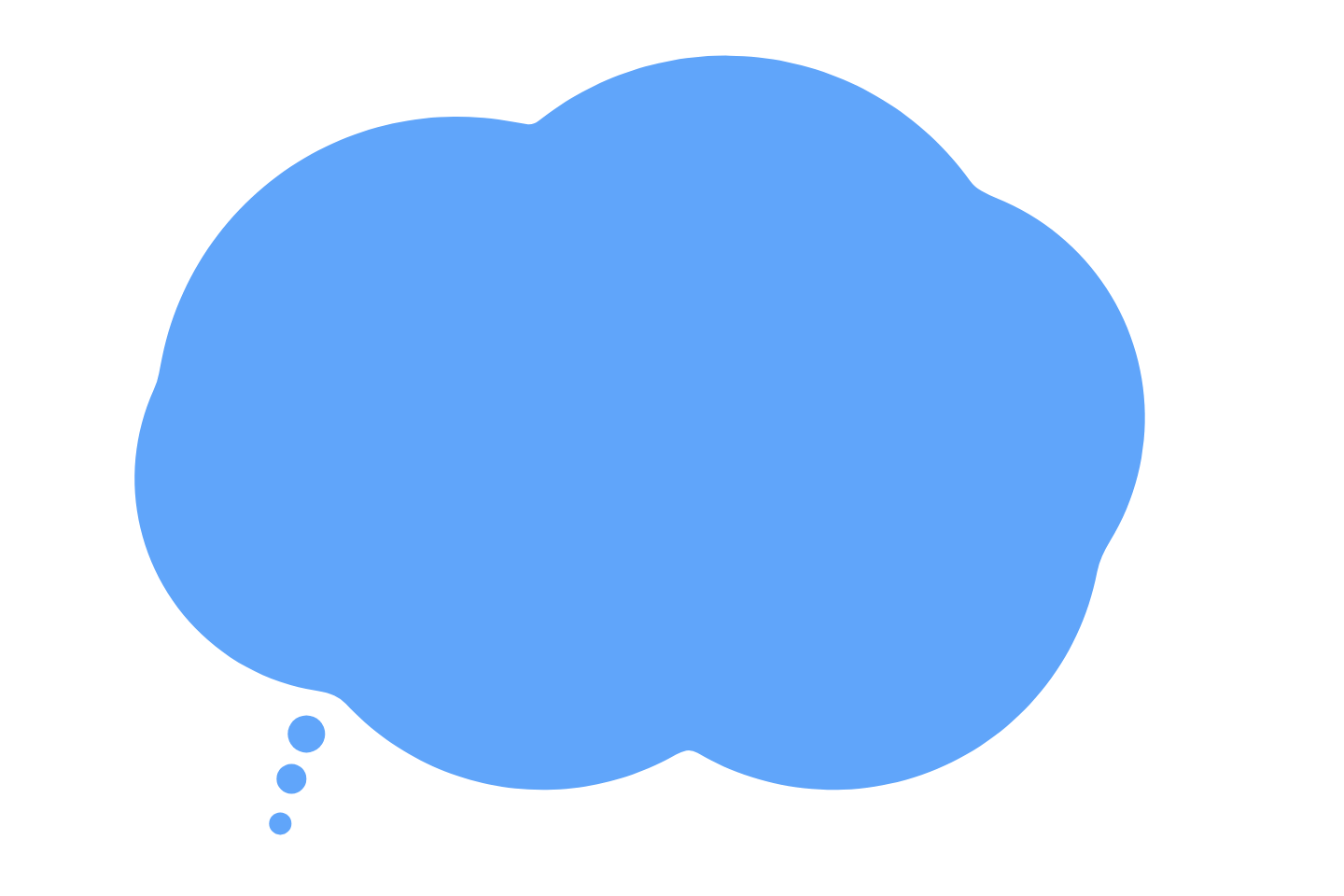
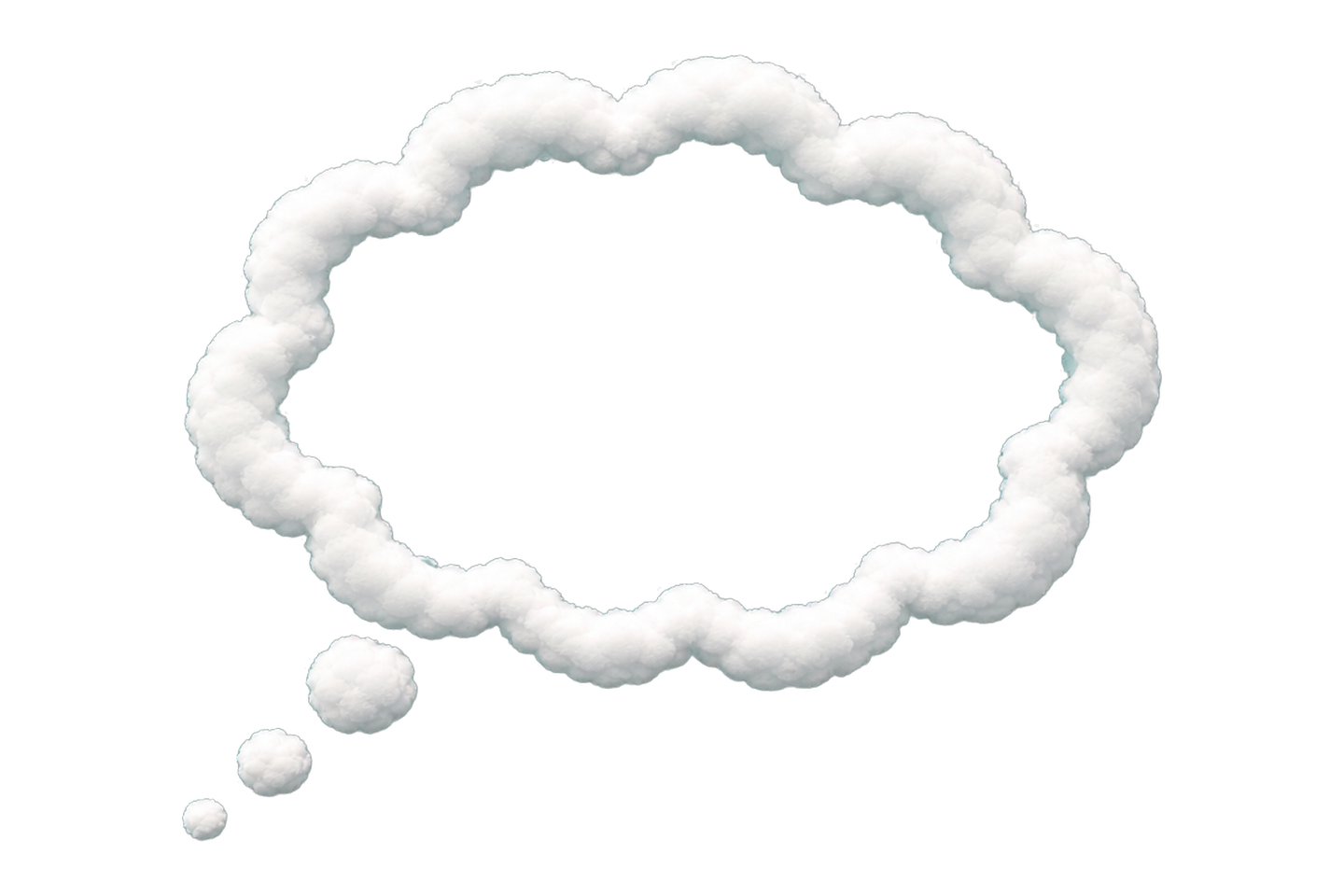
Cloud-shaped thought bubbles with the trail of small circles, in white, black, pink and blue plus four illustrated clouds. Use them for "what I am thinking" worksheets, reflection prompts and comic panels.


Caption and Label Clipart
Boxes for captions, callouts and labels rather than dialogue: outlined, dashed note, sticker, frosted panel, retro offset and a highlighter box. Handy for annotating diagrams and slides.

Blank Speech Bubble Clipart for Printing
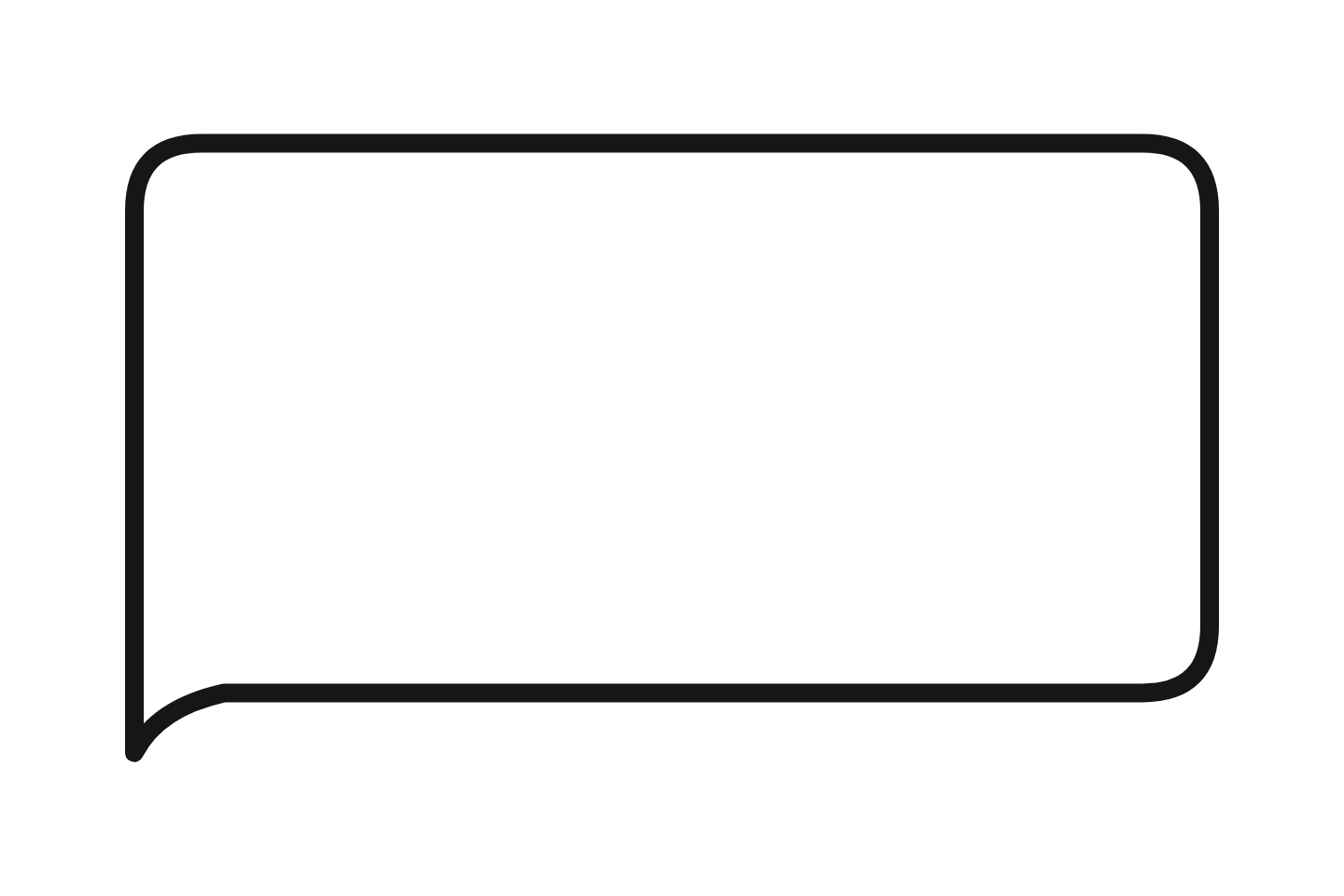
Empty bubbles with room to write by hand, including a printable sheet. Print them on A4 or Letter for speech-writing activities, sentence starters and story maps.
How to Use Speech Bubble Clipart
In Canva
Upload the PNG, drag it onto the design, resize from a corner. Add a text element on top and set its width slightly narrower than the bubble. For a bubble on the right of a character, flip the image horizontally so the tail points the other way.
In PowerPoint and Google Slides
Insert → Picture. Keep the bubble on its own layer above the photo, then add a text box. Group the bubble and the text so they move together, and duplicate the group for a second speaker.
On worksheets
Use the white comic set or the blank printables so students can write inside. Two bubbles side by side make a dialogue exercise; a thought cloud next to a photo makes a "what is she thinking?" prompt. Print at 100%, not "fit to page", to keep the outline crisp.
In Word and Google Docs
Insert the PNG, set text wrapping to "In front of text" (Word) or "In front of text" in Docs image options, then place a text box over it. Docs keeps the transparency, so the bubble can sit over a photo.
Want the Words Already Inside?
Clipart is blank by design. If you would rather type the text once and download a finished bubble, the free generator draws these same shapes with your words inside, in any colour, at any size, and exports the same transparent PNG. It also does pixel, neon, sketchy and anime styles that are not on this page.